STUCKFIX
handymanDIY Friendly
build

Light switch not working or feels loose?

A loose or non-working light switch is often a sign of worn internal contacts or loose wiring. Learn how to safely tighten connections or replace the switch.

Category:Electrical
Difficulty:Moderate
Time:20 min
Success:50%
Updated:Jul 10, 2026

quick_referenceQuick Answer

For Light switch not working or feels loose?, start with "Turn off power at the breaker": Locate the circuit breaker for the room and switch it off. Use a voltage tester to confirm the power is off by touching the tester to the switch terminals. Stop DIY if the switch sparks when flipped. This is listed as a moderate recovery and usually takes about 20 min.

verifiedGuide Snapshot

Repair areaElectrical
Estimated time20 min
DifficultyModerate
Stop conditions3

Last updated Jul 10, 2026. Review the stop conditions before continuing.

account_treeRecovery State

Current stateSwitch Failure
Specific stateLoose Switch
Failed stepWorn Contacts
Likely failure typeWorn Part
DIY boundaryDIY recovery first
paymentsCost decision

help1. Understand the Problem

Over time, light switch contacts can wear out, or the screws holding wires can loosen. This causes intermittent operation or a wobbly switch. Replacing the switch is a straightforward DIY task, but safety precautions are critical when working with electricity.

build_circle2. Try This First
Best First Step
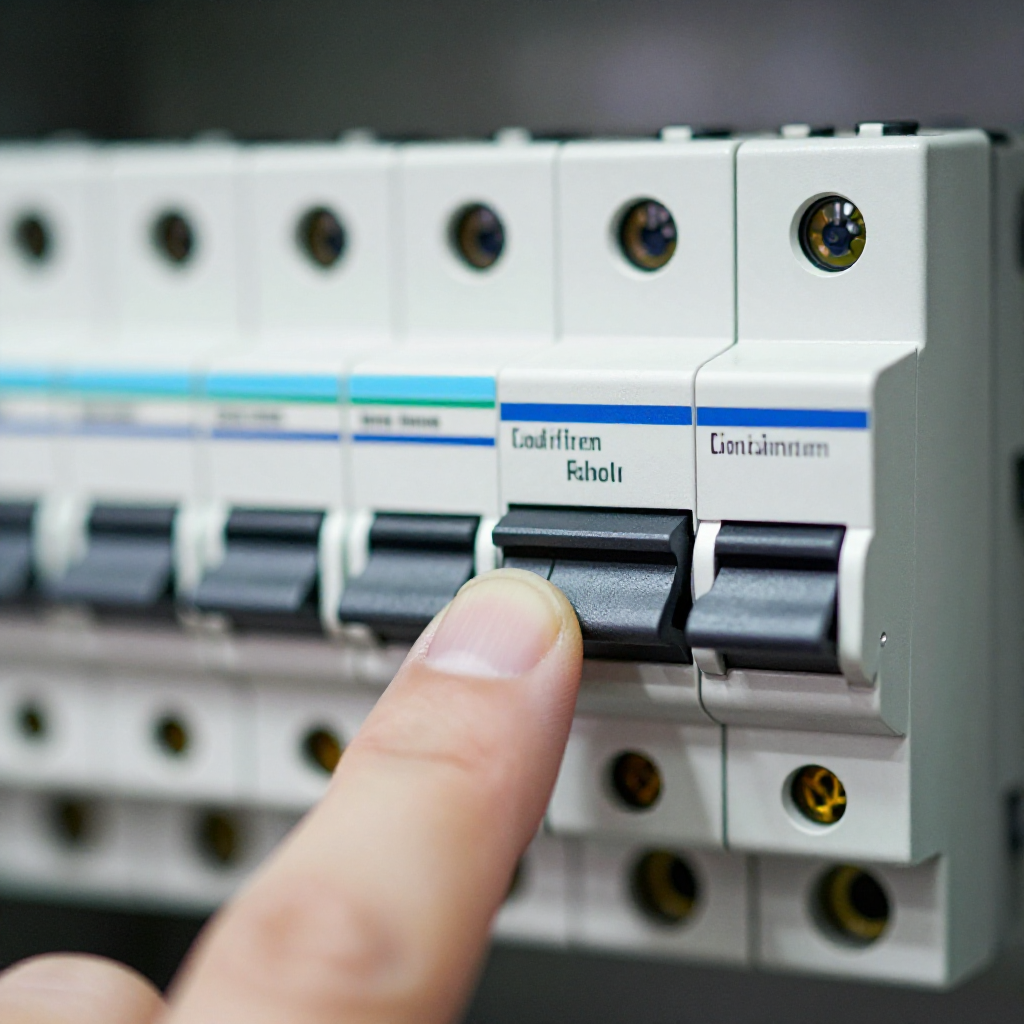
Turn off power at the breaker

Turn off power at the breaker

Locate the circuit breaker for the room and switch it off. Use a voltage tester to confirm the power is off by touching the tester to the switch terminals.

visibility3. Visual Guidance

See what's happening and how to try the first recovery step.
1
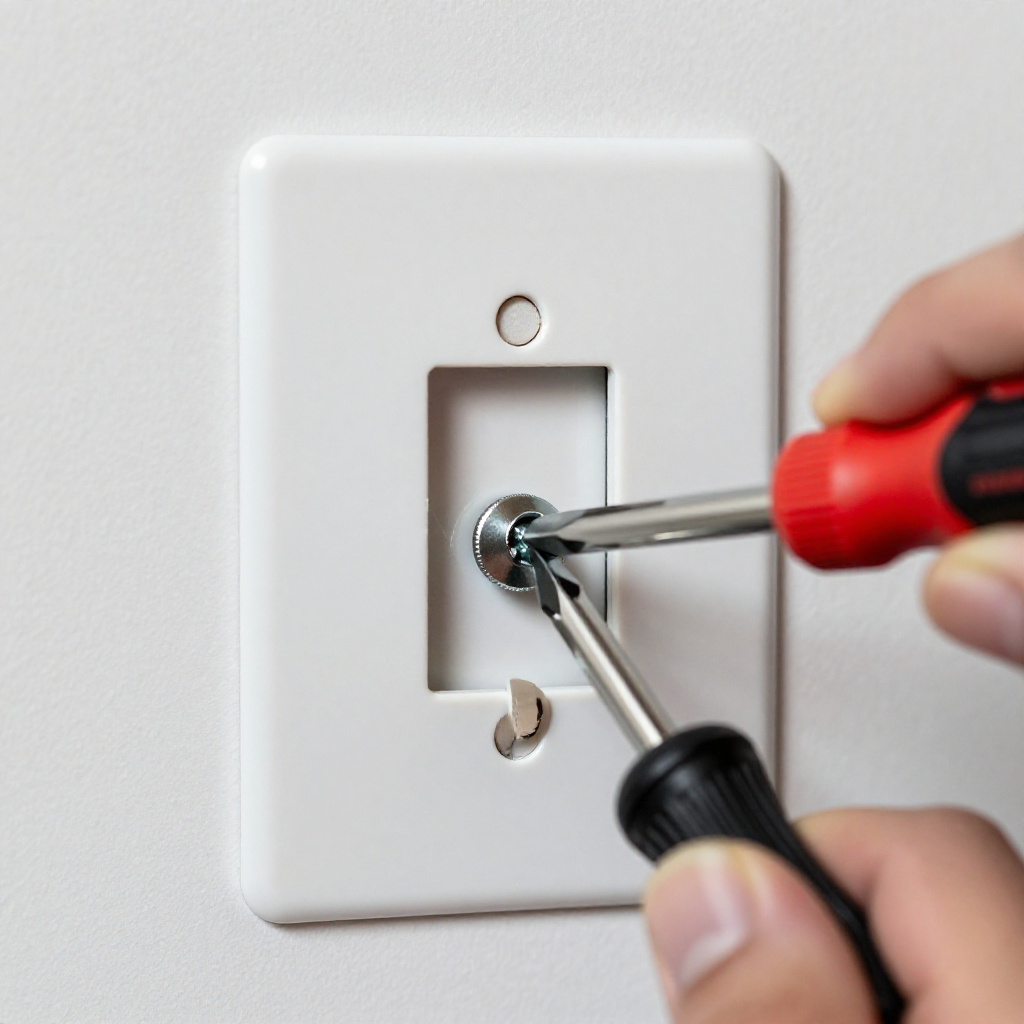
Step 1: Remove the switch cover plate
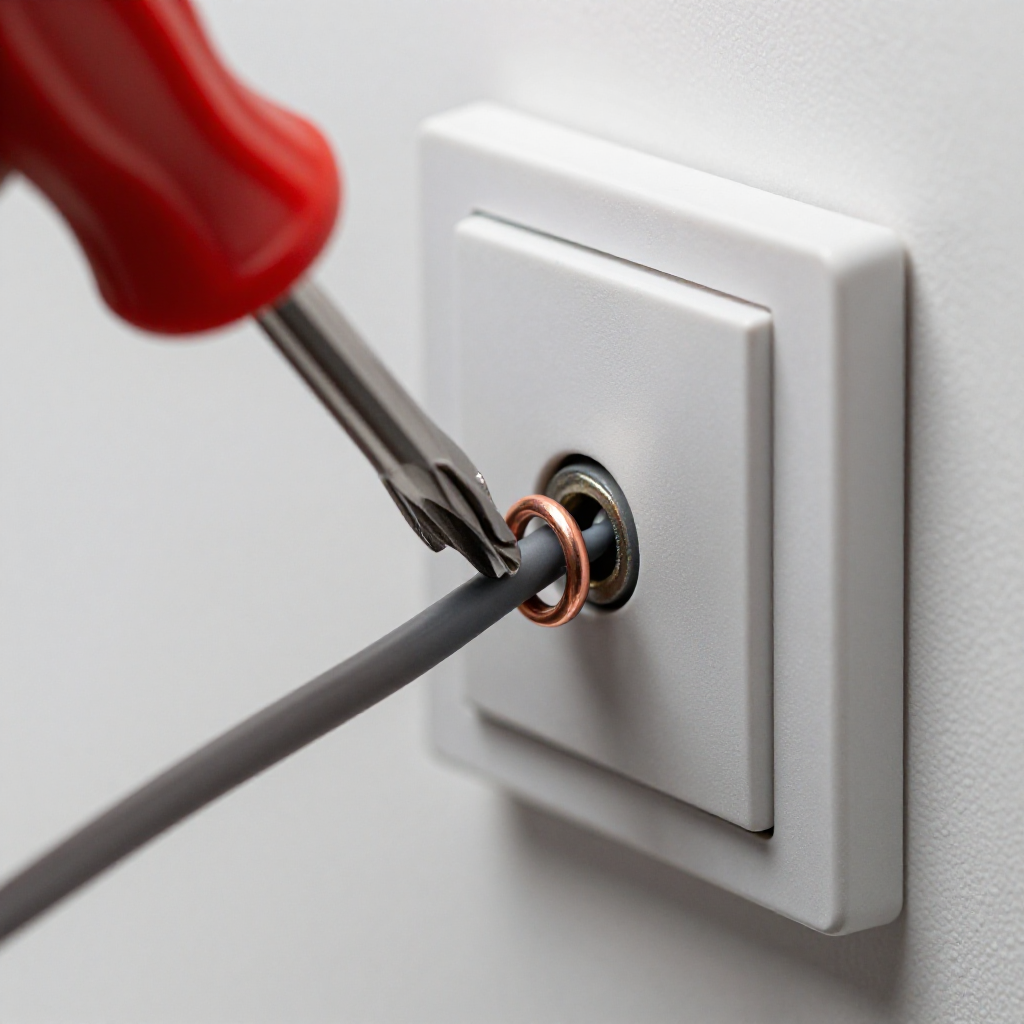
Remove the switch cover plateUse a flathead screwdriver to remove the screws on the cover plate. Set the plate aside.
2
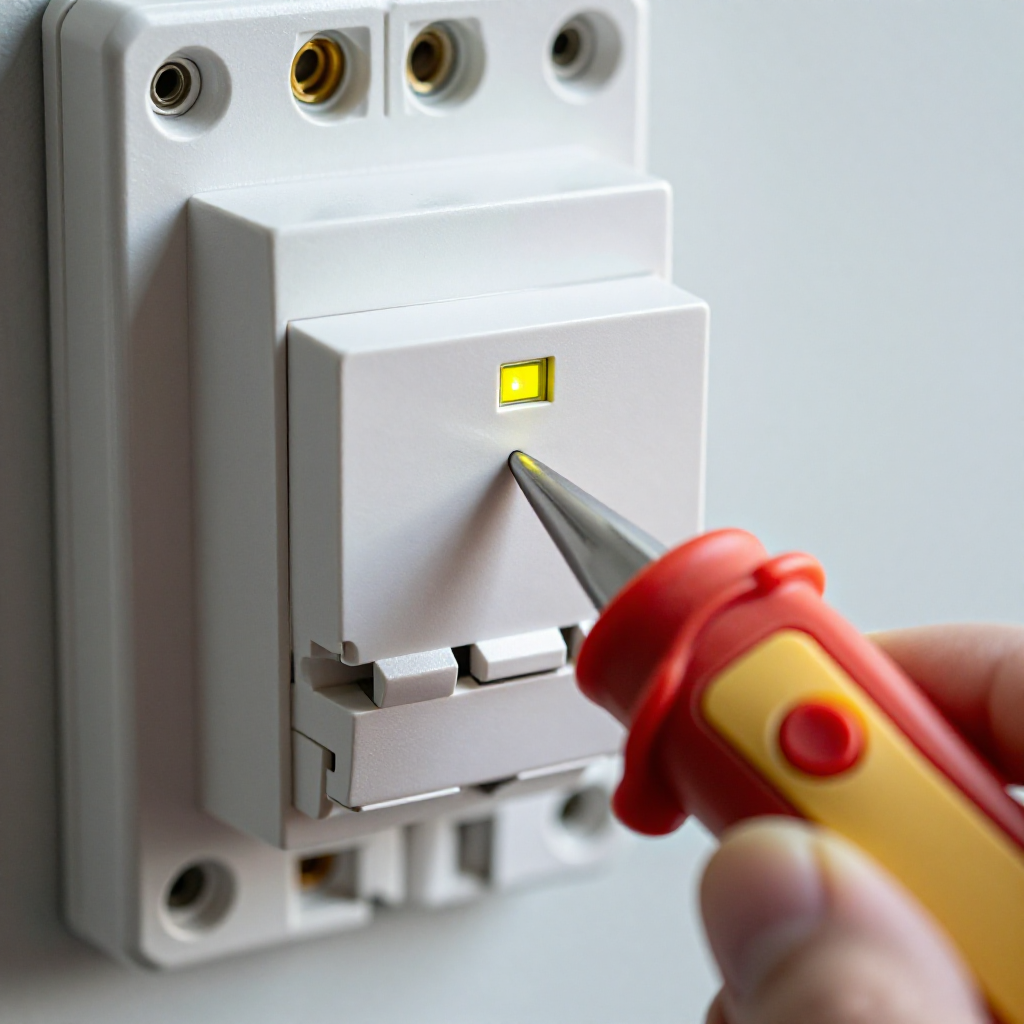
Step 2: Test for power
Test for powerTouch a non-contact voltage tester to the side terminals of the switch. If it beeps or lights up, the power is still on—return to the breaker.
3
Step 3: Tighten wire connections
Tighten wire connectionsUse a screwdriver to tighten the two terminal screws on the switch. Ensure the wires are securely wrapped around the screws in a clockwise direction.
4
Step 4: Replace the switch if needed
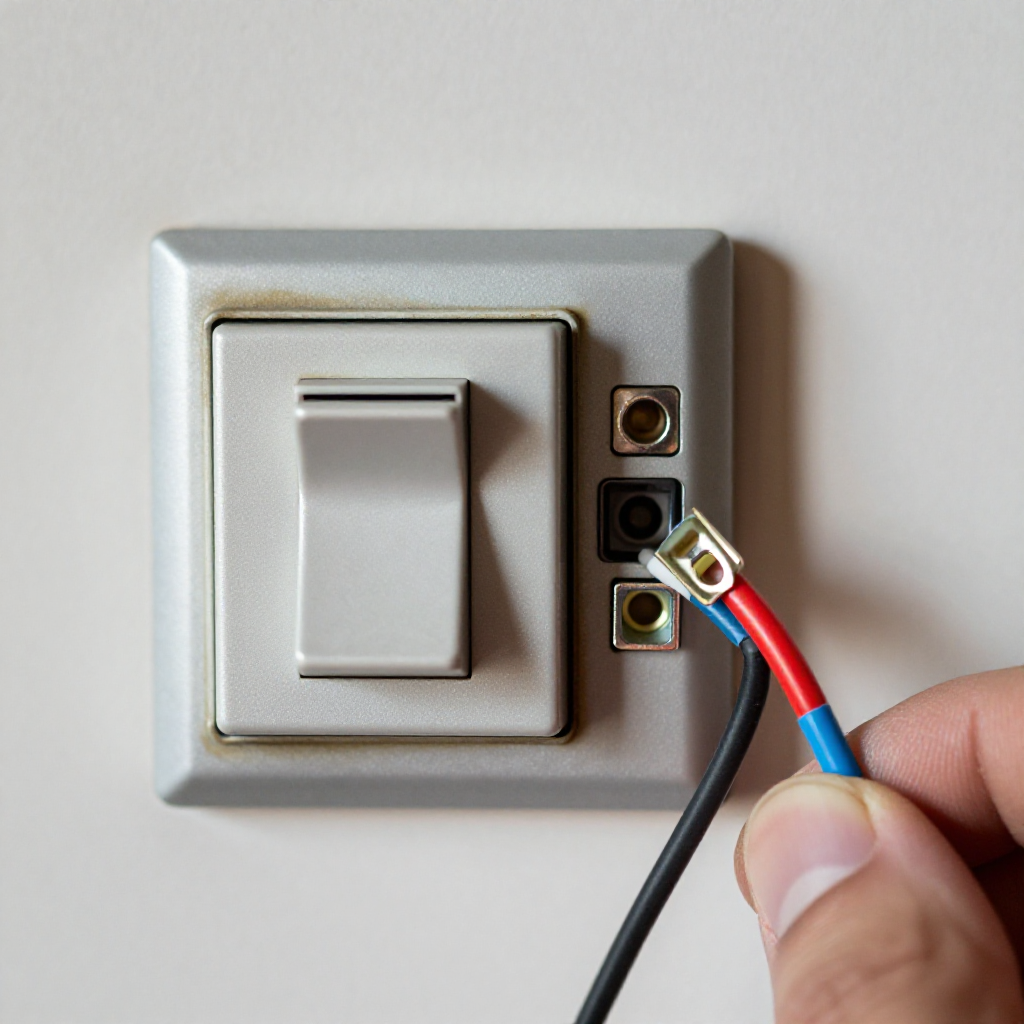
Replace the switch if neededIf the switch still feels loose or doesn't work, remove the wires and install a new switch of the same type. Connect wires to the new terminals.
5
Step 5: Reattach cover and restore power
Reattach cover and restore powerScrew the cover plate back on. Turn the breaker on and test the switch by flipping it up and down.

autorenew4. If That Doesn't Work

Try the next recovery options.

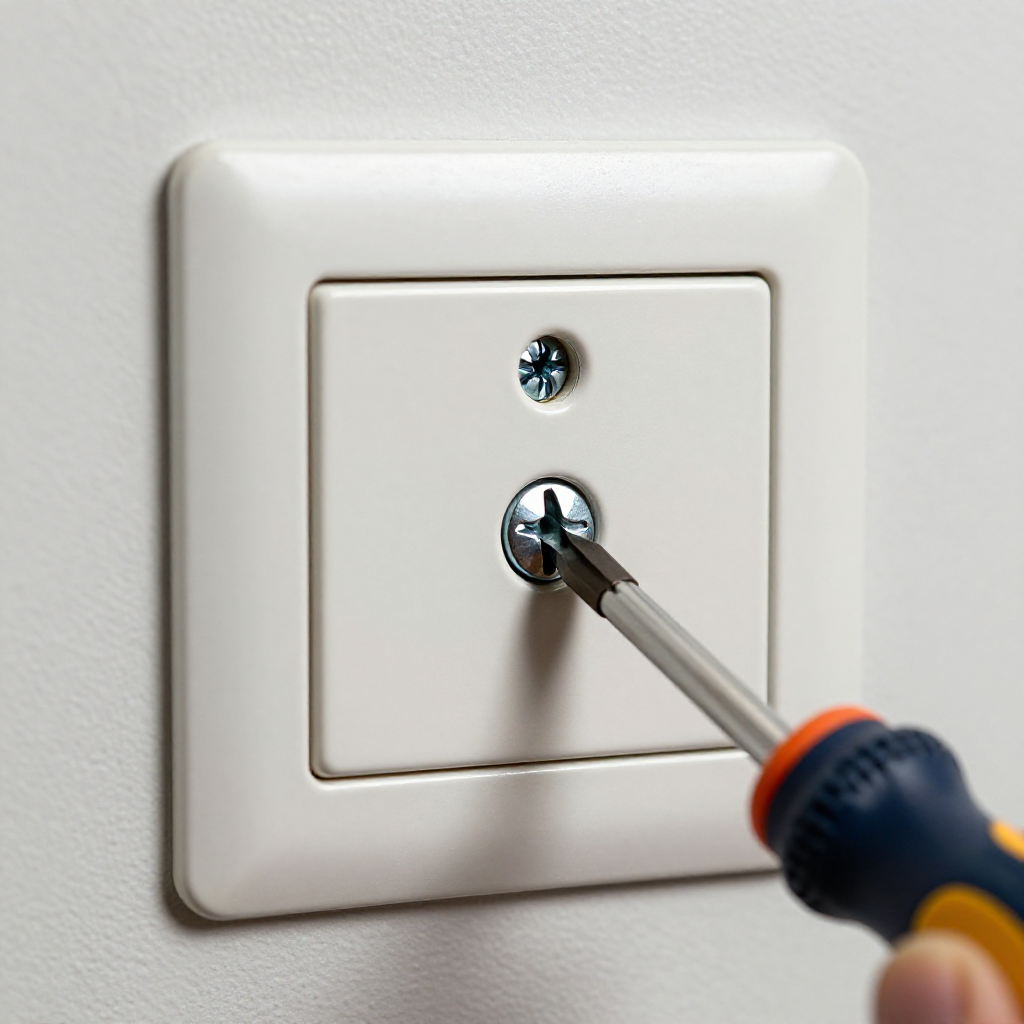
Tighten the switch plate screwsSometimes the switch itself is fine but the plate is loose. Tighten the two screws on the cover plate.
chevron_right

Frequently Asked Questions

Why does my light switch feel warm?expand_more
A warm switch can indicate loose wiring or an overloaded circuit. Turn off power and check connections immediately. If the problem persists, call an electrician.
Can I replace a light switch myself?expand_more
Yes, if you are comfortable turning off power and following safety steps. Always test for voltage before touching wires. If unsure, hire a licensed electrician.
What causes a light switch to stop working?expand_more
Worn internal contacts, loose wire connections, or a tripped breaker are common causes. A switch that clicks but doesn't work likely needs replacement.
How do I know if the switch or the light fixture is the problem?expand_more
If the switch feels loose or has visible damage, replace it first. If the light still doesn't work, the issue may be in the fixture or wiring.

warning5. Stop DIY If

Don't continue if any of these apply.

reportThe switch sparks when flipped
reportYou see burnt or melted wires
reportThe circuit breaker trips immediately after turning the switch on
Still stuck?Get personalized help with AI Recovery.

Same Device Recovery States

Device index arrow_forward

Similar Failure Pattern

This page provides general DIY guidance.
If you're unsure, it's always best to consult a professional.