Why is my light switch hot to the touch?
A hot light switch signals a dangerous electrical fault. Learn to diagnose loose wires or an overloaded circuit safely.
quick_referenceQuick Answer
For Why is my light switch hot to the touch?, start with "Turn off power and remove the switch": Flip the breaker to cut power to the switch. Use a voltage tester to confirm no current. Unscrew the faceplate and pull out the switch carefully. Stop DIY if you see smoke or smell burning. This is listed as a moderate recovery and usually takes about 20 min.
verifiedGuide Snapshot
Last updated Jul 5, 2026. Review the stop conditions before continuing.
account_treeRecovery State
help1. Understand the Problem
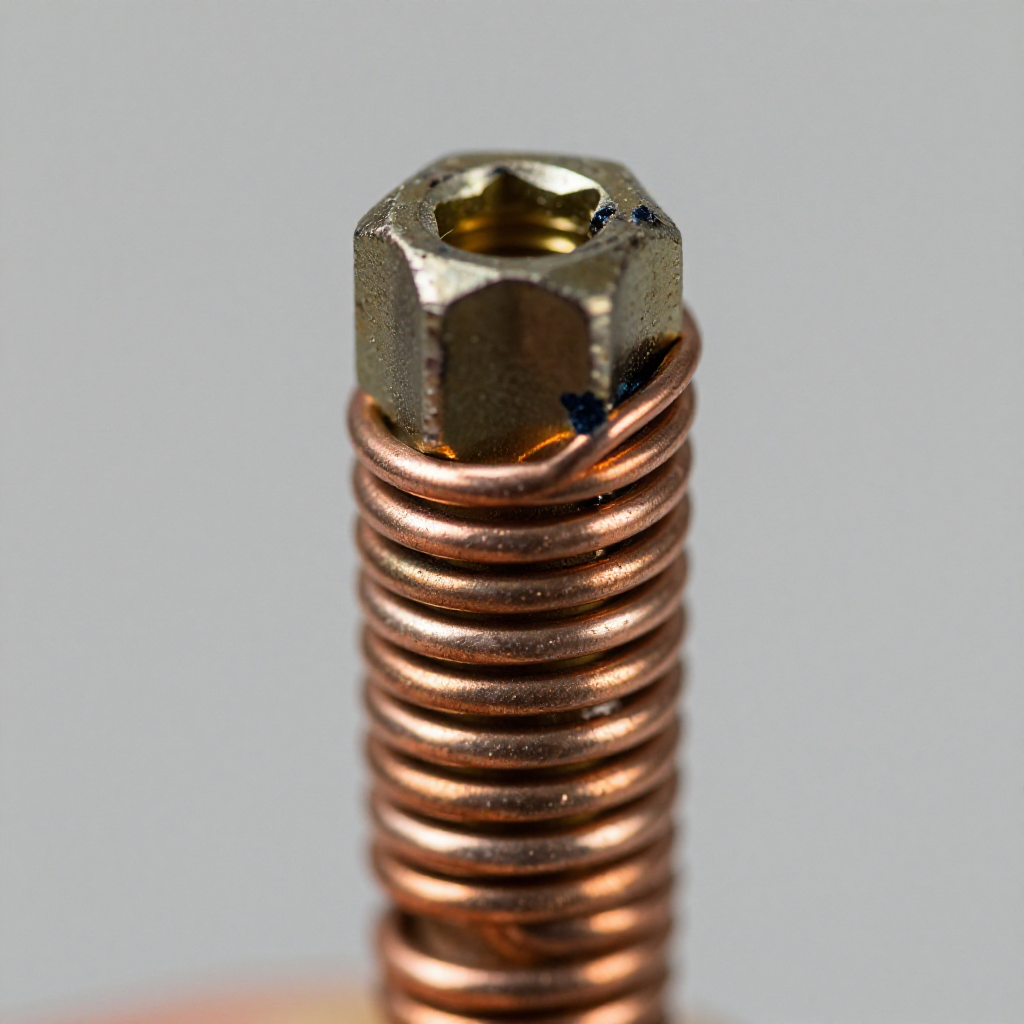
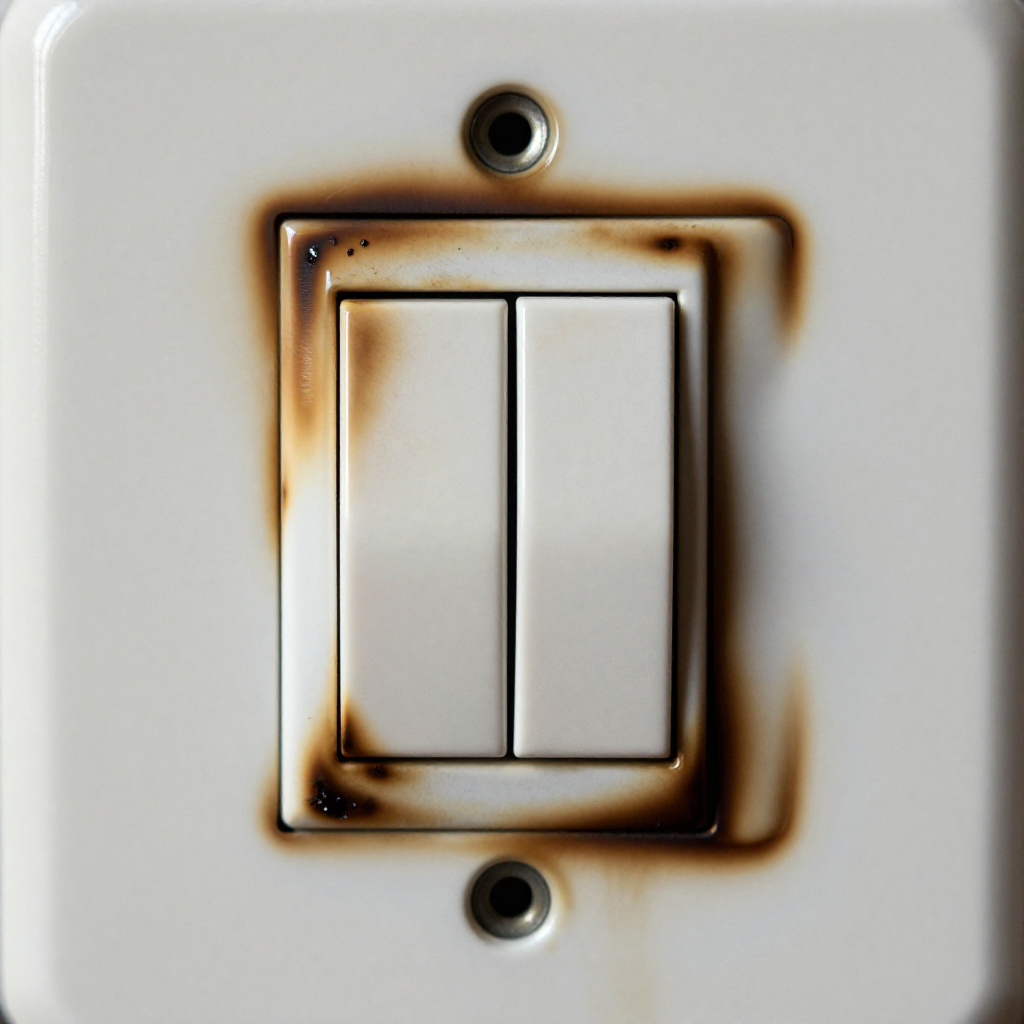
A light switch that feels warm or hot usually indicates a loose connection, a damaged wire, or an overloaded circuit. This is a fire hazard and must be addressed immediately. The fix involves checking wire connections and replacing the switch if necessary.
build_circle2. Try This First
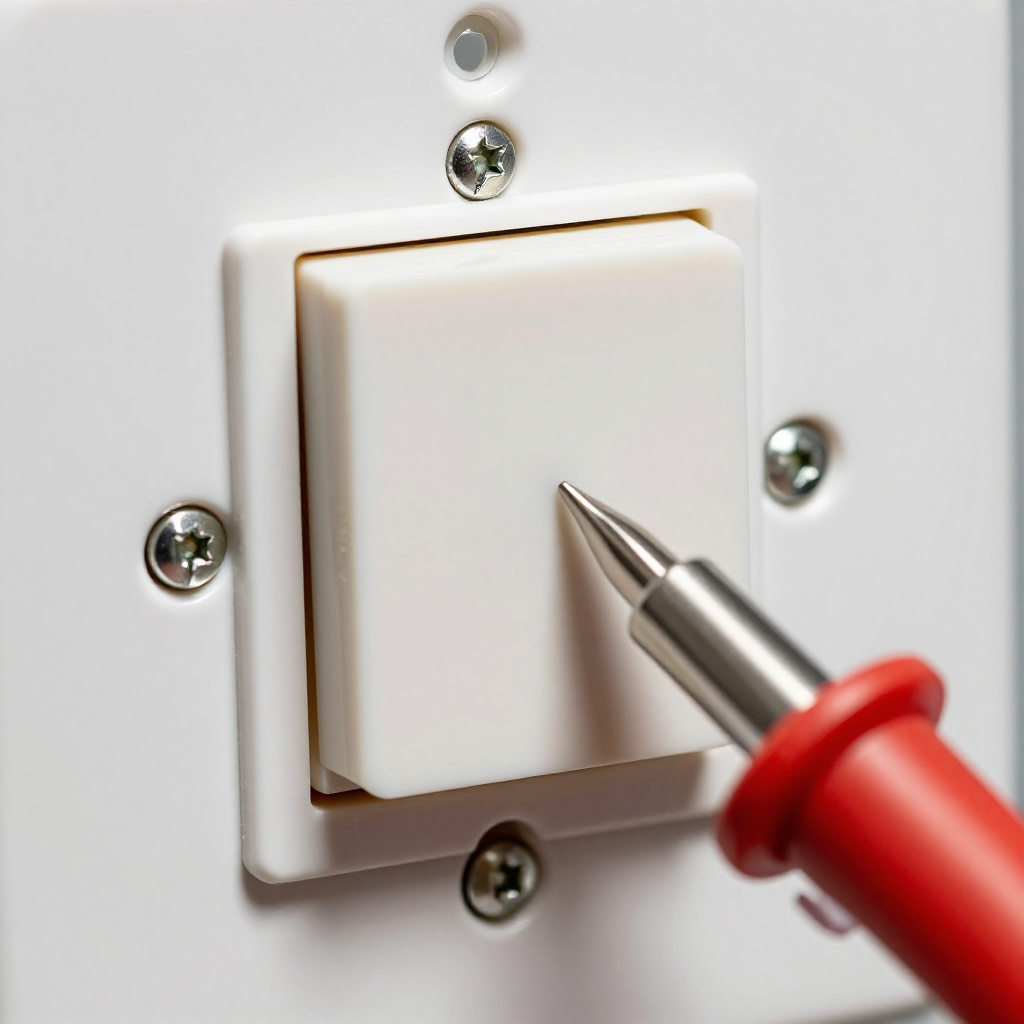
Turn off power and remove the switch
Flip the breaker to cut power to the switch. Use a voltage tester to confirm no current. Unscrew the faceplate and pull out the switch carefully.
visibility3. Visual Guidance
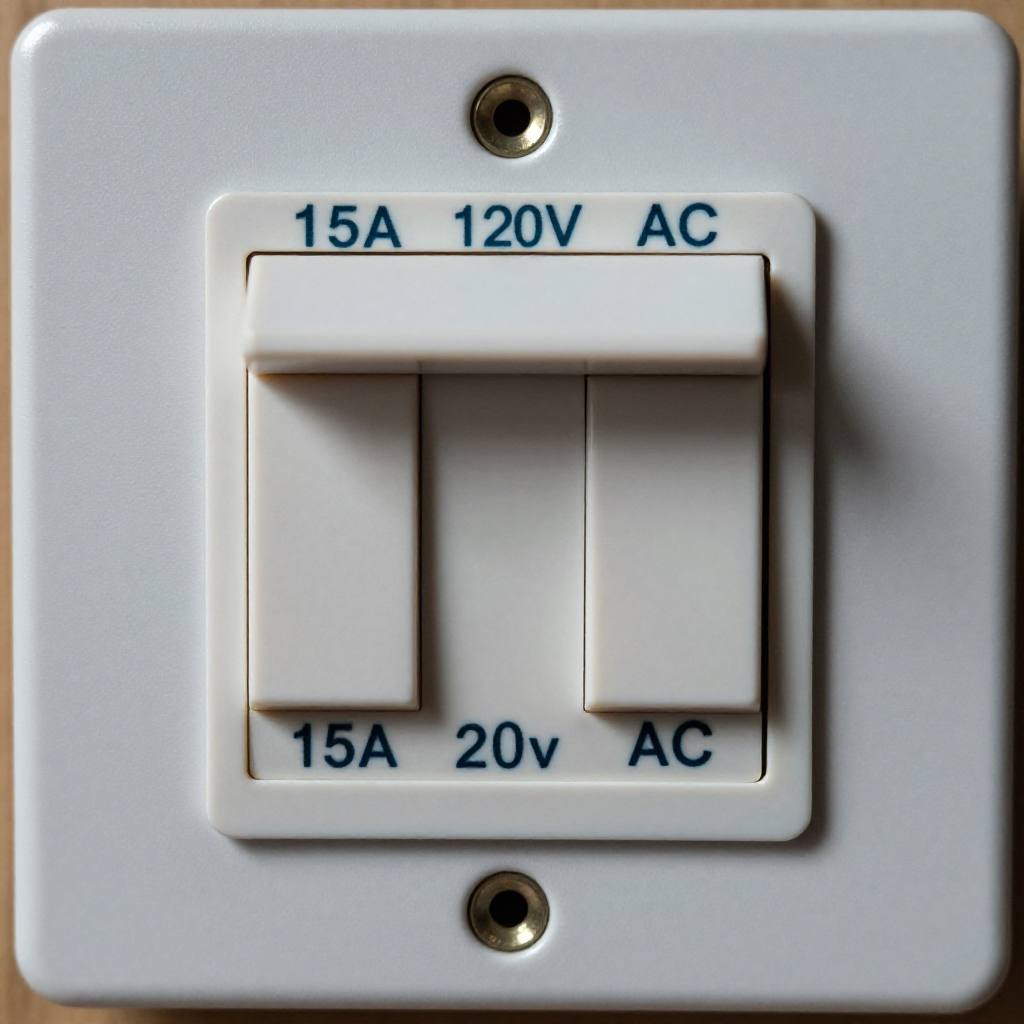
See what's happening and how to try the first recovery step.
autorenew4. If That Doesn't Work
Try the next recovery options.
Frequently Asked Questions
Is a warm light switch normal?expand_more
Can a bad light switch cause a fire?expand_more
How much does it cost to replace a light switch?expand_more
warning5. Stop DIY If
Don't continue if any of these apply.
Related Recovery Problems
View all arrow_forwardSame Device Recovery States
Device index arrow_forwardSimilar Failure Pattern
This page provides general DIY guidance.
If you're unsure, it's always best to consult a professional.