Why Is My Dryer Not Heating But Still Tumbling?
A dryer that tumbles but blows cold air usually has a blown thermal fuse, faulty heating element, or tripped breaker. Diagnose and fix it safely.
quick_referenceQuick Answer
For Why Is My Dryer Not Heating But Still Tumbling?, start with "Check the Thermal Fuse": Unplug the dryer, remove the back panel, and locate the thermal fuse on the exhaust duct. Test it with a multimeter for continuity. Stop DIY if you smell burning plastic or see melted wires. This is listed as a moderate recovery and usually takes about 30 min.
verifiedGuide Snapshot
Last updated Jun 9, 2026. Review the stop conditions before continuing.
account_treeRecovery State
help1. Understand the Problem
When the drum spins but no heat comes, the motor and belt are fine, but the heating circuit is interrupted. Common culprits are a thermal fuse that blew from overheating, a failed heating element, or a bad thermostat.
build_circle2. Try This First
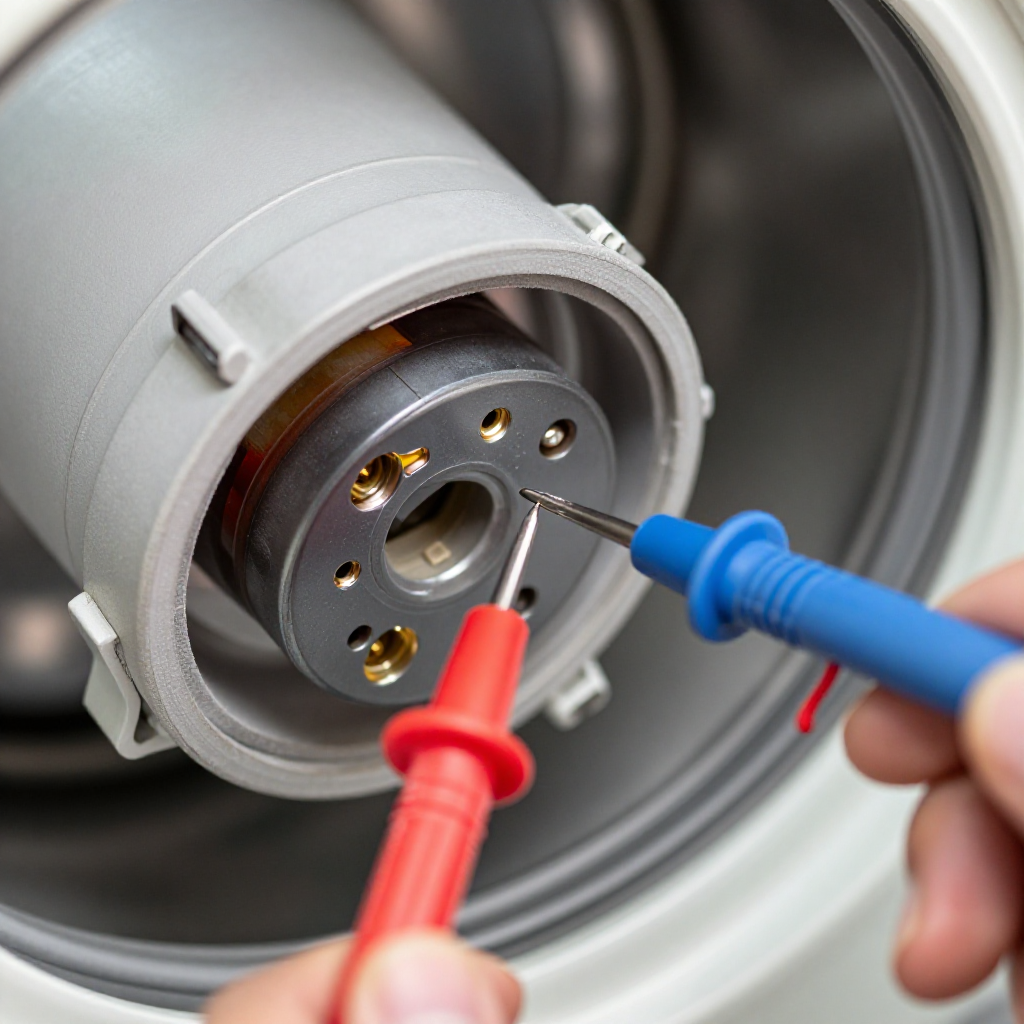
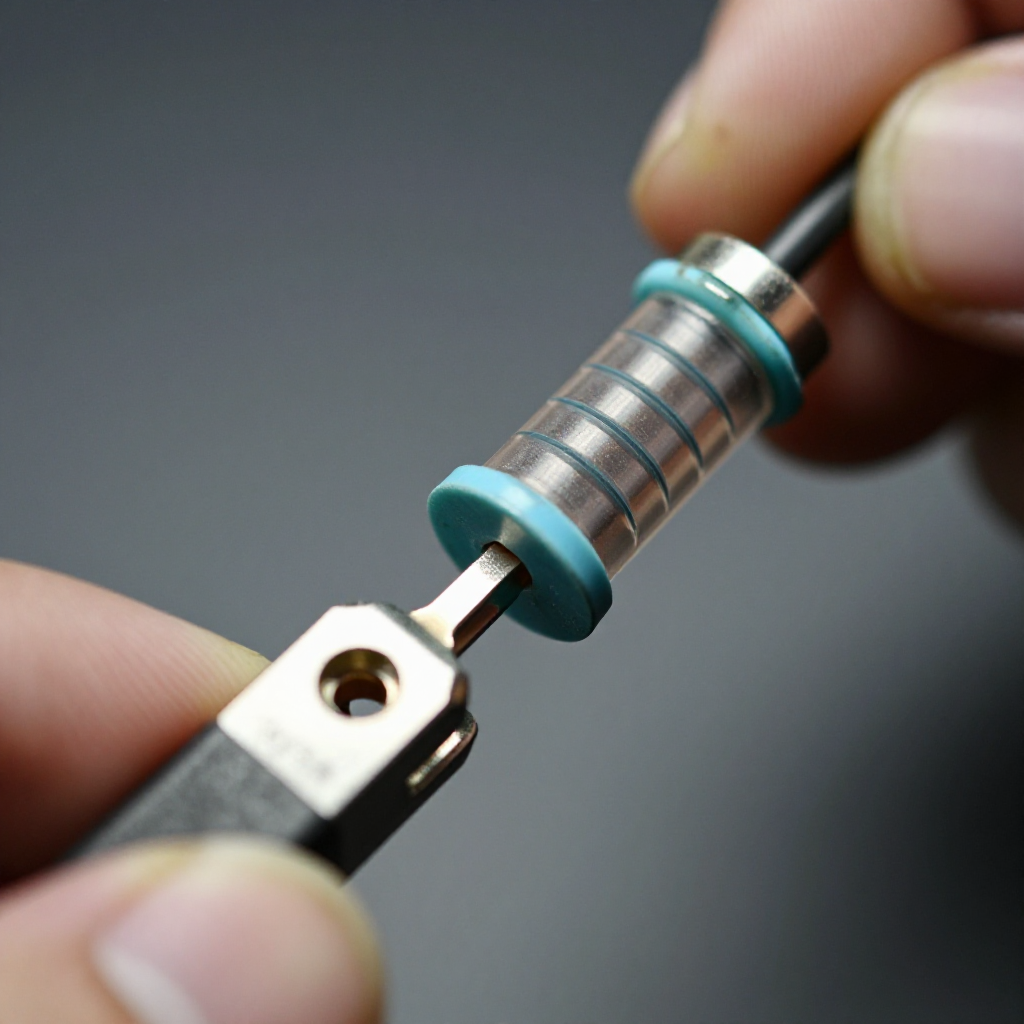
Check the Thermal Fuse
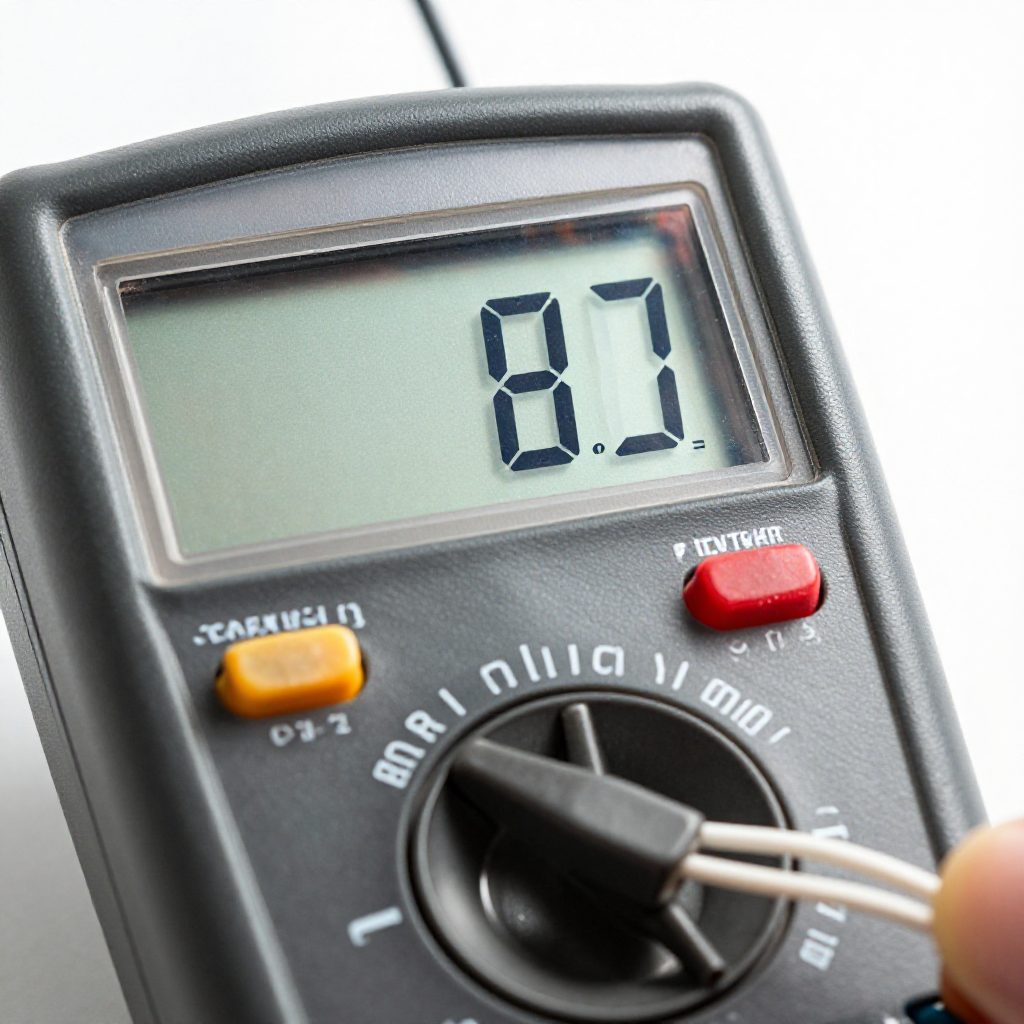
Unplug the dryer, remove the back panel, and locate the thermal fuse on the exhaust duct. Test it with a multimeter for continuity.
visibility3. Visual Guidance
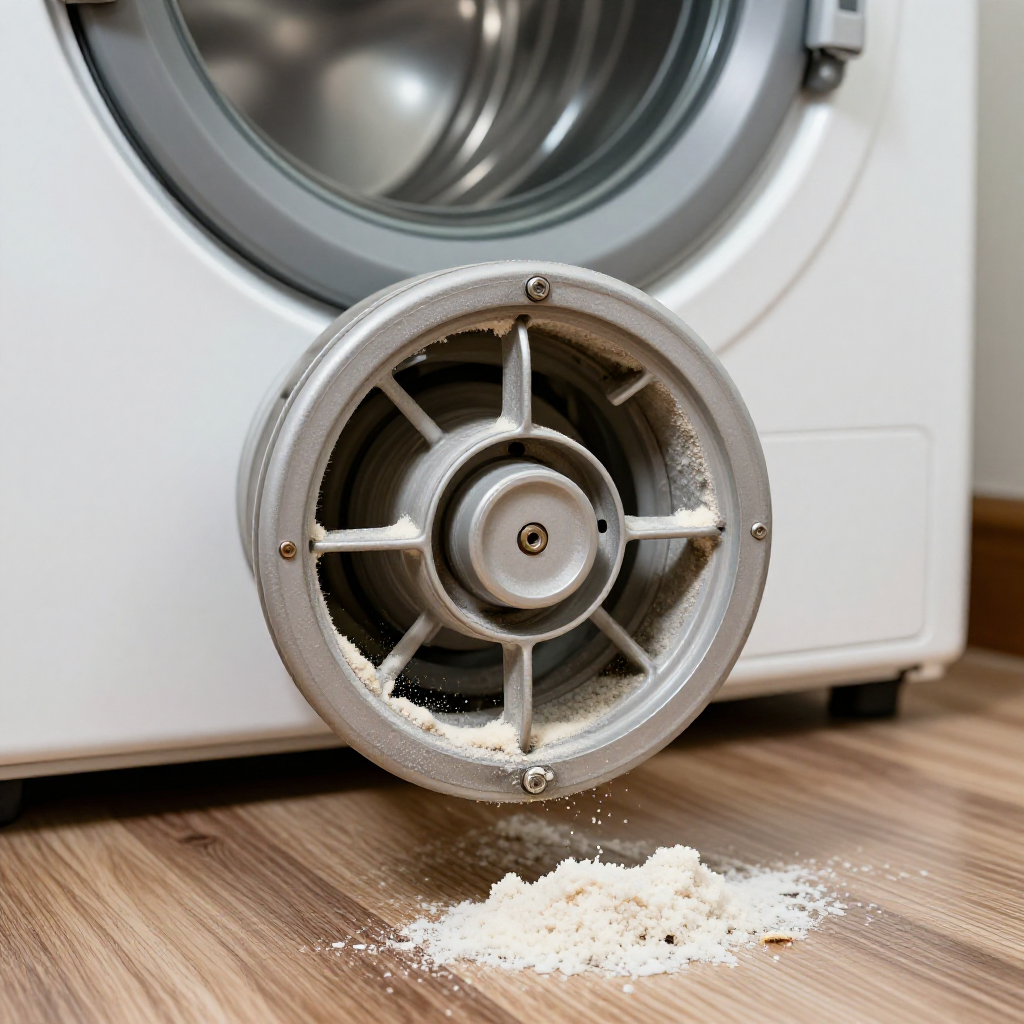
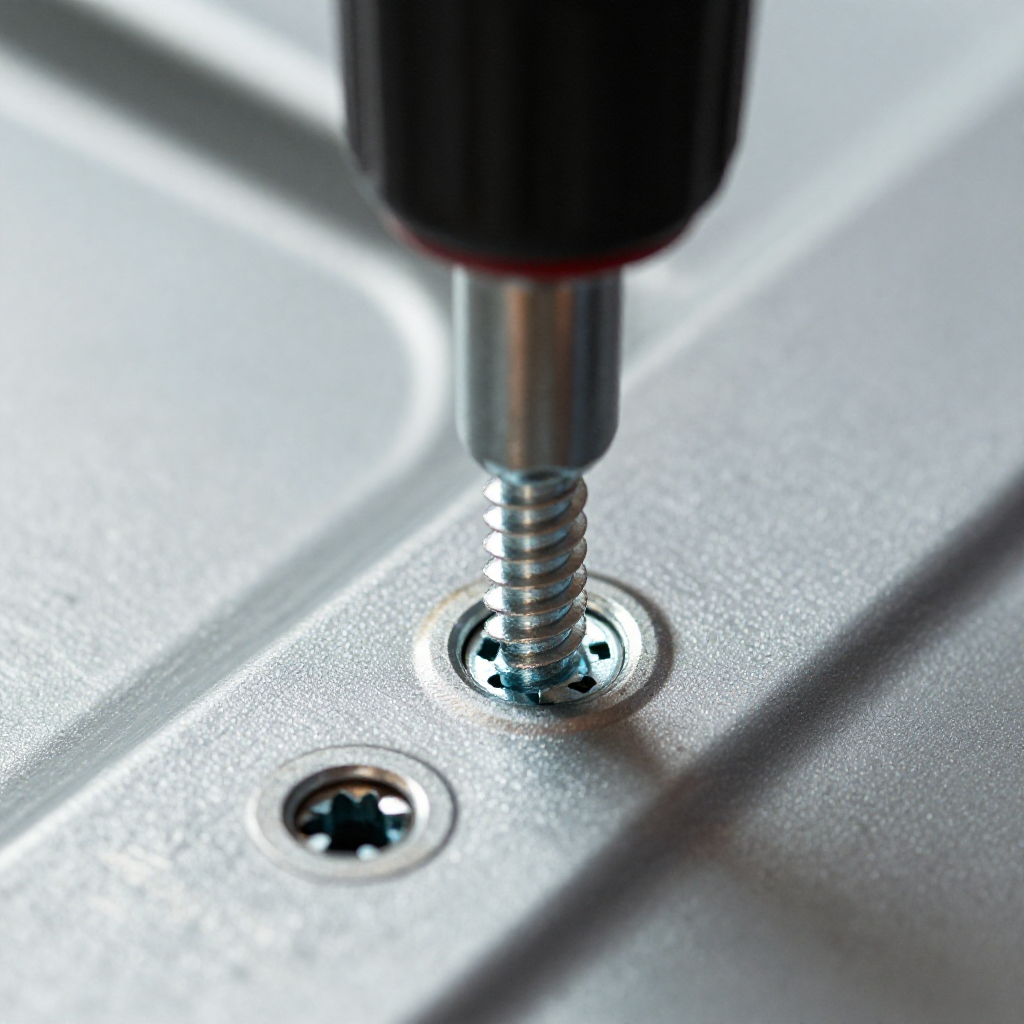
See what's happening and how to try the first recovery step.
autorenew4. If That Doesn't Work
Try the next recovery options.
Frequently Asked Questions
Can I bypass a thermal fuse temporarily?expand_more
Why does a thermal fuse blow?expand_more
How long should this repair take?expand_more
What basic tools will I need?expand_more
When should I stop and call a professional?expand_more
warning5. Stop DIY If
Don't continue if any of these apply.
Same Device Recovery States
Device index arrow_forwardSimilar Failure Pattern
This page provides general DIY guidance.
If you're unsure, it's always best to consult a professional.