Dryer Not Heating? Test the Thermal Fuse and Heating Element
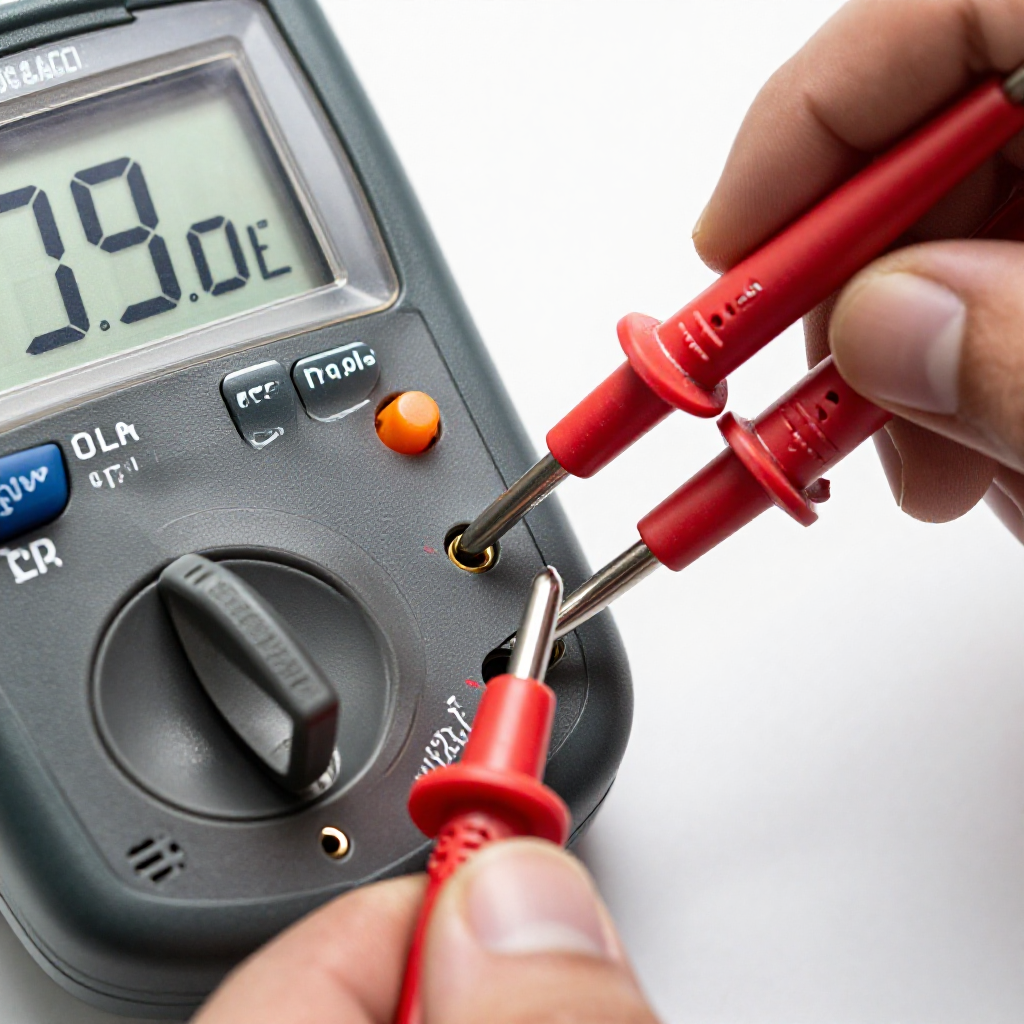
Is your dryer tumbling but not drying? Learn how to check the thermal fuse and heating element with a multimeter.
quick_referenceQuick Answer
For Dryer Not Heating? Test the Thermal Fuse and Heating Element, start with "Unplug the Dryer and Access the Back Panel": Disconnect the dryer from the power outlet, then remove the screws on the back panel to expose the heating element and thermal fuse. Stop DIY if you are uncomfortable using a multimeter. This is listed as a moderate recovery and usually takes about 45 min.
verifiedGuide Snapshot
Last updated Jun 1, 2026. Review the stop conditions before continuing.
account_treeRecovery State
help1. Understand the Problem
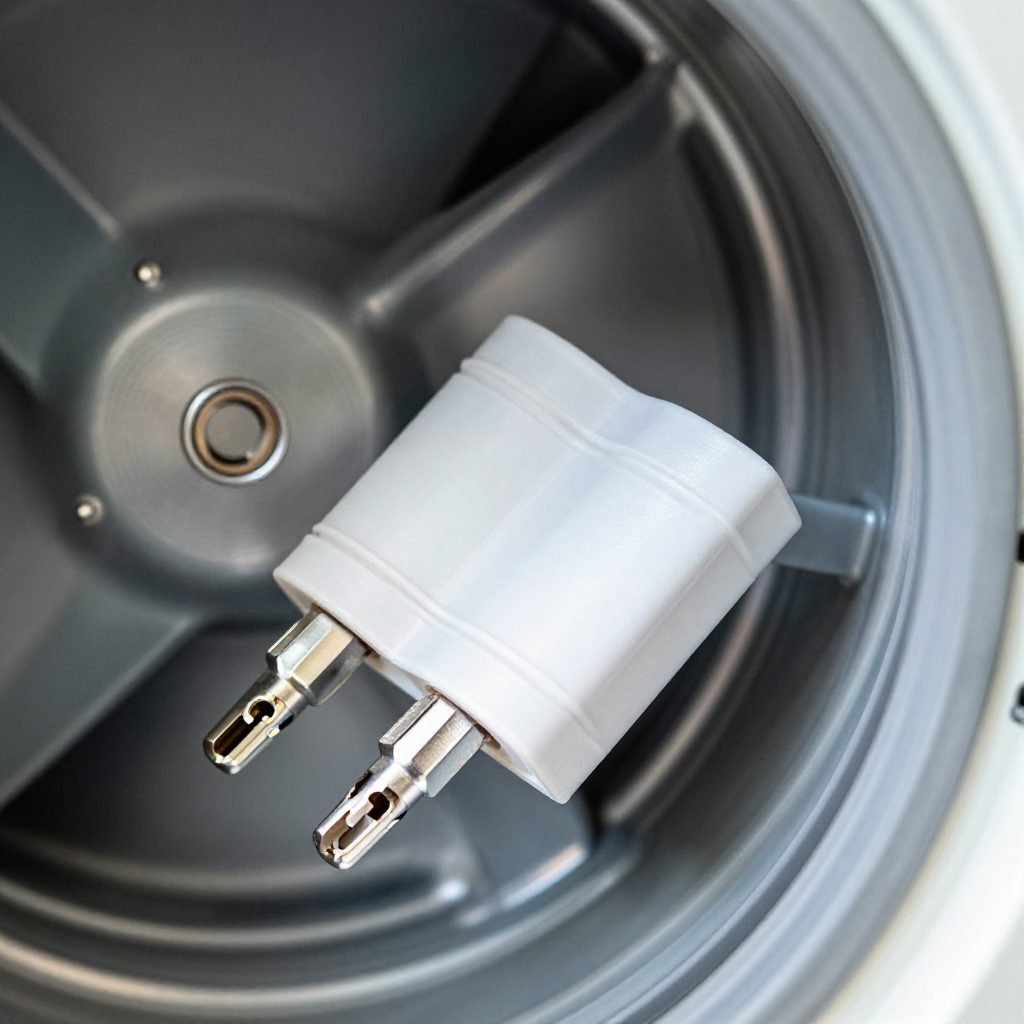
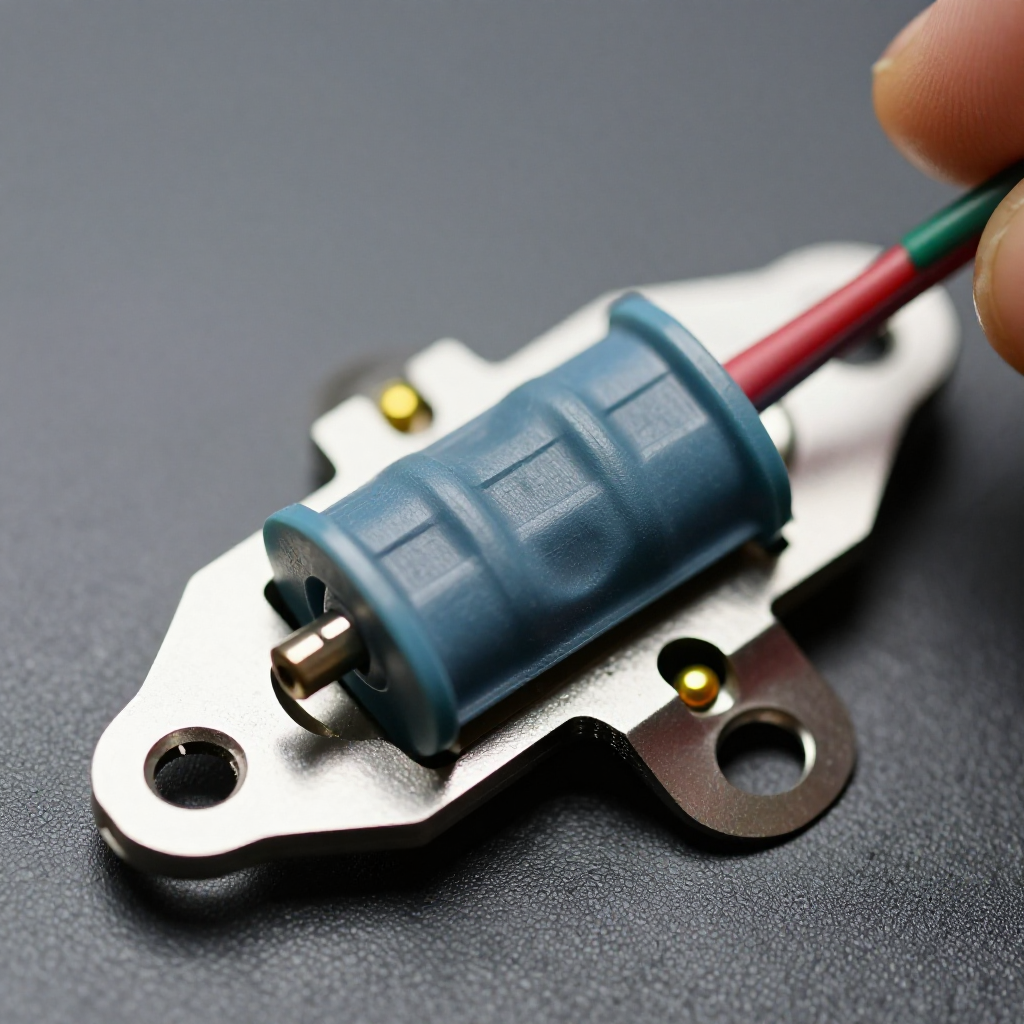
A dryer that runs but produces no heat usually has a blown thermal fuse or a failed heating element. The thermal fuse blows when the dryer overheats, often due to a clogged lint screen or vent. Testing these parts with a multimeter is straightforward.
build_circle2. Try This First
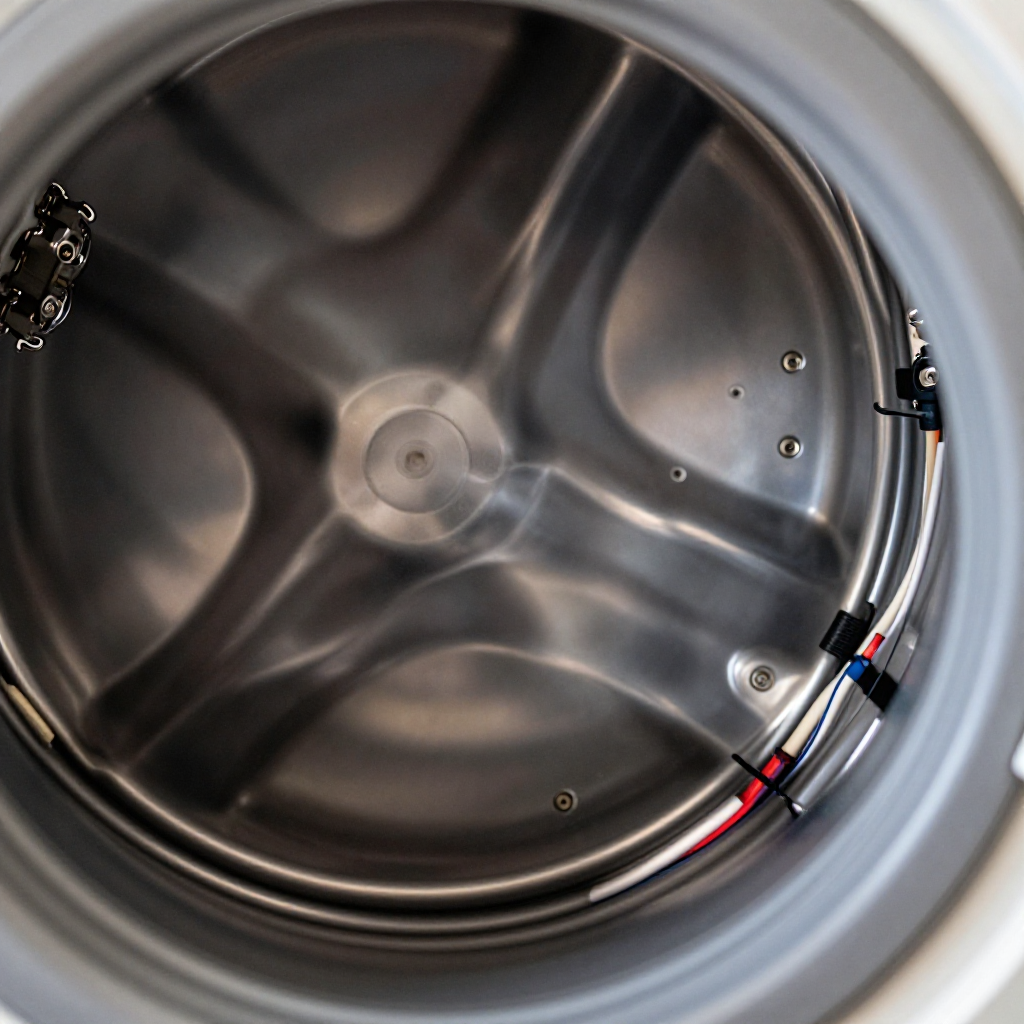
Unplug the Dryer and Access the Back Panel
Disconnect the dryer from the power outlet, then remove the screws on the back panel to expose the heating element and thermal fuse.
visibility3. Visual Guidance
See what's happening and how to try the first recovery step.
autorenew4. If That Doesn't Work
Try the next recovery options.
Frequently Asked Questions
Why does my dryer keep blowing the thermal fuse?expand_more
Can I bypass the thermal fuse?expand_more
Where is the thermal fuse located in my dryer?expand_more
warning5. Stop DIY If
Don't continue if any of these apply.
Same Device Recovery States
Device index arrow_forwardSimilar Failure Pattern
This page provides general DIY guidance.
If you're unsure, it's always best to consult a professional.