Why is my light switch buzzing when I flip it on?
A buzzing light switch indicates a loose connection or incompatible dimmer. Fix it safely before it fails completely.
quick_referenceQuick Answer
For Why is my light switch buzzing when I flip it on?, start with "Turn off power at the breaker": Locate the correct breaker in your panel and switch it off. Confirm power is off by testing the light switch with a non-contact voltage tester. Stop DIY if the switch feels hot to the touch. This is listed as a moderate recovery and usually takes about 20 min.
verifiedGuide Snapshot
Last updated Jul 7, 2026. Review the stop conditions before continuing.
account_treeRecovery State
help1. Understand the Problem
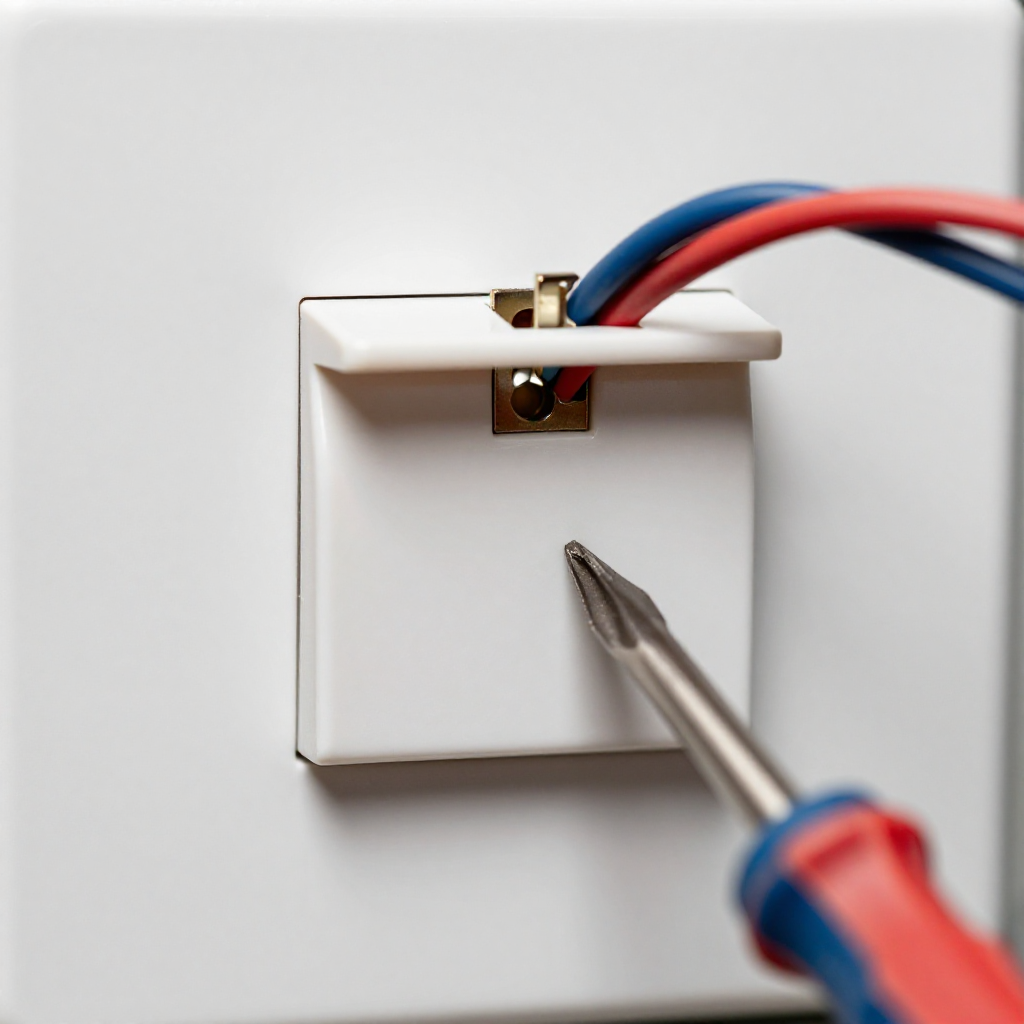
A buzzing sound from a light switch is usually caused by a loose wire connection or a dimmer switch that is not compatible with the bulb type. This can lead to arcing and potential fire hazards if ignored. Replacing or tightening the switch is the solution.
build_circle2. Try This First
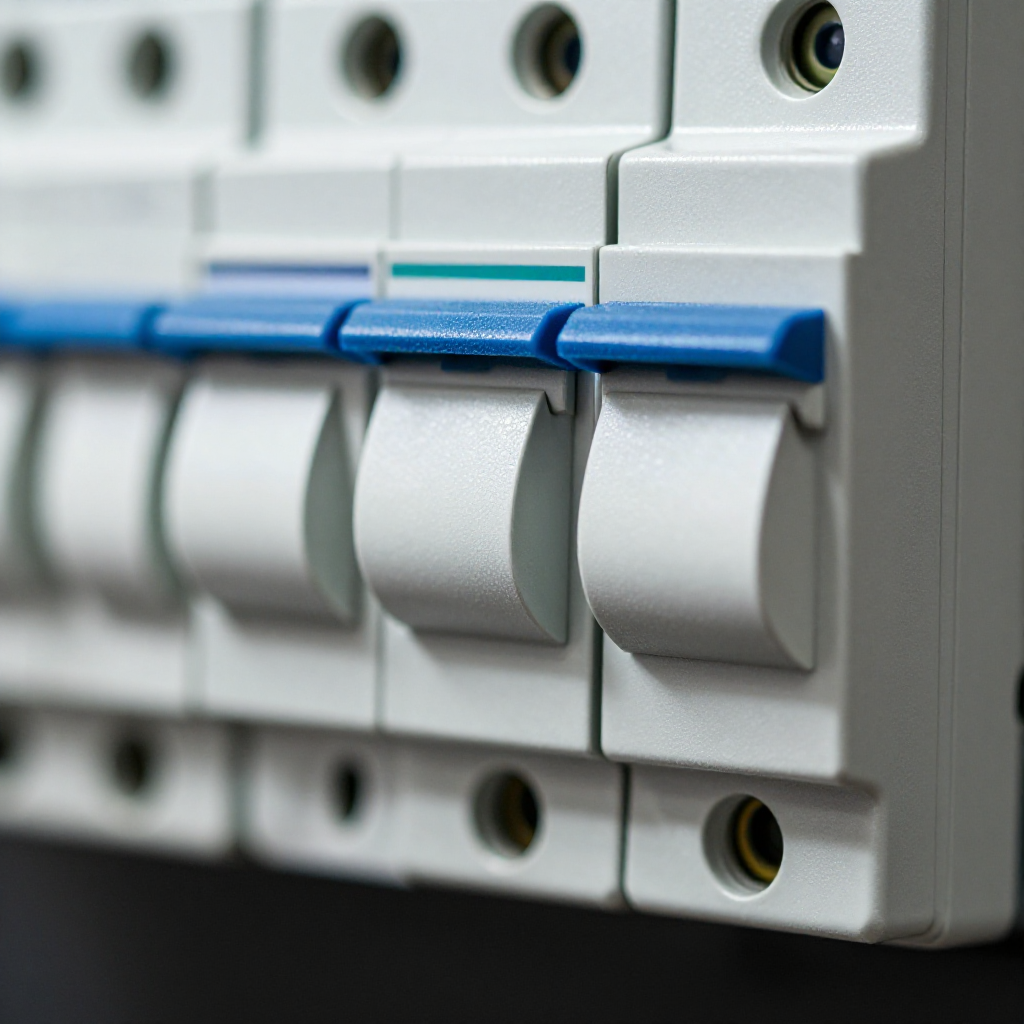
Turn off power at the breaker
Locate the correct breaker in your panel and switch it off. Confirm power is off by testing the light switch with a non-contact voltage tester.
visibility3. Visual Guidance
See what's happening and how to try the first recovery step.
autorenew4. If That Doesn't Work
Try the next recovery options.
Frequently Asked Questions
Is a buzzing switch dangerous?expand_more
Can I use any dimmer with LED bulbs?expand_more
What if the buzzing continues after tightening?expand_more
warning5. Stop DIY If
Don't continue if any of these apply.
Related Recovery Problems
View all arrow_forwardSame Device Recovery States
Device index arrow_forwardSimilar Failure Pattern
This page provides general DIY guidance.
If you're unsure, it's always best to consult a professional.