STUCKFIX
handymanDIY Friendly
build

Why Is My Thermostat Blank and Not Turning On?

A blank thermostat screen usually points to dead batteries, a tripped breaker, or a blown fuse. This guide helps you diagnose and restore power.

Category:HVAC
Difficulty:Easy
Time:10 min
Success:50%
Updated:Jul 1, 2026

quick_referenceQuick Answer

For Why Is My Thermostat Blank and Not Turning On?, start with "Replace the thermostat batteries": Remove the thermostat faceplate from the wall. Look for AA or AAA batteries in a compartment on the back. Replace them with fresh alkaline batteries. Reattach the faceplate and check for the screen to light up. Stop DIY if you see a blown fuse and the replacement fuse blows immediately. This is listed as a easy recovery and usually takes about 10 min.

verifiedGuide Snapshot

Repair areaHVAC
Estimated time10 min
DifficultyEasy
Stop conditions3

Last updated Jul 1, 2026. Review the stop conditions before continuing.

account_treeRecovery State

Current statePower Failure
Specific stateBlank Screen
Failed stepPower Loss
Likely failure typeElectrical Fault
DIY boundaryDIY recovery first
paymentsCost decision

help1. Understand the Problem

When the thermostat screen goes blank, the HVAC system won't run. Common causes include dead batteries in battery-powered models, a tripped circuit breaker in the main panel, or a blown 3-5 amp fuse on the furnace control board. A loose wire at the thermostat base is another possibility.

build_circle2. Try This First
Best First Step
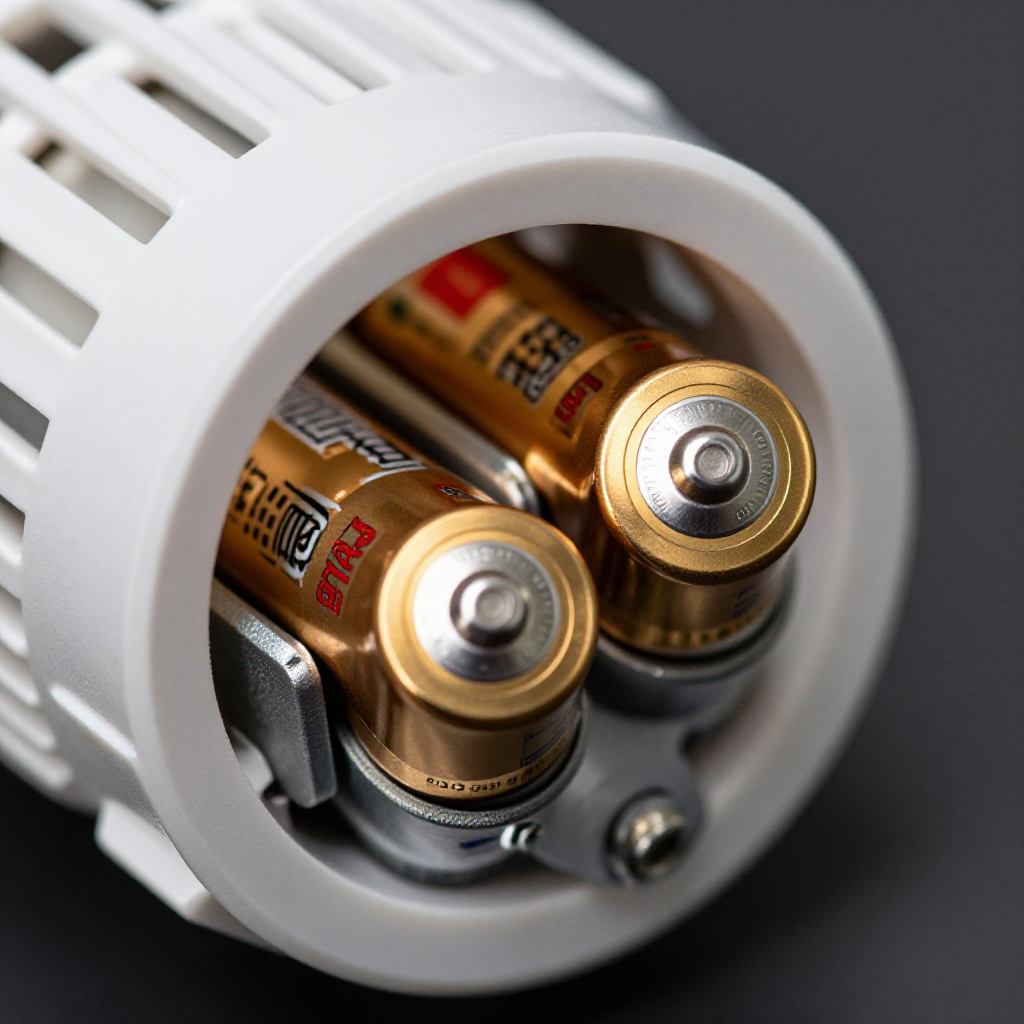
Replace the thermostat batteries

Replace the thermostat batteries

Remove the thermostat faceplate from the wall. Look for AA or AAA batteries in a compartment on the back. Replace them with fresh alkaline batteries. Reattach the faceplate and check for the screen to light up.

visibility3. Visual Guidance

See what's happening and how to try the first recovery step.
1
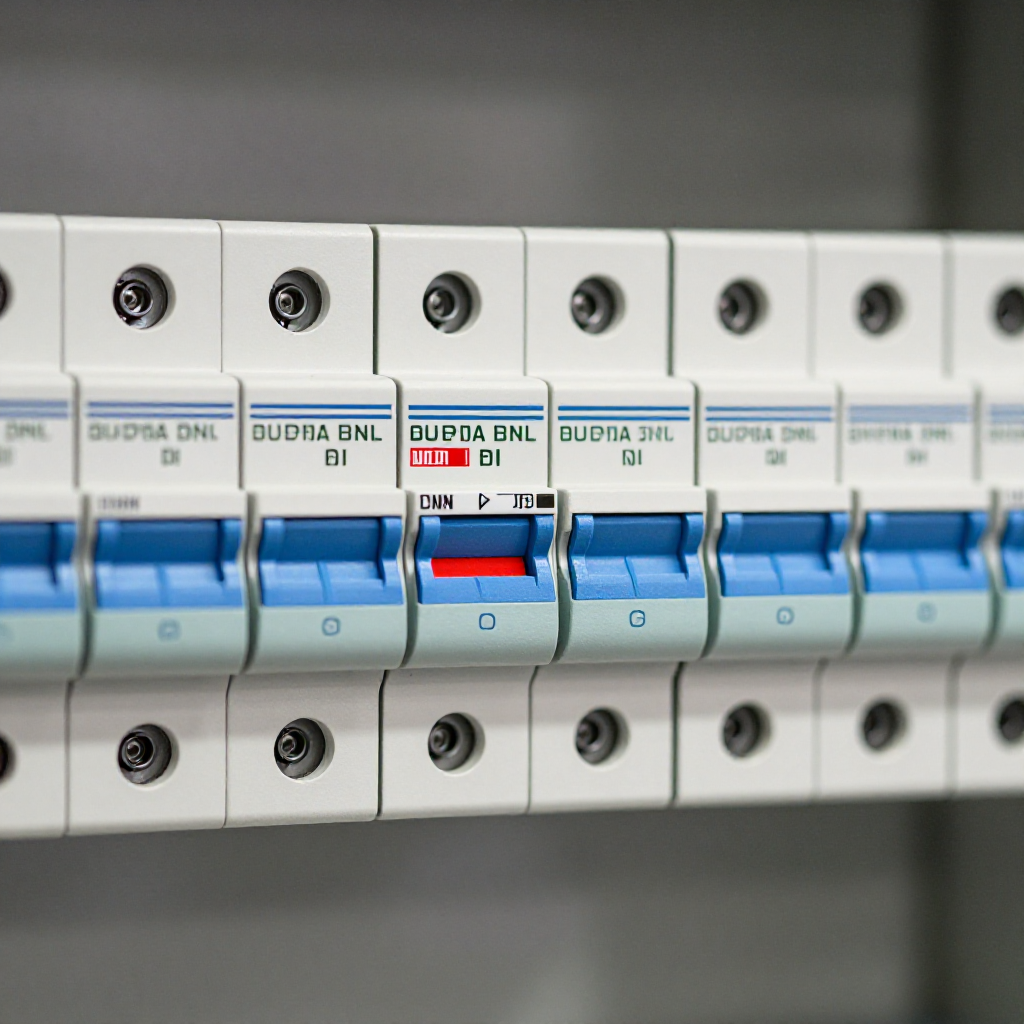
Check the circuit breaker
Check the circuit breakerGo to your main electrical panel. Look for a breaker labeled 'Furnace', 'HVAC', or 'Thermostat'. If it's tripped to the middle or OFF position, flip it fully OFF, then fully ON. Wait 30 seconds for the thermostat to power up.
2
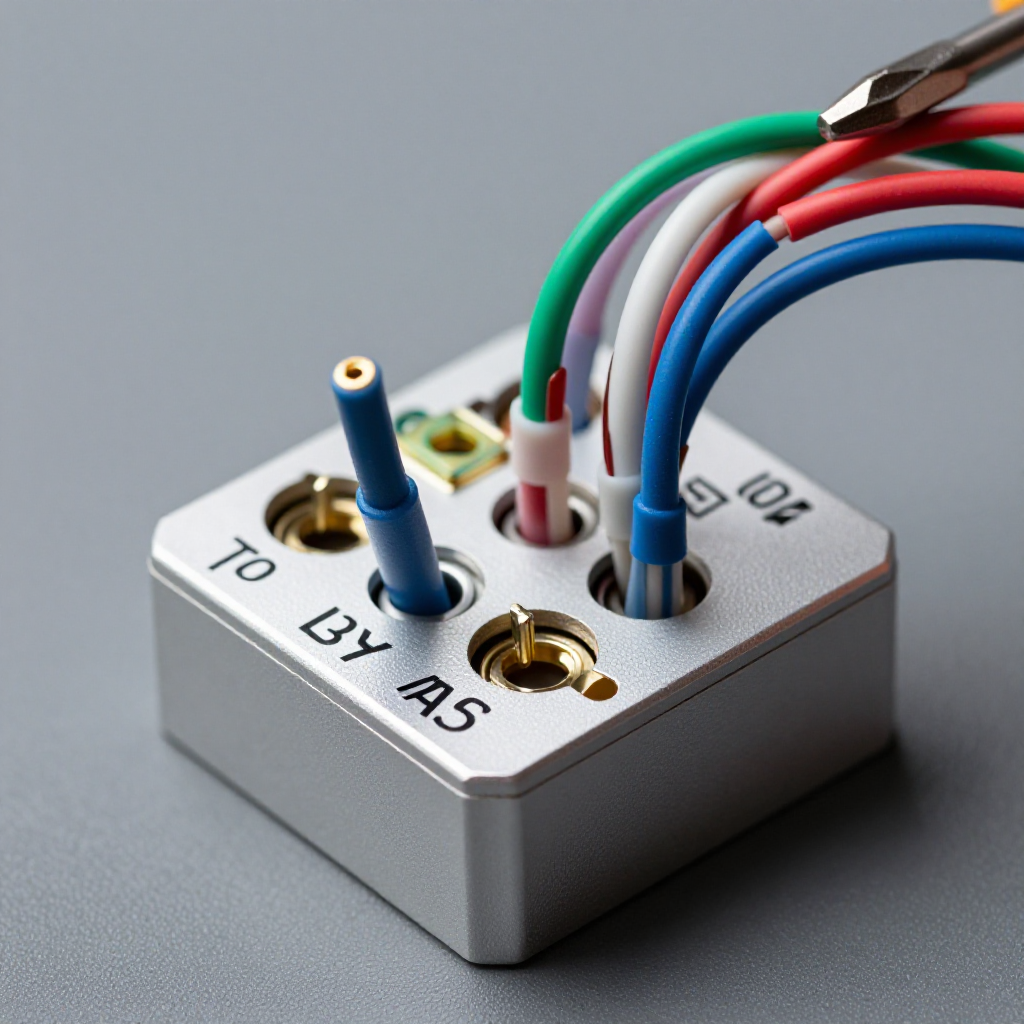
Inspect the thermostat wiring
Inspect the thermostat wiringRemove the thermostat faceplate again. Check that all wires are securely inserted into their terminals. If a wire is loose, use a small screwdriver to tighten the terminal screw. Ensure no bare wires are touching each other.
3
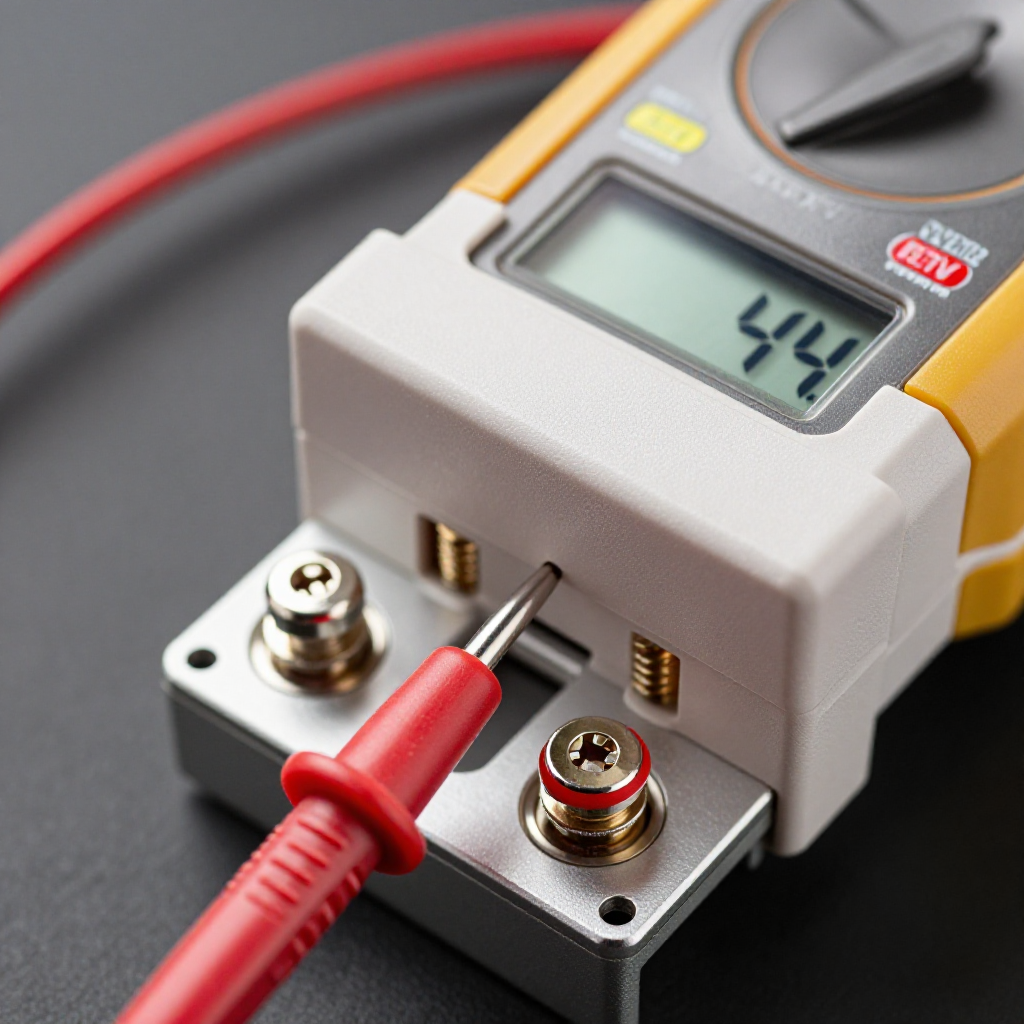
Test for power at the thermostat
Test for power at the thermostatUse a multimeter set to AC voltage. Touch one probe to the R (power) terminal and the other to the C (common) terminal. You should read 24V. If not, the transformer or fuse may be bad.
4
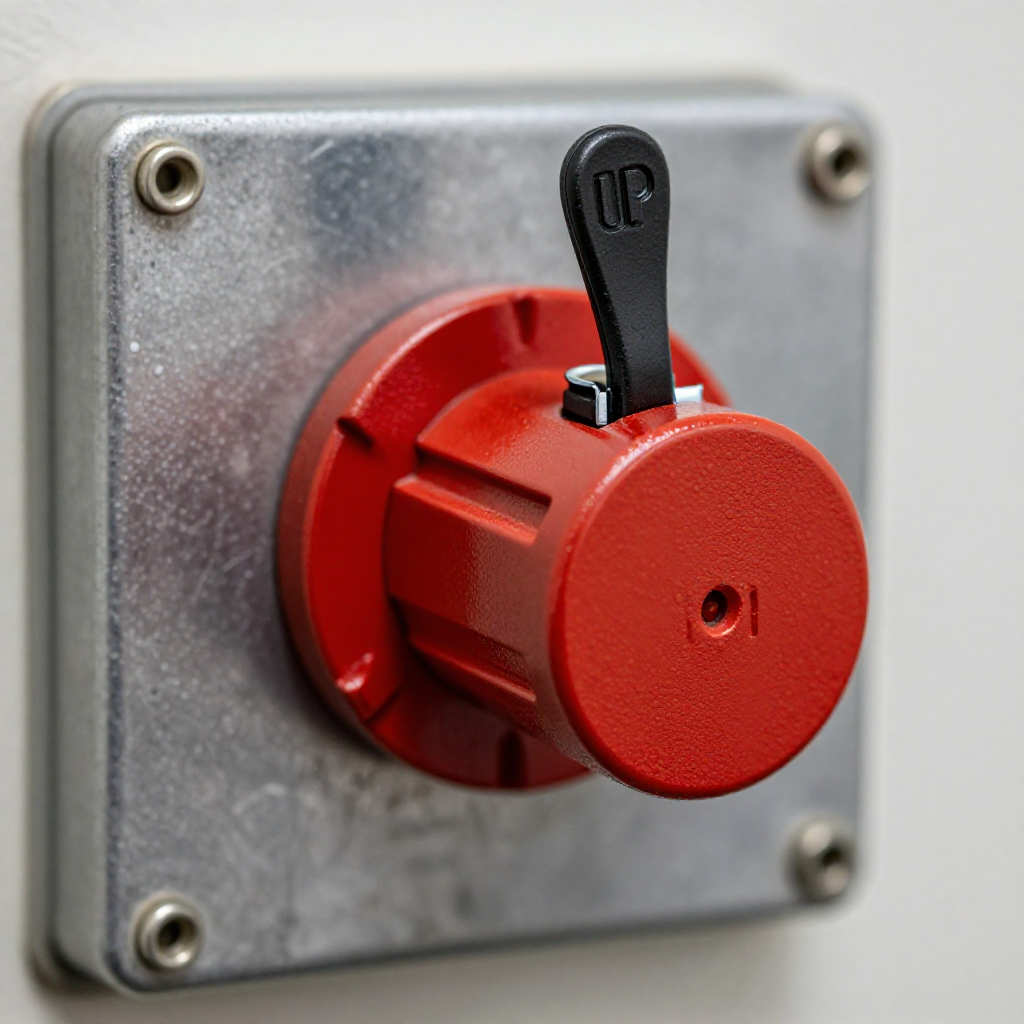
Check the furnace disconnect switch
Check the furnace disconnect switchLocate the furnace disconnect switch, usually a red or black box mounted on the furnace or nearby wall. Ensure it is in the ON position. Some switches look like a standard light switch.

autorenew4. If That Doesn't Work

Try the next recovery options.

Check for a blown fuse on the furnace boardTurn off power to the furnace, remove the access panel, and locate the control board. Inspect the small glass or blade-style fuse. Replace it with an identical 3-amp or 5-amp fuse if blown.
chevron_right

Frequently Asked Questions

How long do thermostat batteries last?expand_more
Typically 1-2 years. If your thermostat is hardwired, batteries are often a backup. Replace them annually.
Can a blank thermostat mean the HVAC unit is dead?expand_more
Not necessarily. A dead thermostat will prevent the system from running, but the HVAC unit itself may be fine. Check power first.
Why does my thermostat work but the screen is dim?expand_more
A dim screen usually indicates low batteries. Replace them. If the problem persists, the display may be failing.
Do I need to turn off power before checking the thermostat wiring?expand_more
Yes, turn off the furnace breaker before touching wires to avoid shorting the 24V transformer or shocking yourself.

warning5. Stop DIY If

Don't continue if any of these apply.

reportYou see a blown fuse and the replacement fuse blows immediately
reportThe thermostat wires are charred or melted
reportThe circuit breaker trips again immediately after resetting
Still stuck?Get personalized help with AI Recovery.

Same Device Recovery States

Device index arrow_forward

Similar Failure Pattern

This page provides general DIY guidance.
If you're unsure, it's always best to consult a professional.