STUCKFIX
handymanDIY Friendly
build

Thermostat Blank Screen No Power?

Your thermostat screen is blank and your HVAC won't turn on. Check the circuit breaker, batteries, and wiring before calling a pro.

Category:HVAC
Difficulty:Easy
Time:15 min
Success:50%
Updated:Jun 21, 2026

quick_referenceQuick Answer

For Thermostat Blank Screen No Power?, start with "Check the Circuit Breaker": Go to your electrical panel and look for a breaker labeled 'Furnace', 'AC', or 'HVAC'. If it's tripped (in the middle or off position), flip it fully off, then fully back on. Stop DIY if the breaker trips again immediately after resetting (indicates a short circuit). This is listed as a easy recovery and usually takes about 15 min.

verifiedGuide Snapshot

Repair areaHVAC
Estimated time15 min
DifficultyEasy
Stop conditions3

Last updated Jun 21, 2026. Review the stop conditions before continuing.

account_treeRecovery State

Current stateNo Power
Specific stateBlank Display
Failed stepPower Loss
Likely failure typeElectrical Fault
DIY boundaryDIY recovery first
paymentsCost decision

help1. Understand the Problem

A blank thermostat screen usually means a loss of power. This could be from a tripped circuit breaker, dead batteries (in battery-powered models), a blown fuse, or a loose wire connection. This guide will help you systematically restore power to your thermostat.

build_circle2. Try This First
Best First Step
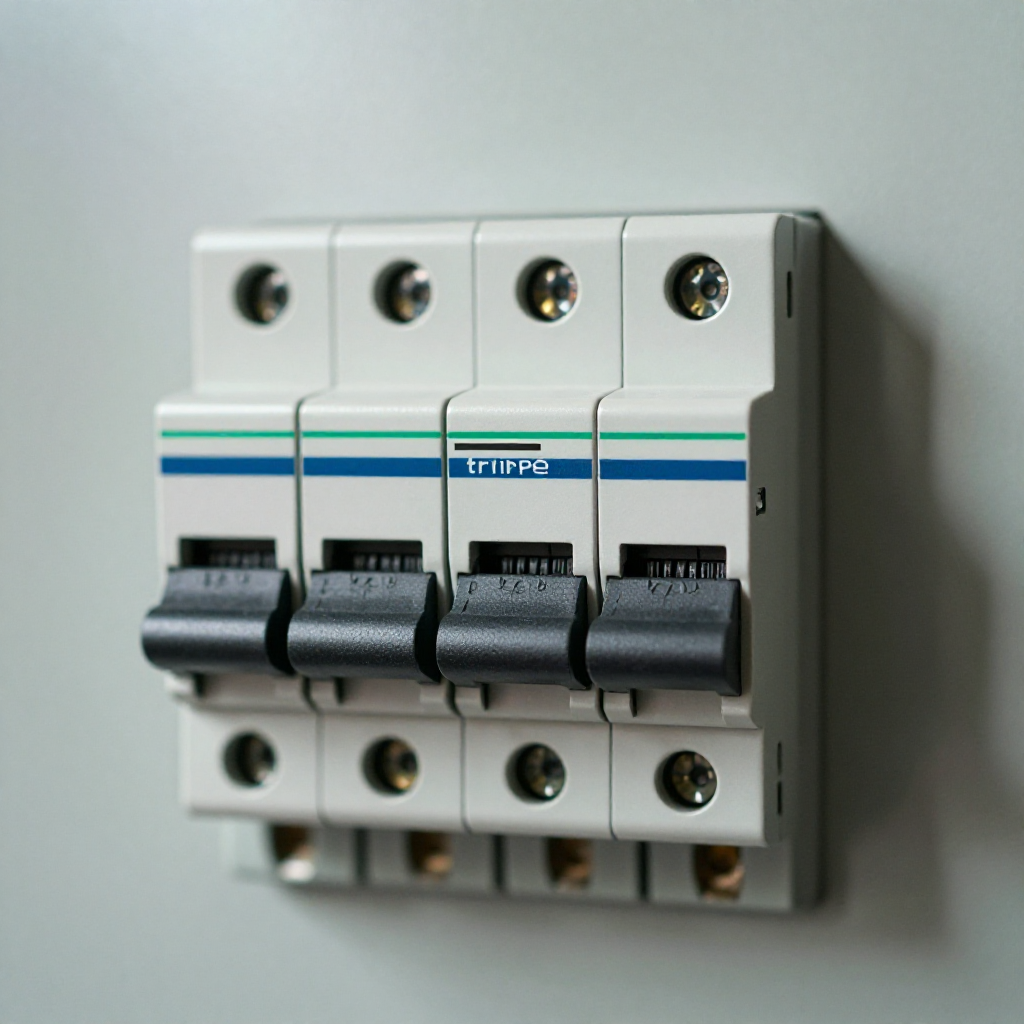
Check the Circuit Breaker

Check the Circuit Breaker

Go to your electrical panel and look for a breaker labeled 'Furnace', 'AC', or 'HVAC'. If it's tripped (in the middle or off position), flip it fully off, then fully back on.

visibility3. Visual Guidance

See what's happening and how to try the first recovery step.
1
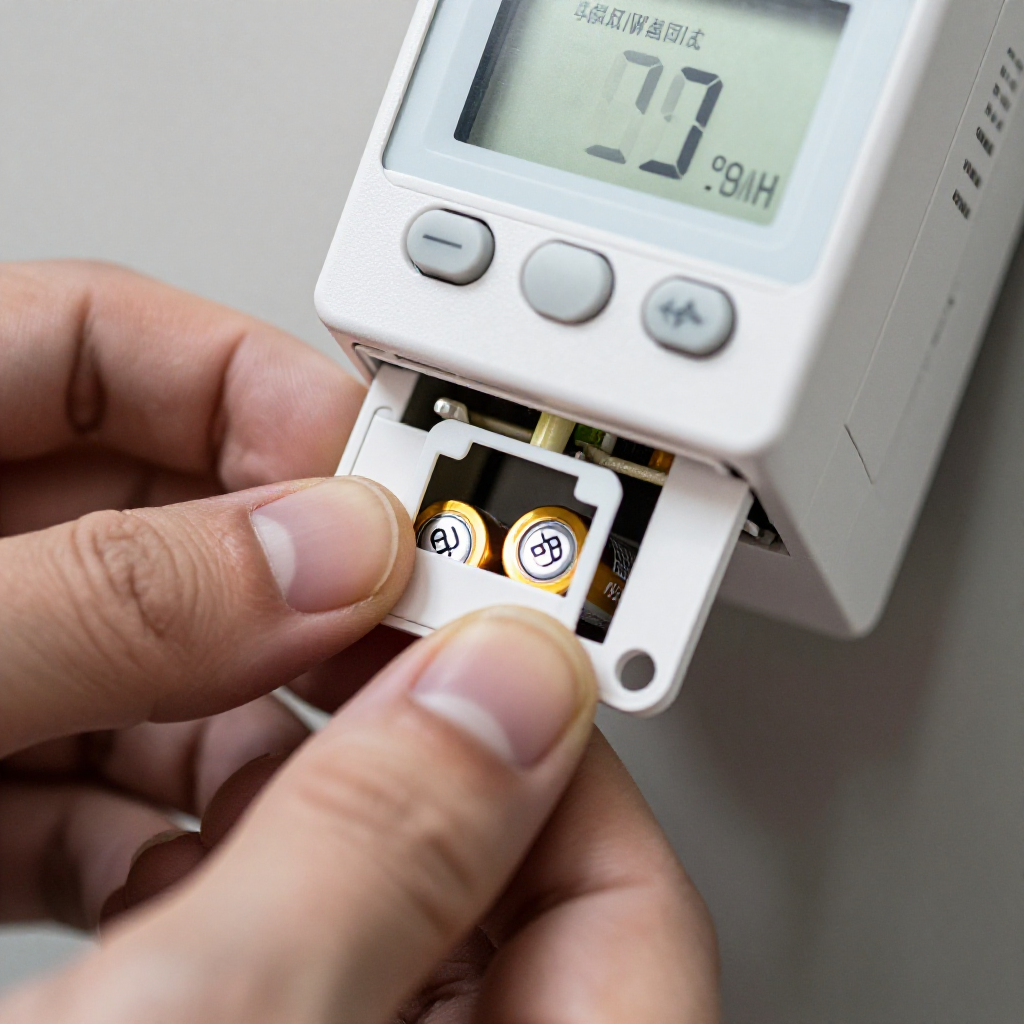
Replace the Thermostat Batteries
Replace the Thermostat BatteriesRemove the thermostat faceplate from the wall plate. Look for a battery compartment and replace any old batteries with new ones. Ensure correct polarity.
2
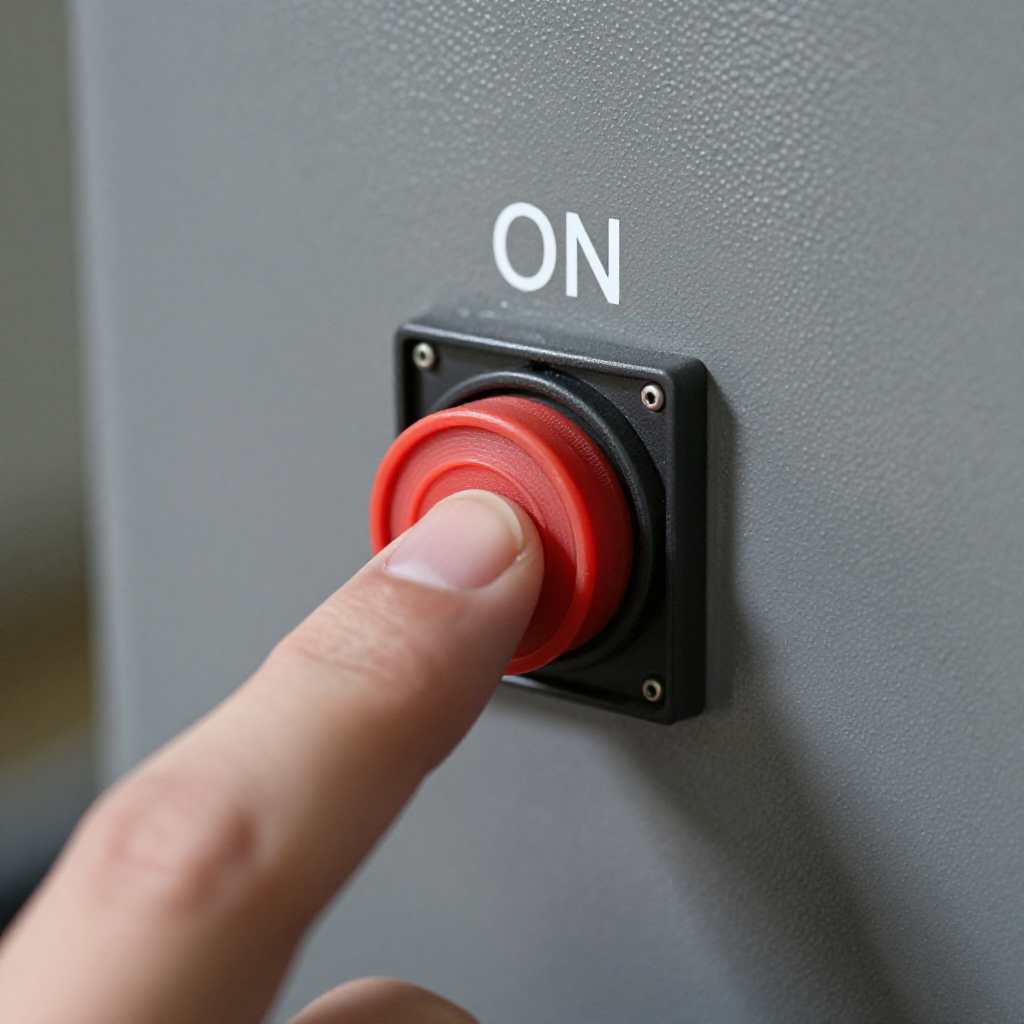
Check the Furnace Power Switch
Check the Furnace Power SwitchLocate the power switch on or near your furnace (it looks like a light switch). Ensure it is in the ON position. It may have been accidentally turned off.
3
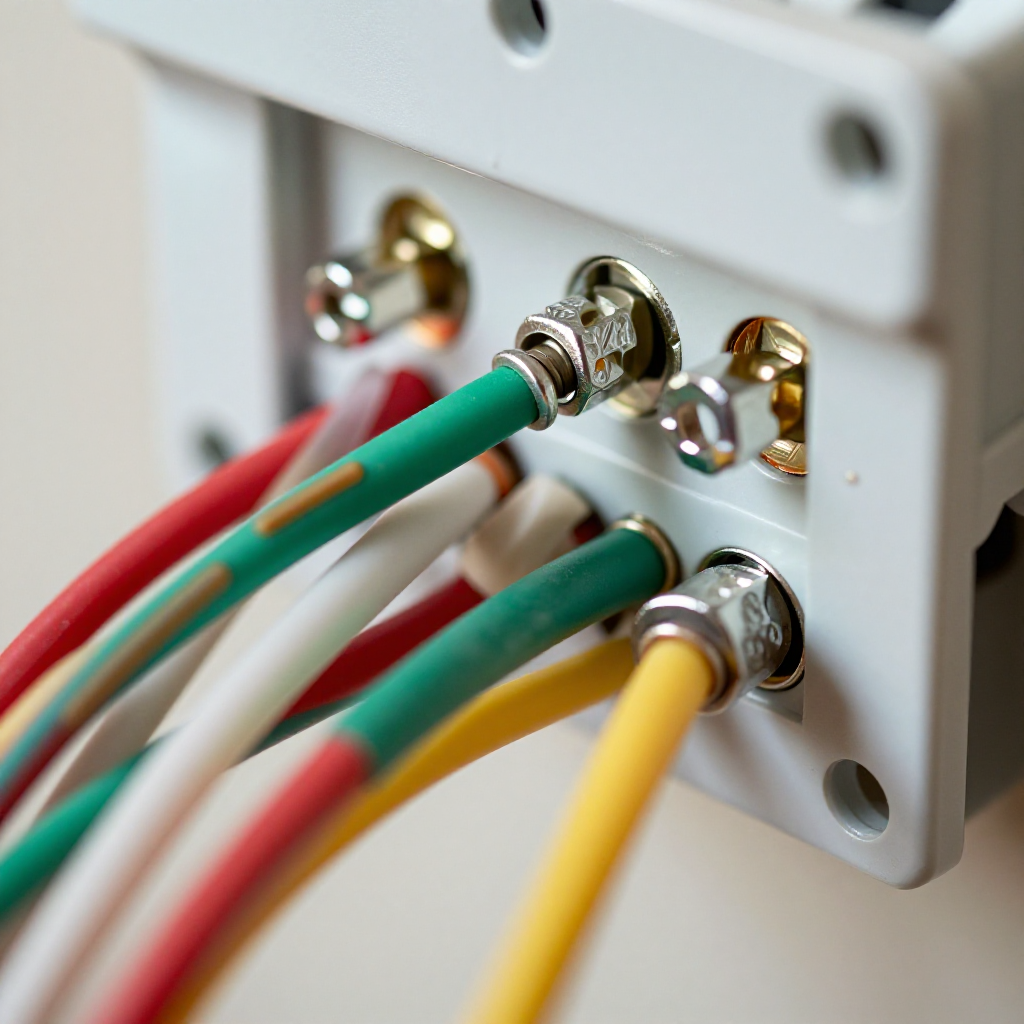
Inspect the Thermostat Wiring
Inspect the Thermostat WiringTurn off power at the breaker. Remove the thermostat faceplate and check that all wires are securely connected to the terminals. Look for any loose or corroded wires.
4
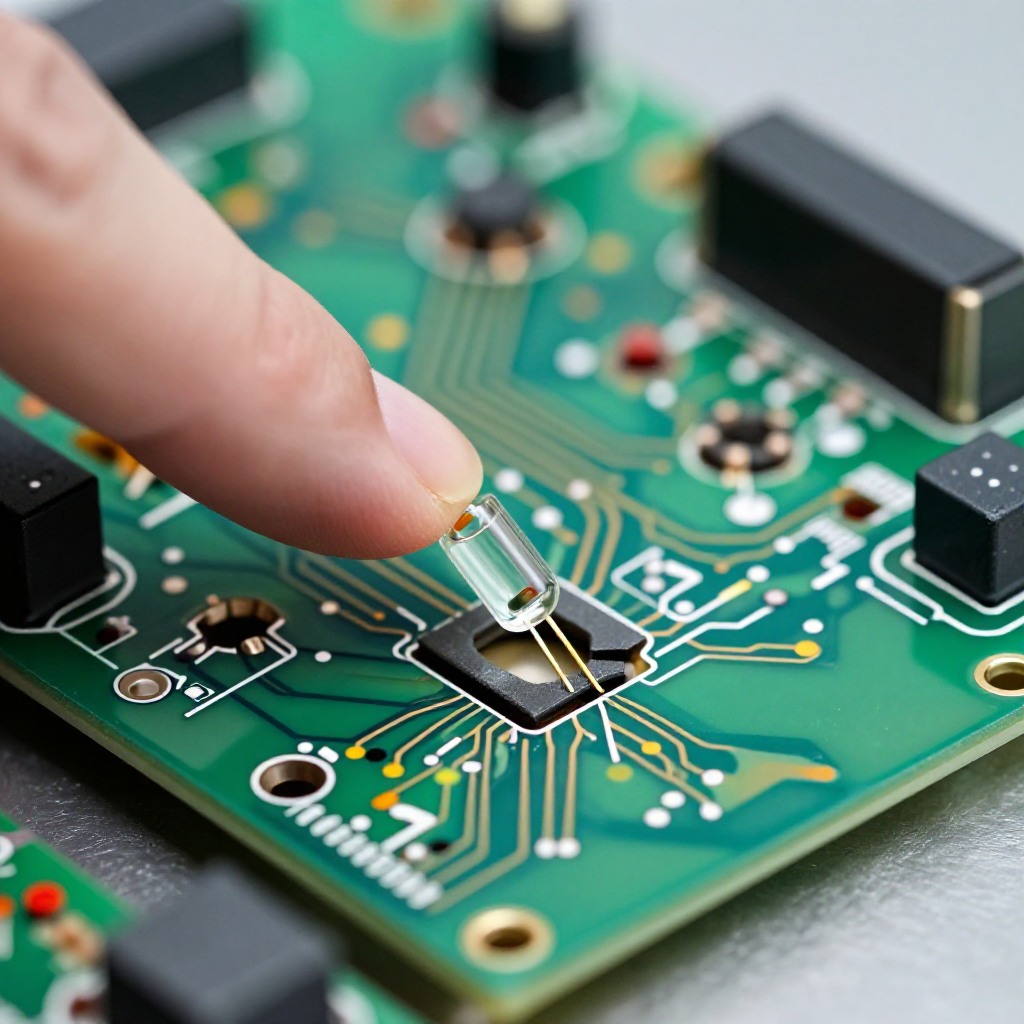
Check the Blown Fuse on the Control Board
Check the Blown Fuse on the Control BoardLocate the furnace control board (usually behind a panel). Look for a small 3-amp or 5-amp fuse. If the metal strip inside is broken, replace it with an identical fuse.

autorenew4. If That Doesn't Work

Try the next recovery options.

Replace the BatteriesIf your thermostat uses batteries, replace them with fresh alkaline batteries. This is the quickest and easiest fix.
chevron_right

Frequently Asked Questions

expand_more
expand_more
expand_more
expand_more

warning5. Stop DIY If

Don't continue if any of these apply.

reportThe breaker trips again immediately after resetting (indicates a short circuit).
reportYou see burnt or melted wires on the thermostat or furnace control board.
reportYou have checked all steps and the screen remains blank (may be a faulty thermostat or transformer).
Still stuck?Get personalized help with AI Recovery.

Related Recovery Problems

View all arrow_forward

Same Device Recovery States

Device index arrow_forward

Similar Failure Pattern

This page provides general DIY guidance.
If you're unsure, it's always best to consult a professional.