Why Does My Ceiling Fan Wobble When Running on High Speed?
A wobbling ceiling fan is usually unbalanced due to dust, loose blades, or a warped blade. Balance it in minutes.
quick_referenceQuick Answer
For Why Does My Ceiling Fan Wobble When Running on High Speed?, start with "Tighten All Blade Screws and Brackets": Turn off the fan and let it stop completely. Use a screwdriver to check every screw on each blade and blade bracket. Tighten any that are loose, but do not overtighten. Stop DIY if the fan wobbles violently or makes grinding noises. This is listed as a easy recovery and usually takes about 30 min.
verifiedGuide Snapshot
Last updated Jul 19, 2026. Review the stop conditions before continuing.
account_treeRecovery State
help1. Understand the Problem
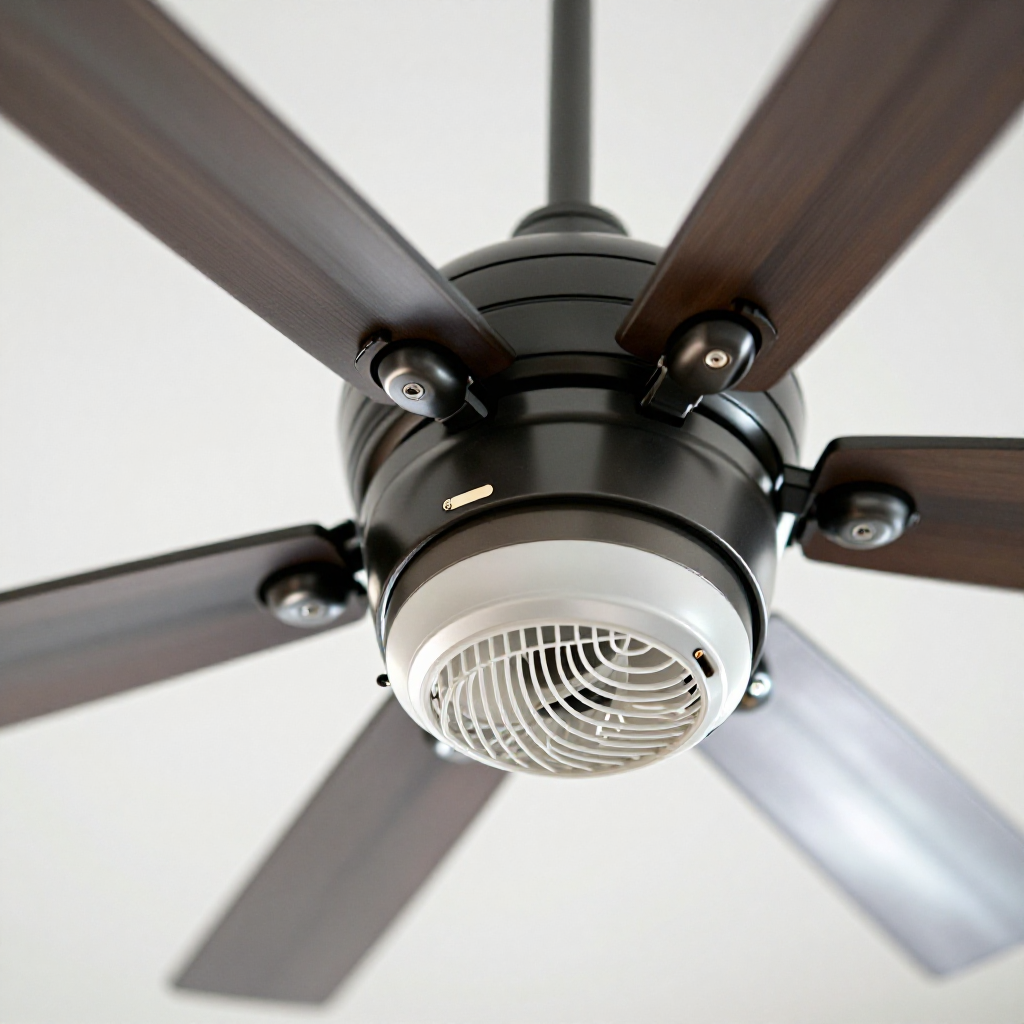
Ceiling fan wobble is most often caused by an imbalance in the blade assembly. This can happen when dust accumulates on one blade, a blade screw loosens, or a blade becomes slightly warped from humidity. In rare cases, the mounting bracket or motor housing may be loose. Fixing the balance restores quiet, smooth operation.
build_circle2. Try This First
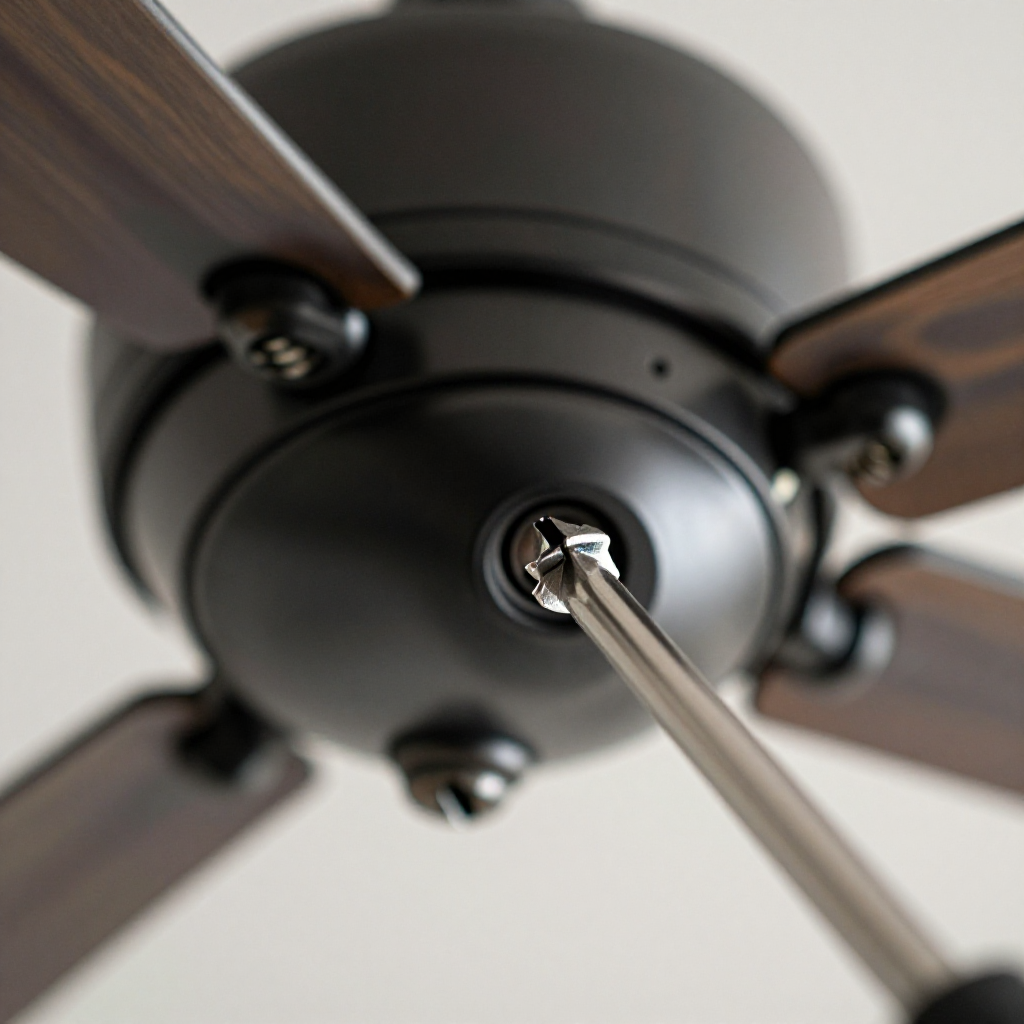
Tighten All Blade Screws and Brackets
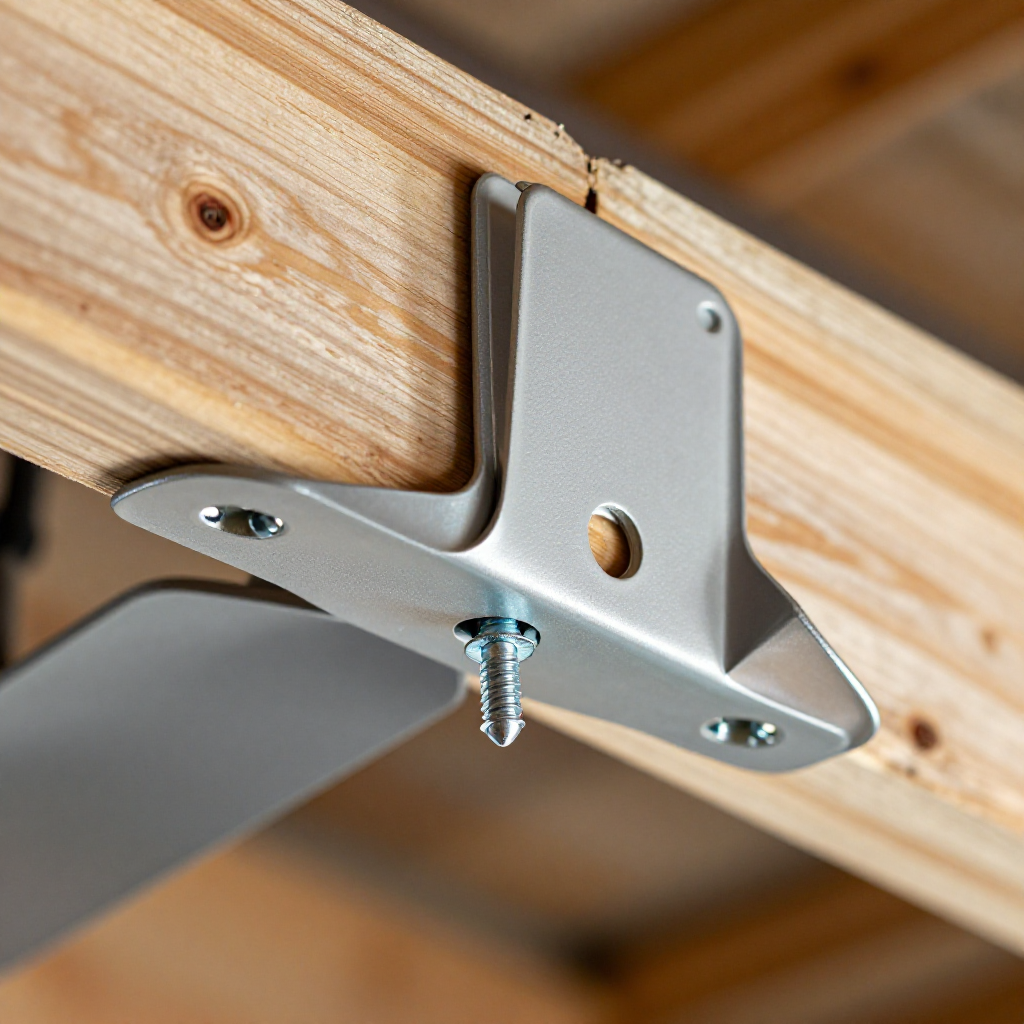
Turn off the fan and let it stop completely. Use a screwdriver to check every screw on each blade and blade bracket. Tighten any that are loose, but do not overtighten.
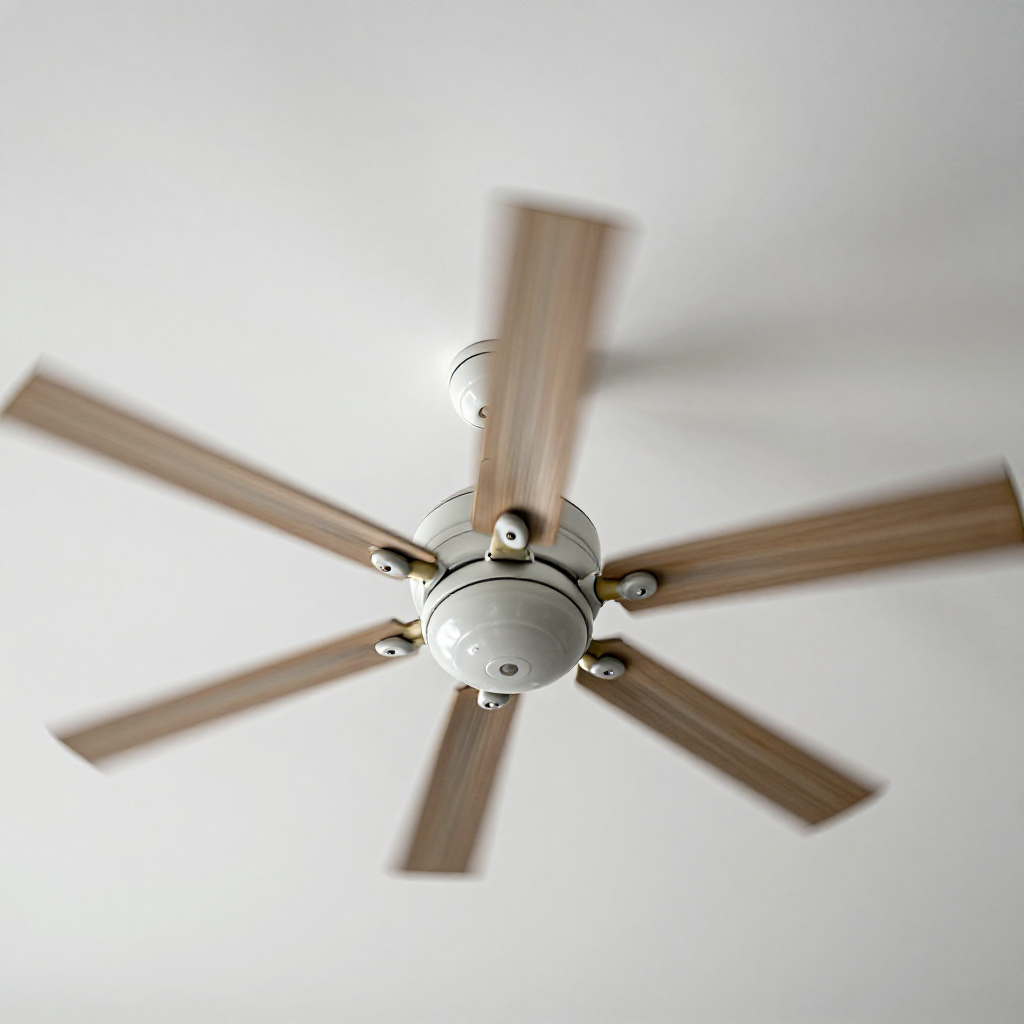
visibility3. Visual Guidance
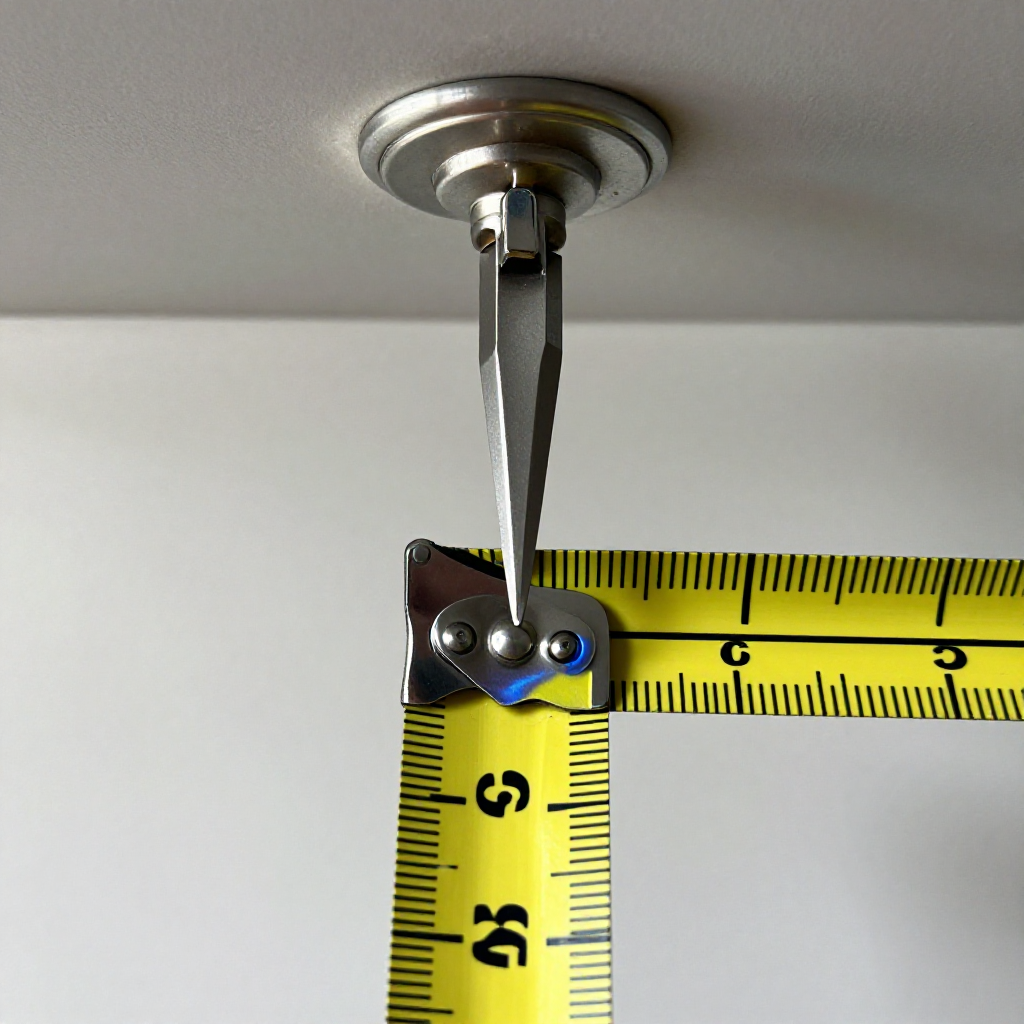
See what's happening and how to try the first recovery step.
autorenew4. If That Doesn't Work
Try the next recovery options.
Frequently Asked Questions
Can I use a coin instead of a balance kit?expand_more
Why does my fan wobble only on high speed?expand_more
How do I know which blade is causing the wobble?expand_more
Should I replace all blades if one is warped?expand_more
warning5. Stop DIY If
Don't continue if any of these apply.
Same Device Recovery States
Device index arrow_forwardSimilar Failure Pattern
This page provides general DIY guidance.
If you're unsure, it's always best to consult a professional.