STUCKFIX
handymanDIY Friendly
build

Why did my ceiling fan stop working after I pulled the chain?

A snapped pull chain can leave your fan stuck on one speed. Fix it by replacing the switch module or restringing the chain.

Category:Electrical
Difficulty:Moderate
Time:30 min
Success:50%
Updated:Jul 4, 2026

quick_referenceQuick Answer

For Why did my ceiling fan stop working after I pulled the chain?, start with "Turn off power and remove the fan canopy": Switch off the breaker for the fan. Use a screwdriver to remove the canopy screws and lower the canopy to expose the wiring and switch housing. Stop DIY if the fan wiring is aluminum (not copper). This is listed as a moderate recovery and usually takes about 30 min.

verifiedGuide Snapshot

Repair areaElectrical
Estimated time30 min
DifficultyModerate
Stop conditions3

Last updated Jul 4, 2026. Review the stop conditions before continuing.

account_treeRecovery State

Current statePull Chain Broken
Specific stateSwitch Failure
Failed stepChain Snap
Likely failure typeMechanical Jam
DIY boundaryDIY recovery first
paymentsCost decision

help1. Understand the Problem

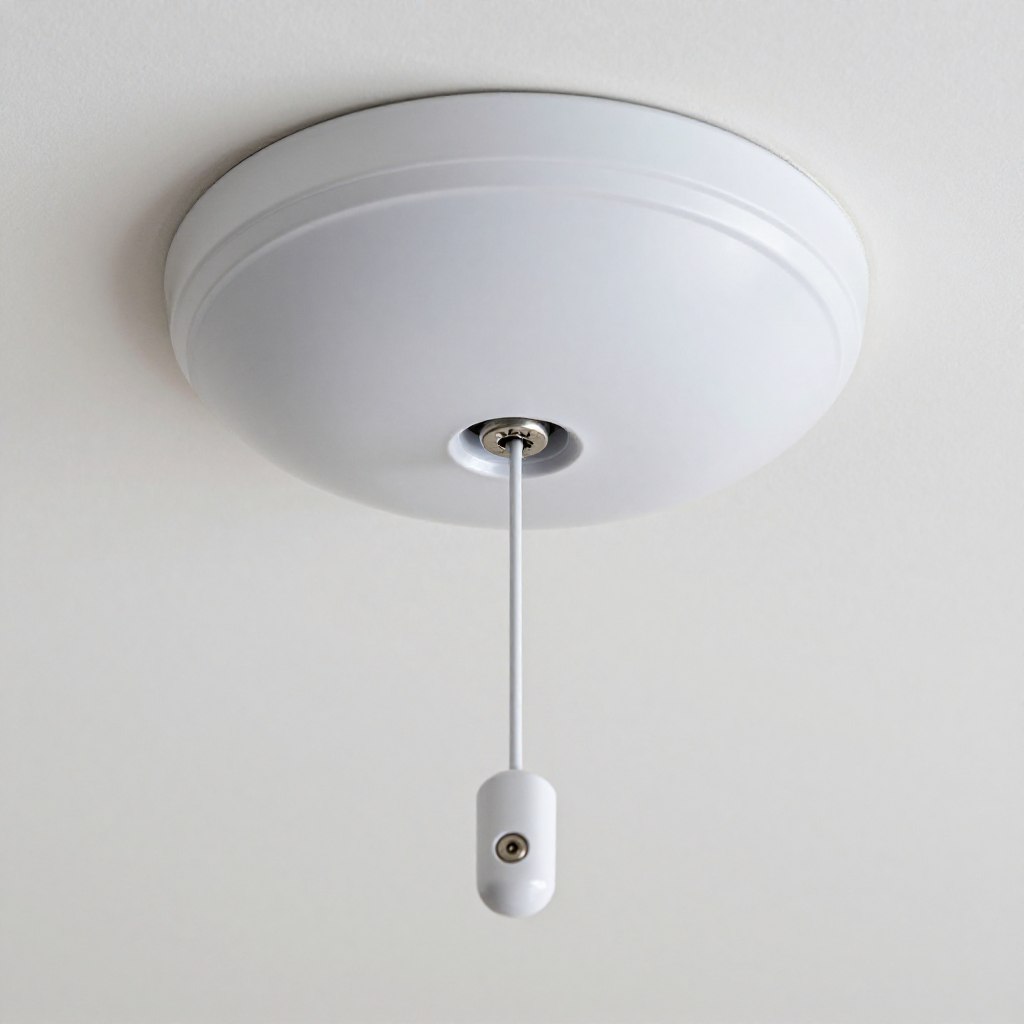
Ceiling fan pull chains are connected to a small switch inside the fan housing. Over time, the plastic switch can break or the chain can snap at the switch connection. The fan itself is usually fine—only the speed control mechanism is damaged.

build_circle2. Try This First
Best First Step
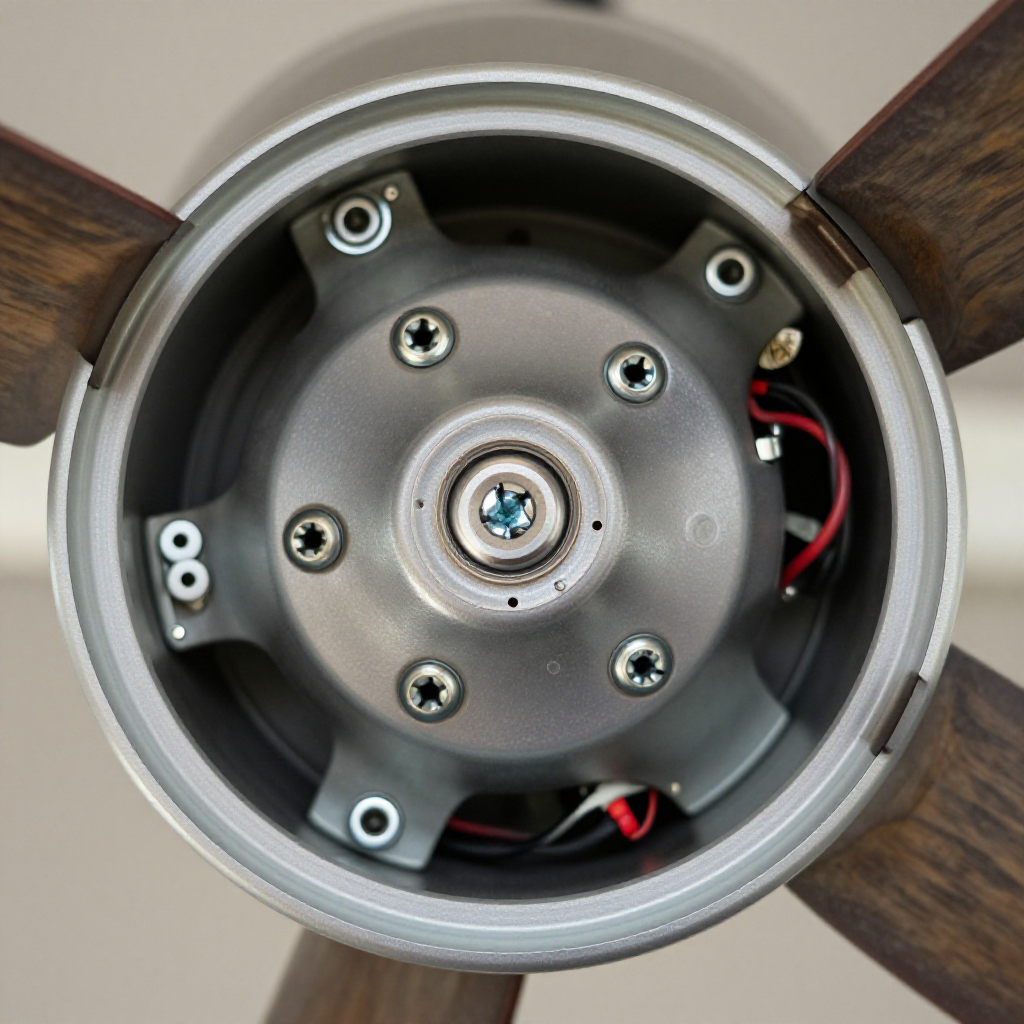
Turn off power and remove the fan canopy

Turn off power and remove the fan canopy

Switch off the breaker for the fan. Use a screwdriver to remove the canopy screws and lower the canopy to expose the wiring and switch housing.

visibility3. Visual Guidance

See what's happening and how to try the first recovery step.
1
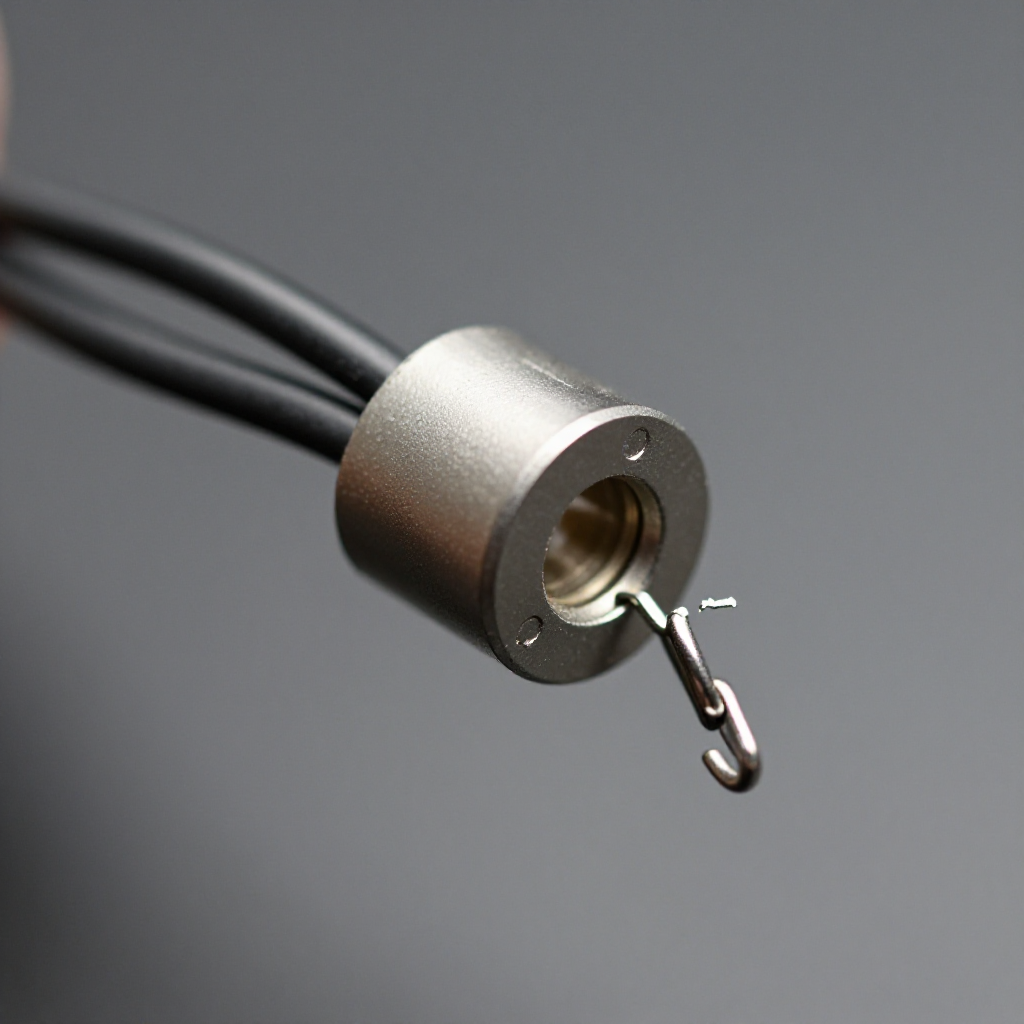
Locate the pull chain switch
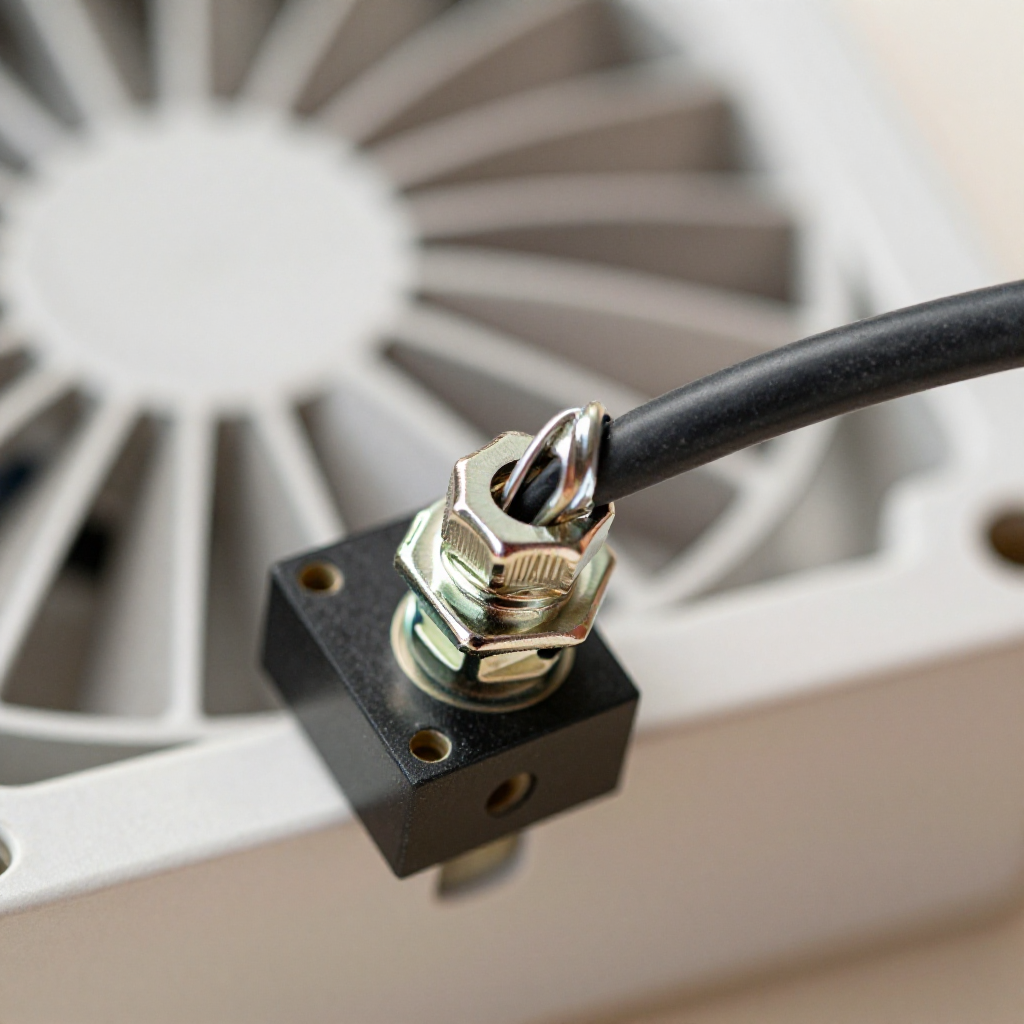
Locate the pull chain switchInside the switch housing, find the small plastic or metal switch module with a dangling chain stub. It's usually cylindrical with two wires connected.
2
Remove the old switch
Remove the old switchDisconnect the wires by unscrewing the wire nuts. Pull the switch out of its clip. Note the wire positions for reinstallation.
3
Install the new switch
Install the new switchInsert the new switch into the same clip. Connect the wires using wire nuts, matching the original configuration. Thread the new pull chain through the canopy hole.
4
Reassemble and test
Reassemble and testRaise the canopy and tighten the screws. Restore power. Pull the chain to cycle through off, low, medium, and high speeds.

autorenew4. If That Doesn't Work

Try the next recovery options.

Install a remote control kitBypass the pull chain entirely by installing a universal ceiling fan remote. This eliminates the need to repair the switch.
chevron_right
Replace the entire fanIf the fan is over 10 years old, consider replacing it with a new model that includes a wall control or remote.
chevron_right

Frequently Asked Questions

Can I just replace the chain without changing the switch?expand_more
Usually no. The chain breaks at the switch because the internal plastic mechanism fails. Replacing only the chain won't fix the broken switch.
What if my fan has a light kit too?expand_more
The light pull chain is a separate switch. Follow the same steps, but identify which chain controls the light vs. the fan speed.
Is it safe to work on a ceiling fan without turning off the breaker?expand_more
No. Always turn off the breaker and use a voltage tester to confirm the wires are dead before touching anything.
Where can I buy a replacement switch?expand_more
Most hardware stores sell universal ceiling fan switches. Bring the old one to match the number of speeds (usually 3 or 4 positions).

warning5. Stop DIY If

Don't continue if any of these apply.

reportThe fan wiring is aluminum (not copper)
reportYou see burnt or melted insulation on the wires
reportYou are uncomfortable working with live electrical connections
Still stuck?Get personalized help with AI Recovery.

Related Recovery Problems

View all arrow_forward

Same Device Recovery States

Device index arrow_forward

Similar Failure Pattern

This page provides general DIY guidance.
If you're unsure, it's always best to consult a professional.