Why does my ceiling fan wobble and make clicking noise?
A wobbling ceiling fan with clicking sounds usually means loose blade screws or an unbalanced blade. Tightening and balancing fixes it in minutes.
quick_referenceQuick Answer
For Why does my ceiling fan wobble and make clicking noise?, start with "Tighten all blade screws": Turn off the fan at the switch. Use a screwdriver to tighten every screw on each blade bracket and blade arm. Start from the fan motor side. Stop DIY if the fan is making a grinding noise from the motor. This is listed as a easy recovery and usually takes about 15 min.
verifiedGuide Snapshot
Last updated Jun 19, 2026. Review the stop conditions before continuing.
account_treeRecovery State
help1. Understand the Problem
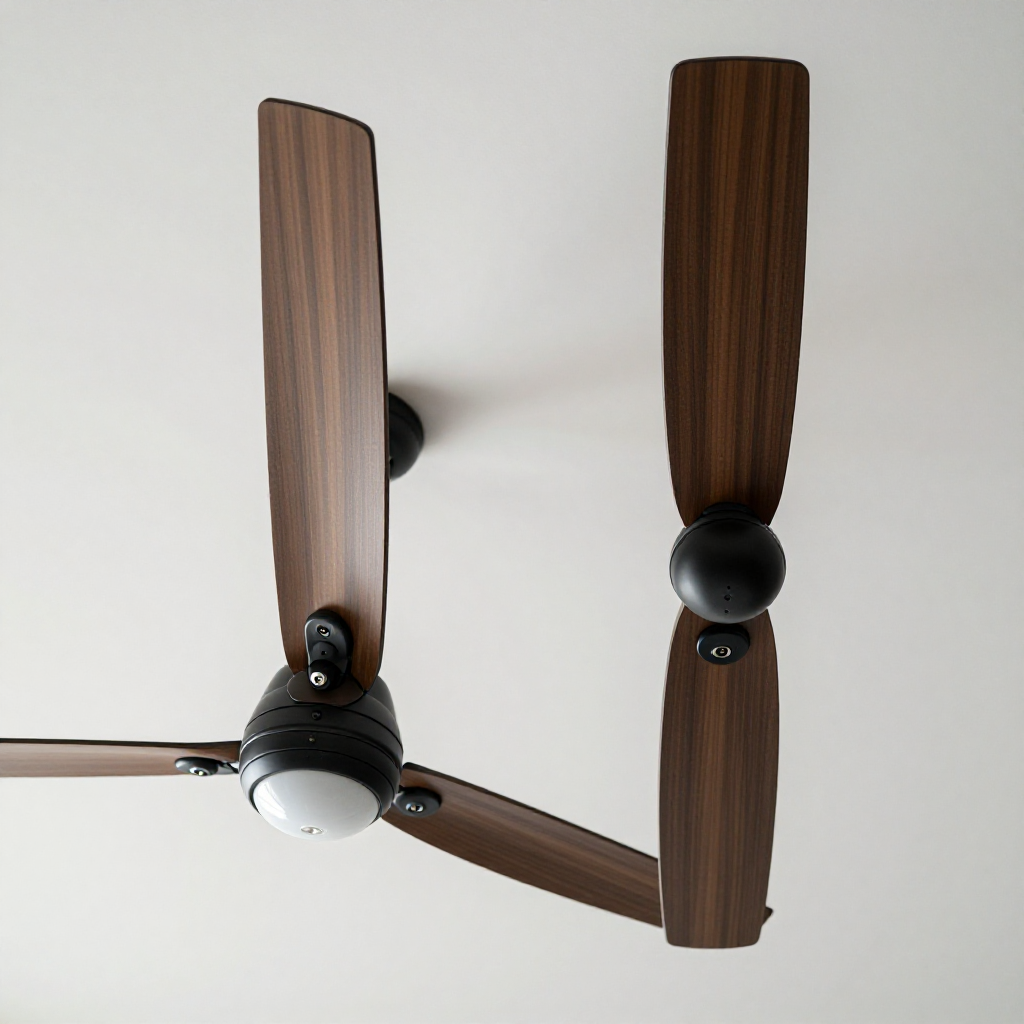
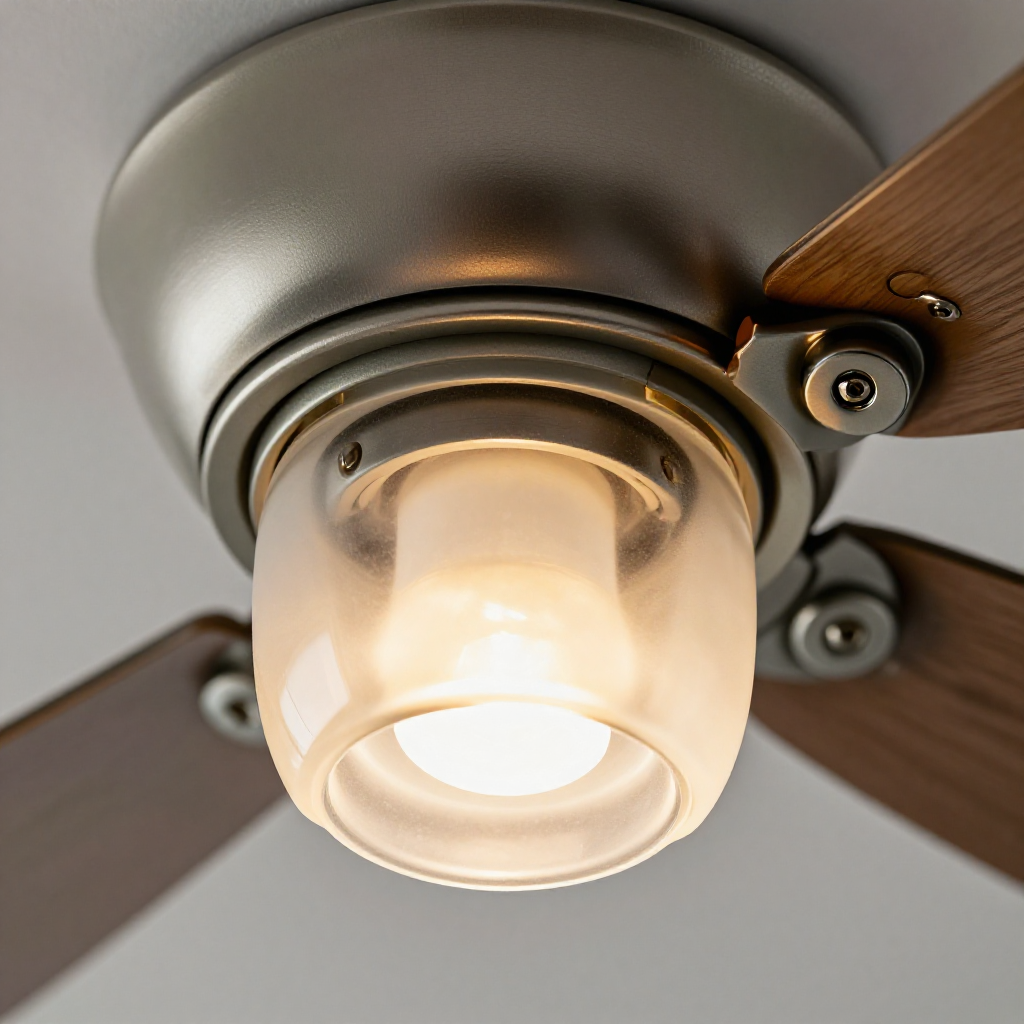
Ceiling fan wobble is almost always caused by loose blade screws or blades that are slightly out of balance. The clicking noise comes from a blade tip hitting the fan housing or a loose light fixture. Over time, vibration can loosen screws further, making the problem worse.
build_circle2. Try This First
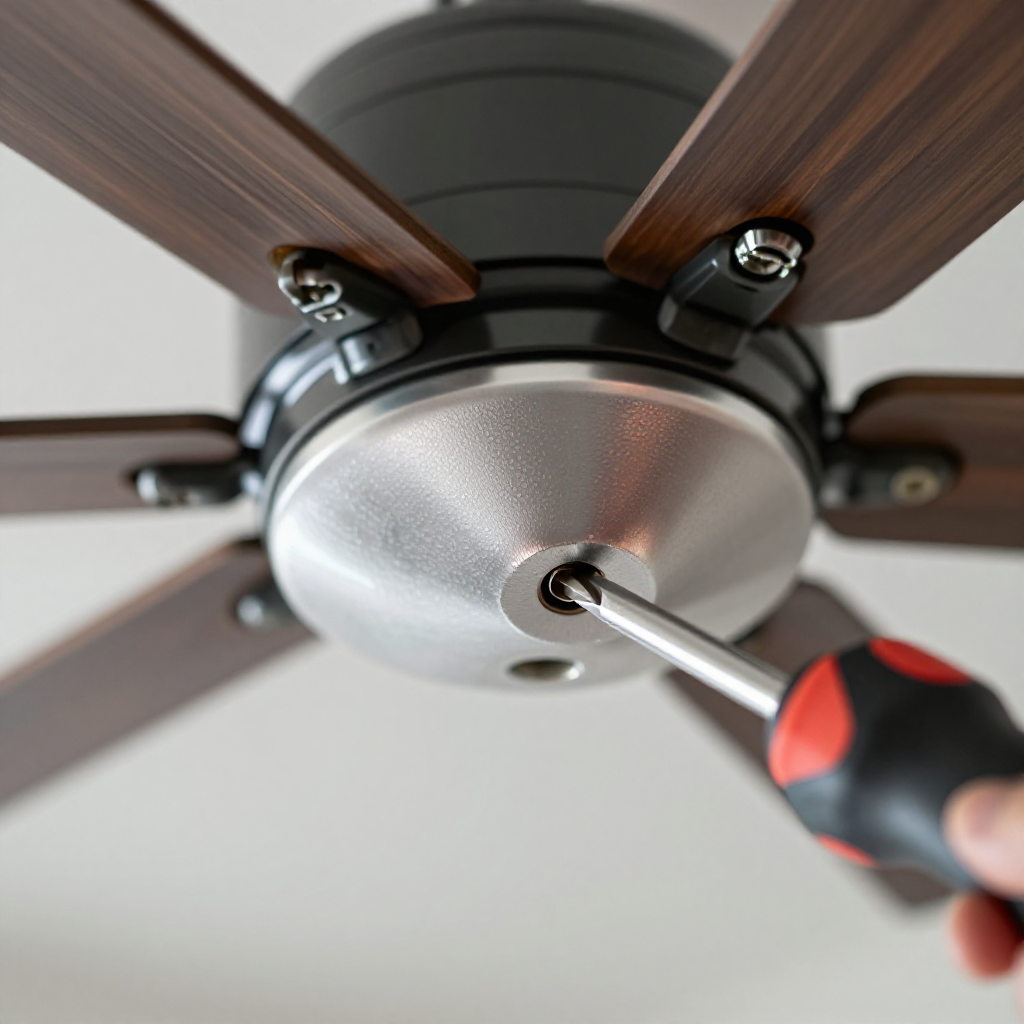
Tighten all blade screws
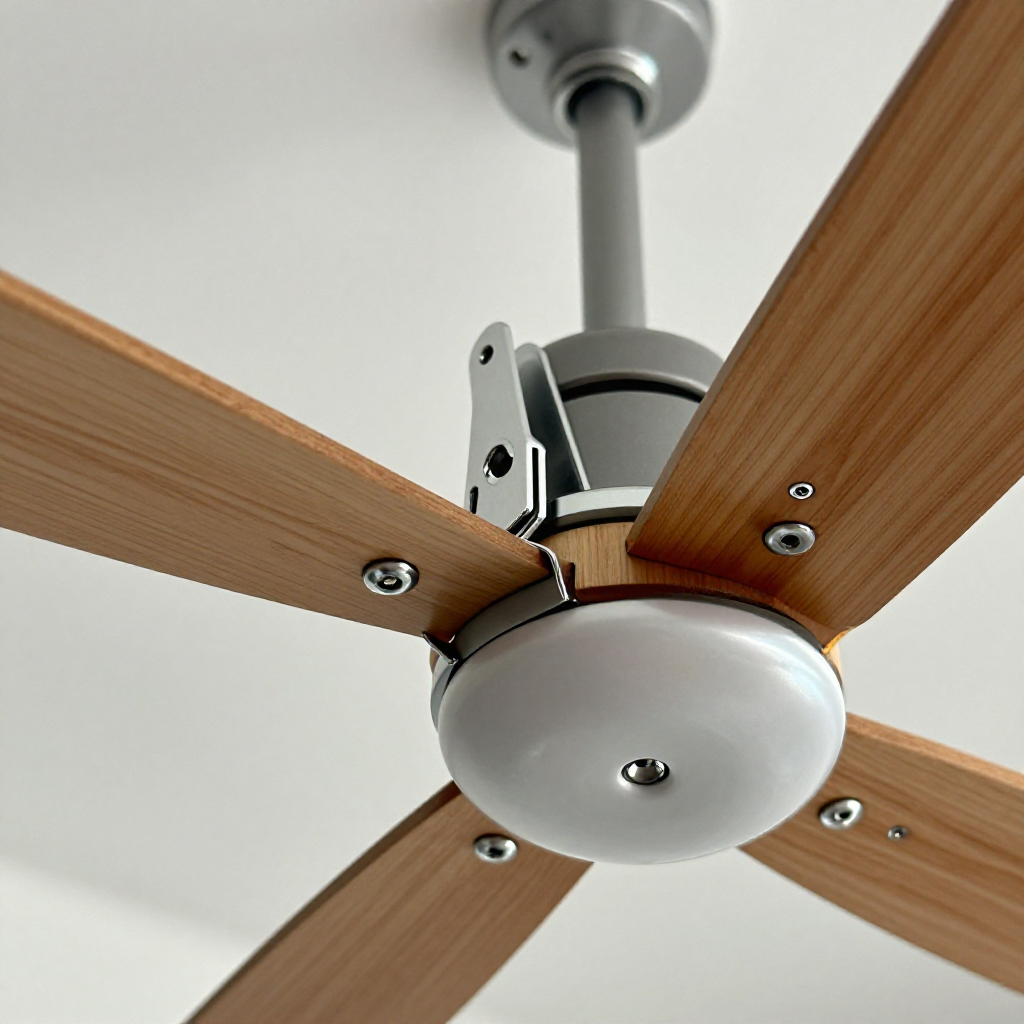
Turn off the fan at the switch. Use a screwdriver to tighten every screw on each blade bracket and blade arm. Start from the fan motor side.
visibility3. Visual Guidance
See what's happening and how to try the first recovery step.
autorenew4. If That Doesn't Work
Try the next recovery options.
Frequently Asked Questions
expand_more
expand_more
expand_more
expand_more
warning5. Stop DIY If
Don't continue if any of these apply.
Same Device Recovery States
Device index arrow_forwardSimilar Failure Pattern
This page provides general DIY guidance.
If you're unsure, it's always best to consult a professional.