STUCKFIX
handymanDIY Friendly
build

Why won't my ceiling fan turn on with the remote?

A ceiling fan that ignores the remote often has dead batteries, a pairing issue, or a faulty receiver. Diagnose and fix it in minutes.

Category:Electrical
Difficulty:Easy
Time:15 min
Success:50%
Updated:Jul 16, 2026

quick_referenceQuick Answer

For Why won't my ceiling fan turn on with the remote?, start with "Replace remote batteries": Open the battery compartment and replace with fresh alkaline batteries of the correct size (usually AAA or CR2032). Stop DIY if smoke or burning smell comes from the fan. This is listed as a easy recovery and usually takes about 15 min.

verifiedGuide Snapshot

Repair areaElectrical
Estimated time15 min
DifficultyEasy
Stop conditions3

Last updated Jul 16, 2026. Review the stop conditions before continuing.

account_treeRecovery State

Current stateNo Power
Specific stateRemote Failure
Failed stepRemote Pairing Loss
Likely failure typeSensor Fault
DIY boundaryDIY recovery first
paymentsCost decision

help1. Understand the Problem

Remote-controlled ceiling fans rely on a radio signal between the remote and a receiver inside the fan. When the fan doesn't respond, common causes include depleted remote batteries, a broken pairing code, or a failed receiver module. Simple troubleshooting often restores function without calling an electrician.

build_circle2. Try This First
Best First Step
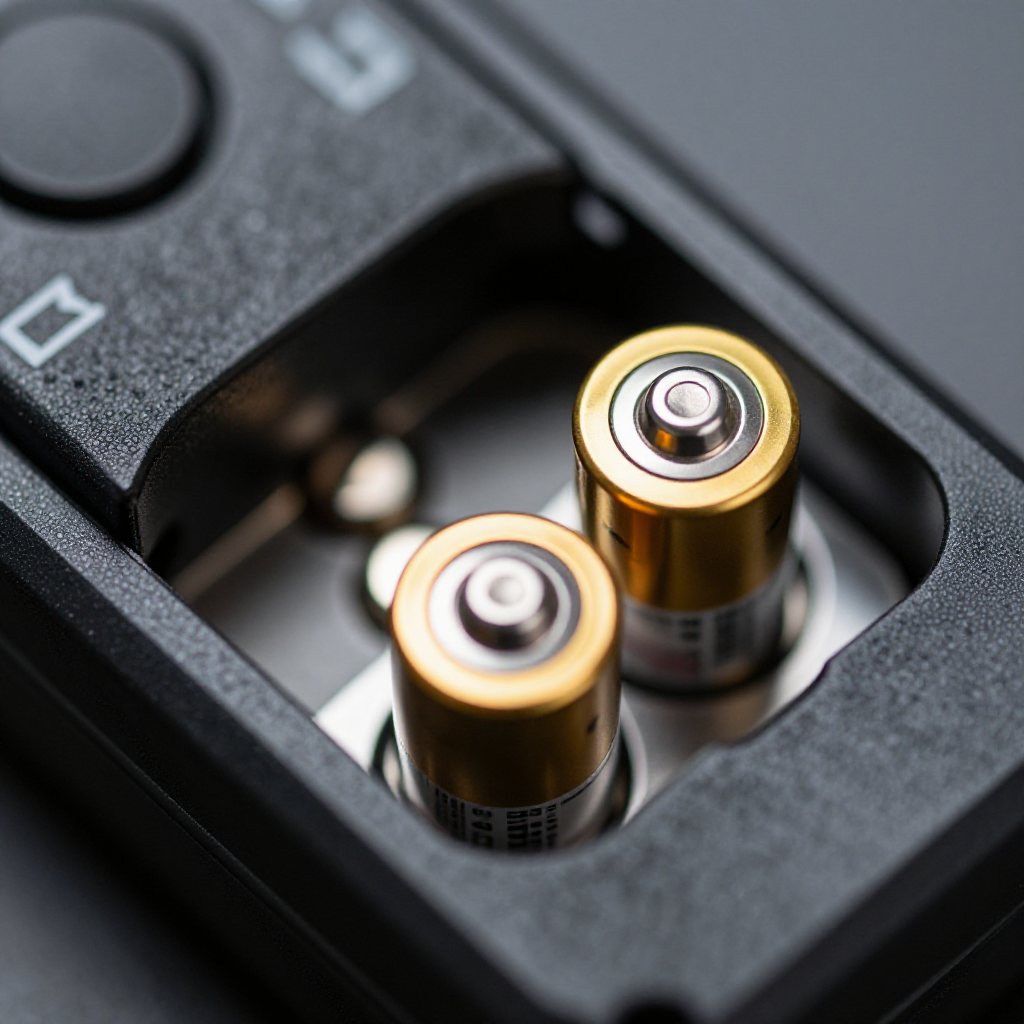
Replace remote batteries

Replace remote batteries

Open the battery compartment and replace with fresh alkaline batteries of the correct size (usually AAA or CR2032).

visibility3. Visual Guidance

See what's happening and how to try the first recovery step.
1
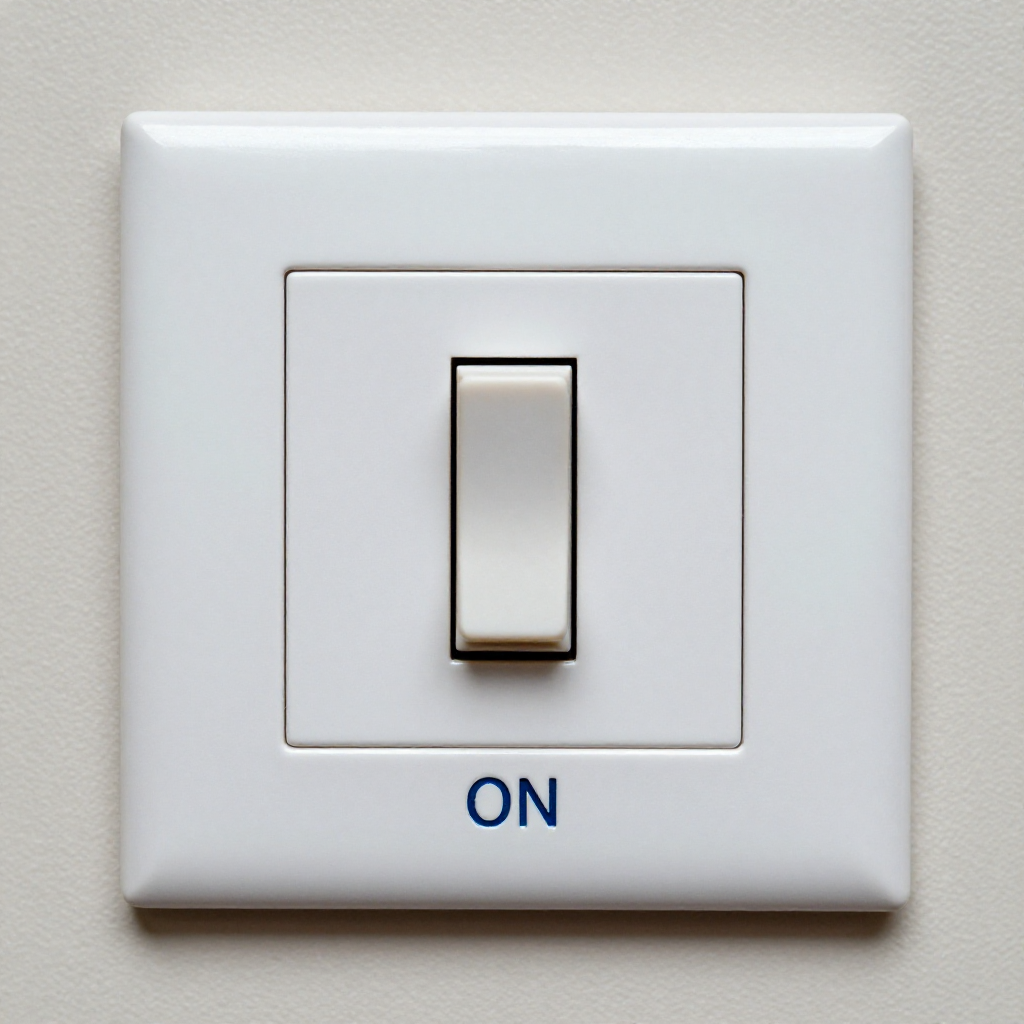
Check the fan's wall switch
Check the fan's wall switchEnsure the wall switch that powers the fan is in the ON position. Some fans require this to supply power to the receiver.
2
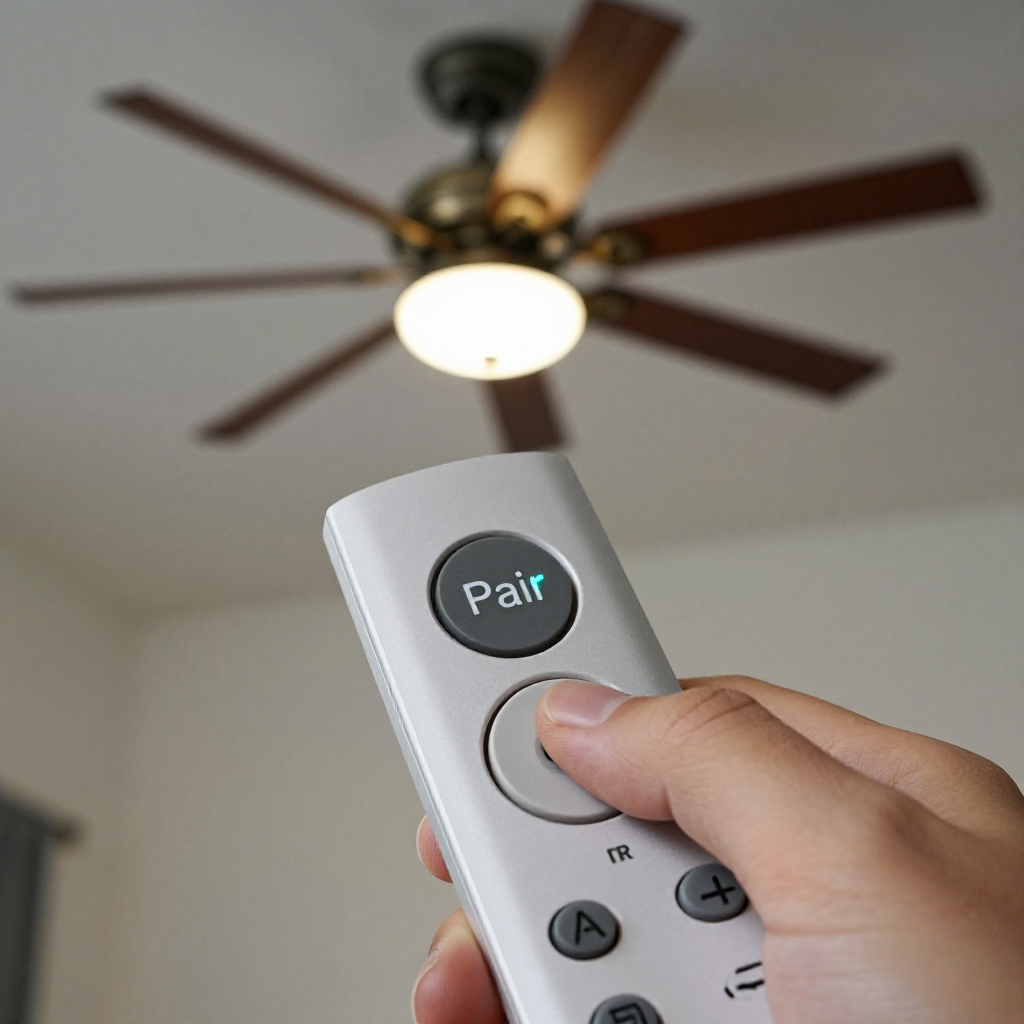
Repair the remote pairing
Repair the remote pairingTurn the fan off at the wall switch for 30 seconds, then turn it back on. Within 3 seconds, press and hold the remote's 'Pair' or 'Learn' button until the fan light blinks.
3
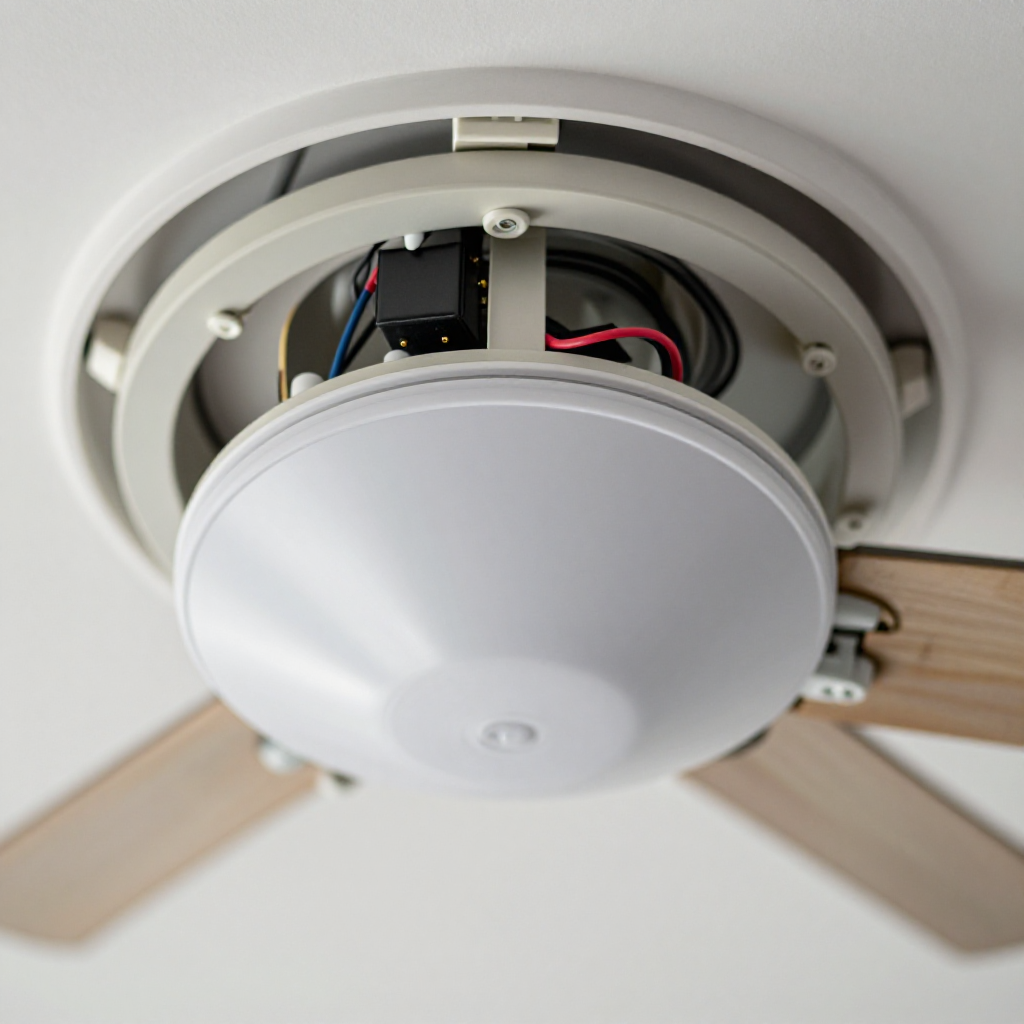
Test the receiver
Test the receiverIf pairing fails, the receiver inside the fan may be dead. Turn off power at the breaker, open the canopy, and check for loose wires or a burnt smell on the receiver.

autorenew4. If That Doesn't Work

Try the next recovery options.

Use the pull chain insteadIf the fan has pull chains, you can operate speed and light manually while waiting for a new remote.
chevron_right

Frequently Asked Questions

How long do ceiling fan remote batteries last?expand_more
Typically 6 to 12 months depending on usage. If the remote works intermittently, replace batteries first.
Can I use a universal remote for my ceiling fan?expand_more
Yes, many universal remotes are compatible, but you must match the frequency and replace the receiver in the fan. Check your fan's model for compatibility.
Why does my fan work with the pull chain but not the remote?expand_more
This indicates the fan motor is fine but the remote or receiver is faulty. Try re-pairing the remote or replacing the receiver.
Is it safe to replace the receiver myself?expand_more
Yes, if you turn off power at the breaker. It's a simple wiring swap—match wires by color. If unsure, call a pro.

warning5. Stop DIY If

Don't continue if any of these apply.

reportSmoke or burning smell comes from the fan
reportThe fan doesn't work with pull chains either
reportYou see damaged or melted wires inside the canopy
Still stuck?Get personalized help with AI Recovery.

Same Device Recovery States

Device index arrow_forward

Similar Failure Pattern

This page provides general DIY guidance.
If you're unsure, it's always best to consult a professional.