Why Does My Light Fixture Flicker When I Turn It On?
A flickering light can be a loose bulb, a failing switch, or a faulty connection. Diagnose and fix it safely step by step.
quick_referenceQuick Answer
For Why Does My Light Fixture Flicker When I Turn It On?, start with "Tighten the light bulb": Turn off the light and let it cool. Remove the bulb and check that the metal tab at the bottom of the socket is not flattened. Gently pry it up with a flathead screwdriver. Reinstall the bulb snugly. Stop DIY if multiple lights or appliances flicker simultaneously (call an electrician). This is listed as a easy recovery and usually takes about 15 min.
verifiedGuide Snapshot
Last updated Jun 11, 2026. Review the stop conditions before continuing.
account_treeRecovery State
help1. Understand the Problem
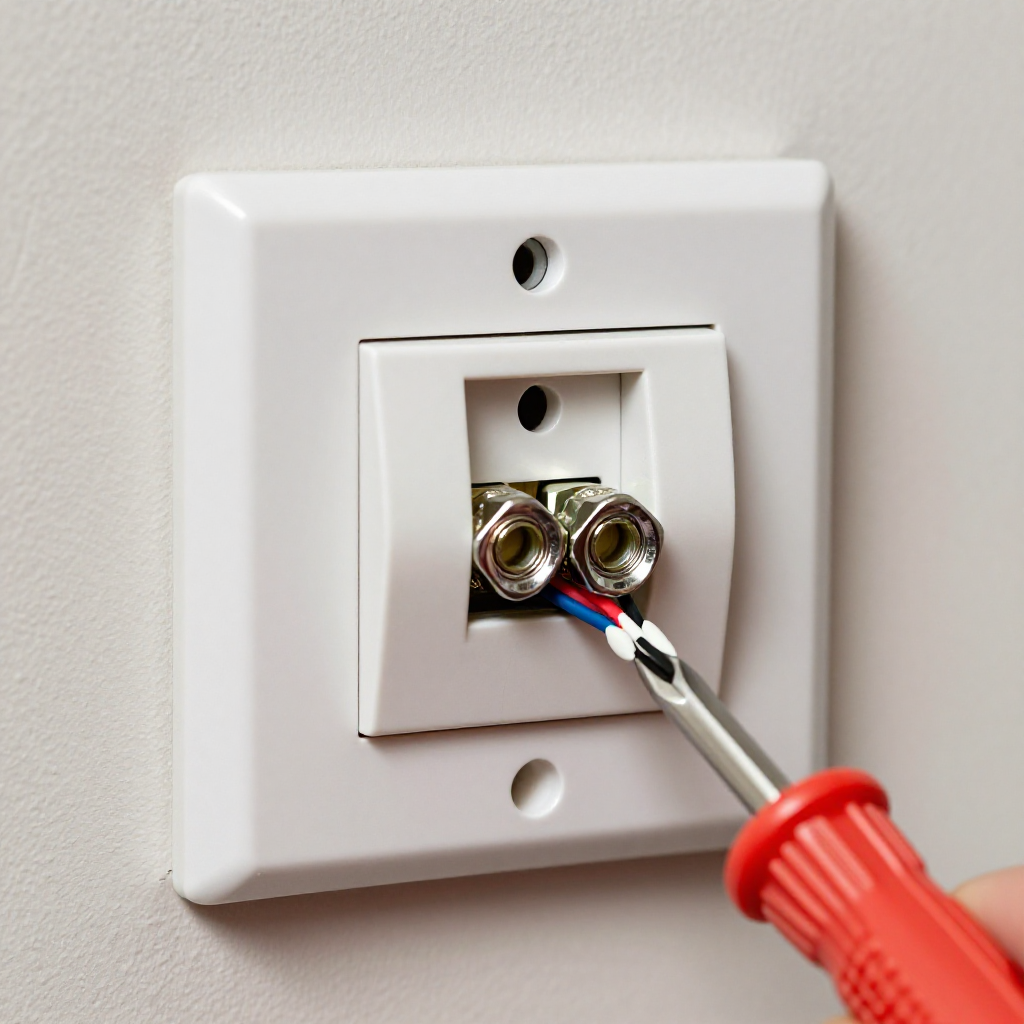
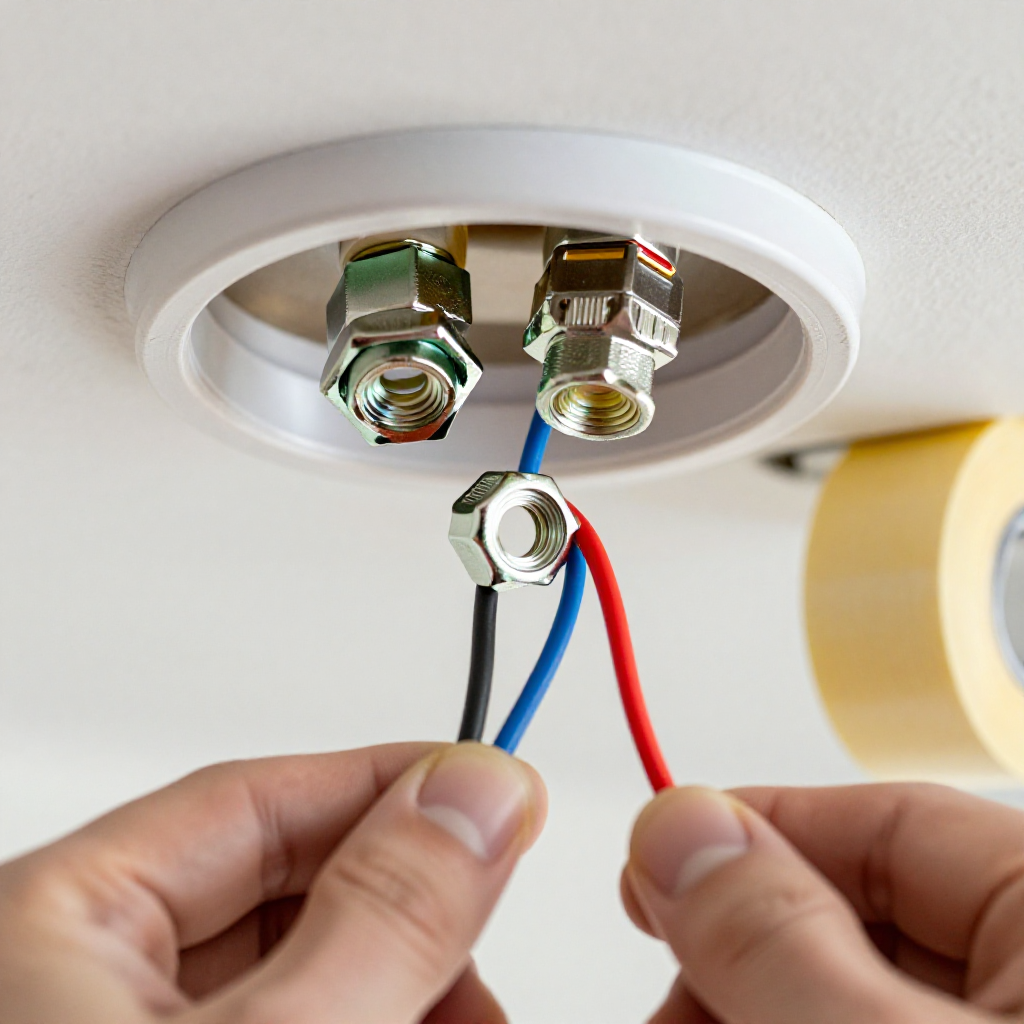
Flickering usually indicates a poor electrical connection somewhere in the circuit. The most common causes are a loose light bulb, a worn-out dimmer switch, or a loose wire nut in the fixture. Rarely, it signals a serious issue like a failing breaker or loose service connection.
build_circle2. Try This First
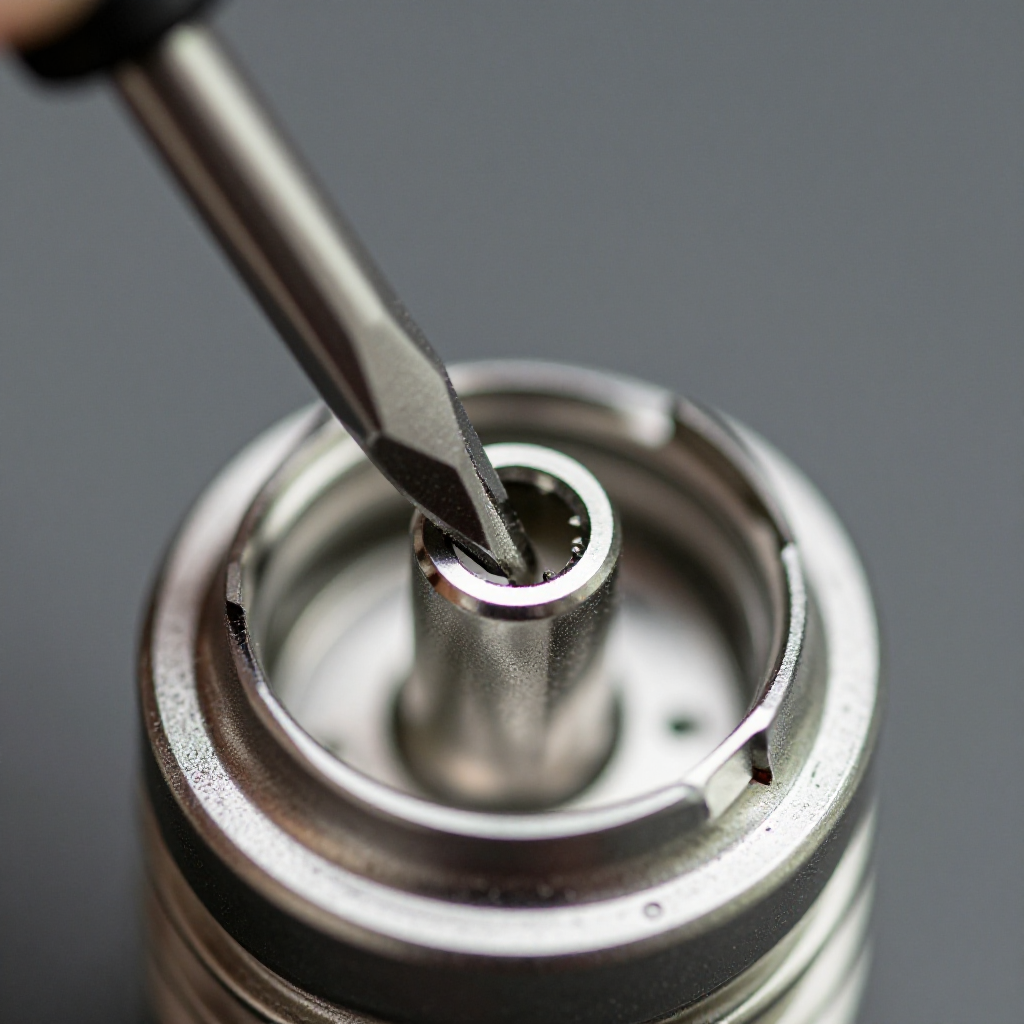
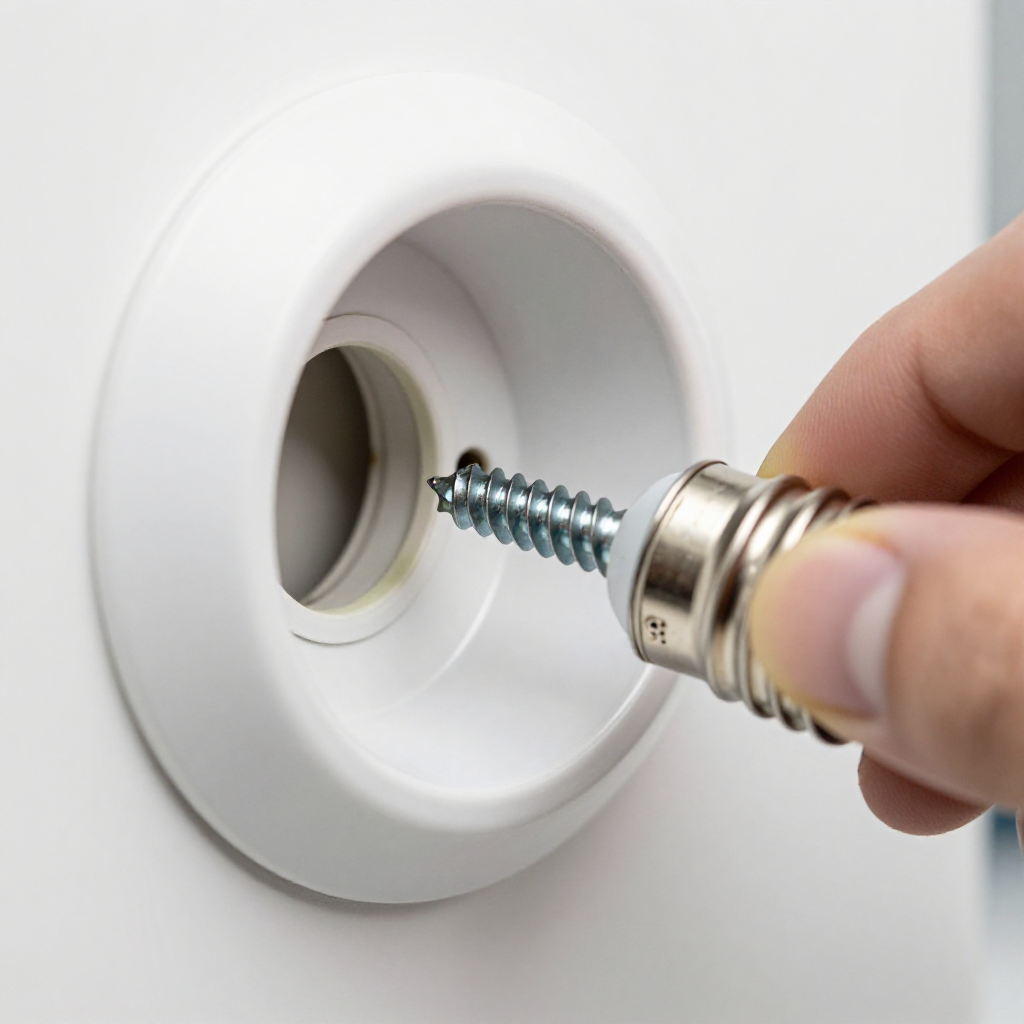
Tighten the light bulb
Turn off the light and let it cool. Remove the bulb and check that the metal tab at the bottom of the socket is not flattened. Gently pry it up with a flathead screwdriver. Reinstall the bulb snugly.
visibility3. Visual Guidance
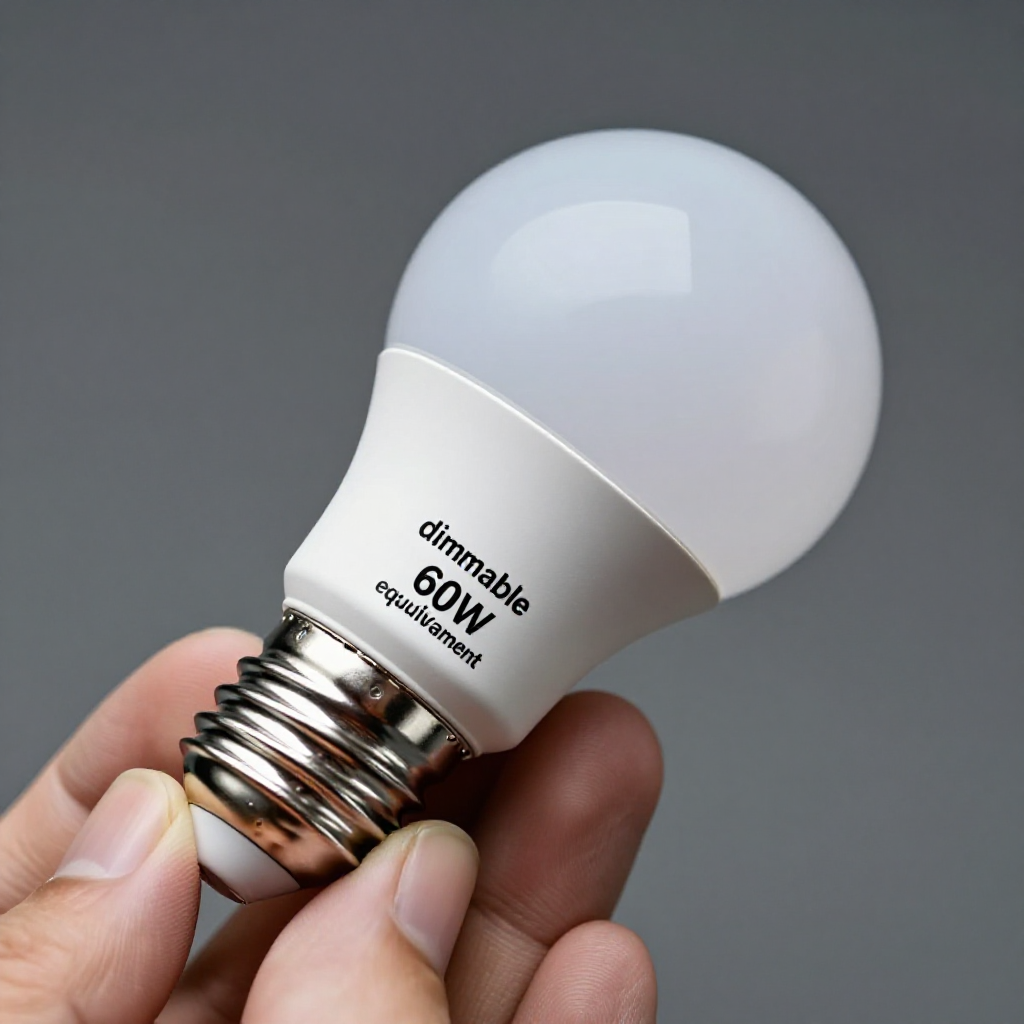
See what's happening and how to try the first recovery step.
autorenew4. If That Doesn't Work
Try the next recovery options.
Frequently Asked Questions
Is a flickering light dangerous?expand_more
Why does my LED bulb flicker on a dimmer?expand_more
Can a loose neutral wire cause flickering?expand_more
Should I use electrical tape on wire nuts?expand_more
warning5. Stop DIY If
Don't continue if any of these apply.
Related Recovery Problems
View all arrow_forwardSame Device Recovery States
Device index arrow_forwardSimilar Failure Pattern
This page provides general DIY guidance.
If you're unsure, it's always best to consult a professional.