STUCKFIX
handymanDIY Friendly
build

Why does my light switch feel hot to the touch?

A hot light switch can indicate a loose connection or overloaded circuit. Learn how to safely inspect and tighten wiring to prevent fire risk.

Category:Electrical
Difficulty:Moderate
Time:30 min
Success:50%
Updated:Jul 24, 2026

quick_referenceQuick Answer

For Why does my light switch feel hot to the touch?, start with "Turn off power at the breaker": Locate the correct circuit breaker for the room and switch it off. Confirm power is dead by testing the switch with a non-contact voltage tester. Stop DIY if you smell burning plastic or see smoke. This is listed as a moderate recovery and usually takes about 30 min.

verifiedGuide Snapshot

Repair areaElectrical
Estimated time30 min
DifficultyModerate
Stop conditions3

Last updated Jul 24, 2026. Review the stop conditions before continuing.

account_treeRecovery State

Current stateOverheating
Specific stateHot Switch
Failed stepLoose Terminal
Likely failure typeElectrical Fault
DIY boundaryDIY recovery first
paymentsCost decision

help1. Understand the Problem

Light switches can become warm due to resistance caused by loose wire connections or a switch rated for lower amperage than the load. This is a serious fire hazard that requires immediate attention. The fix involves checking wire connections and replacing the switch if necessary.

build_circle2. Try This First
Best First Step
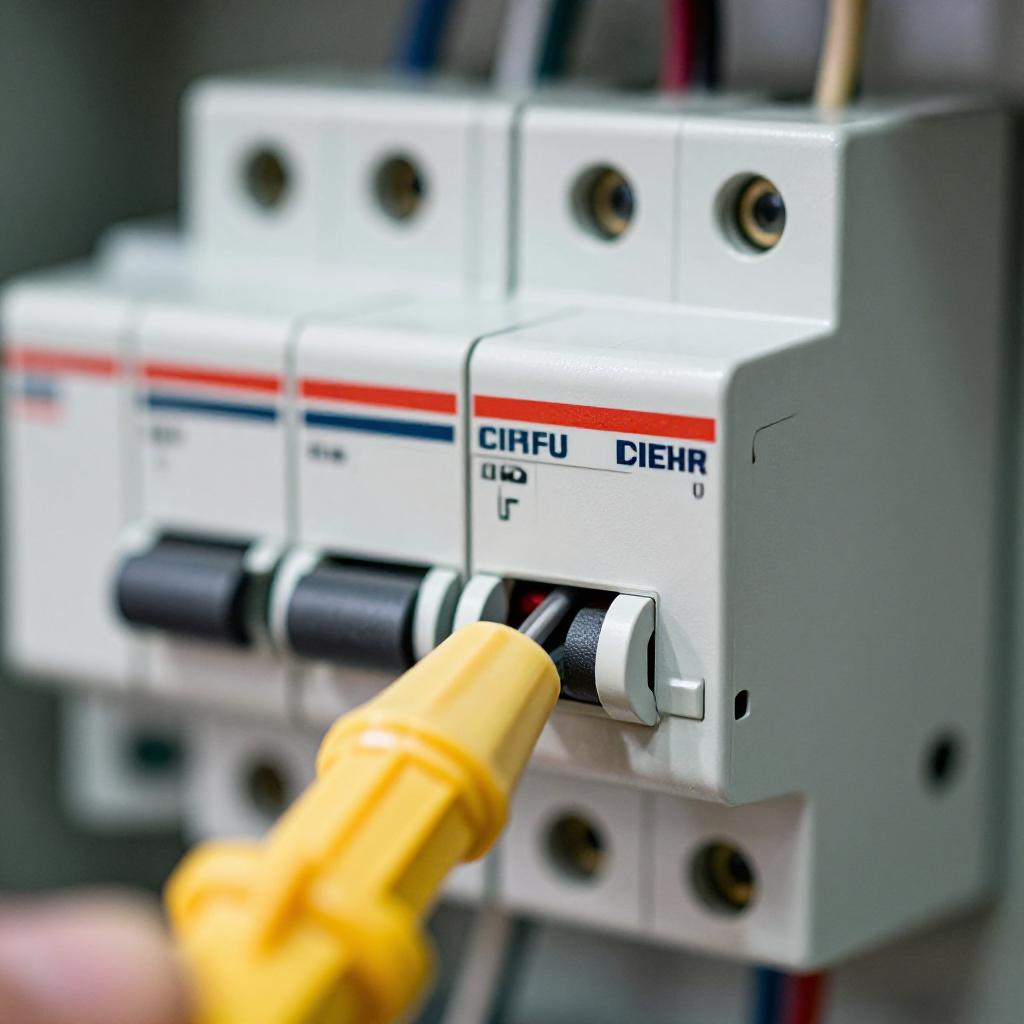
Turn off power at the breaker

Turn off power at the breaker

Locate the correct circuit breaker for the room and switch it off. Confirm power is dead by testing the switch with a non-contact voltage tester.

visibility3. Visual Guidance

See what's happening and how to try the first recovery step.
1
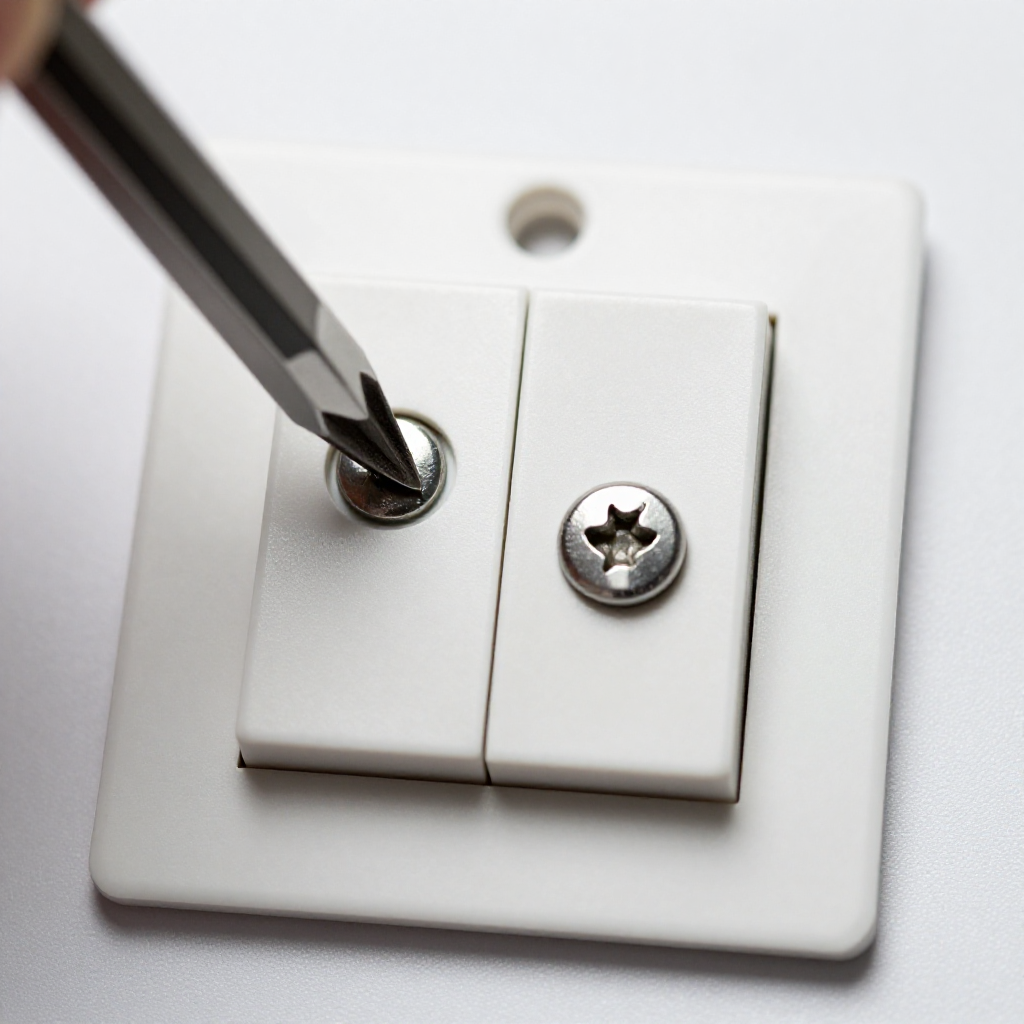
Remove the switch cover plate
Remove the switch cover plateUnscrew the cover plate screws and set the plate aside. Use a screwdriver to remove the two screws holding the switch to the electrical box.
2
Inspect wire connections
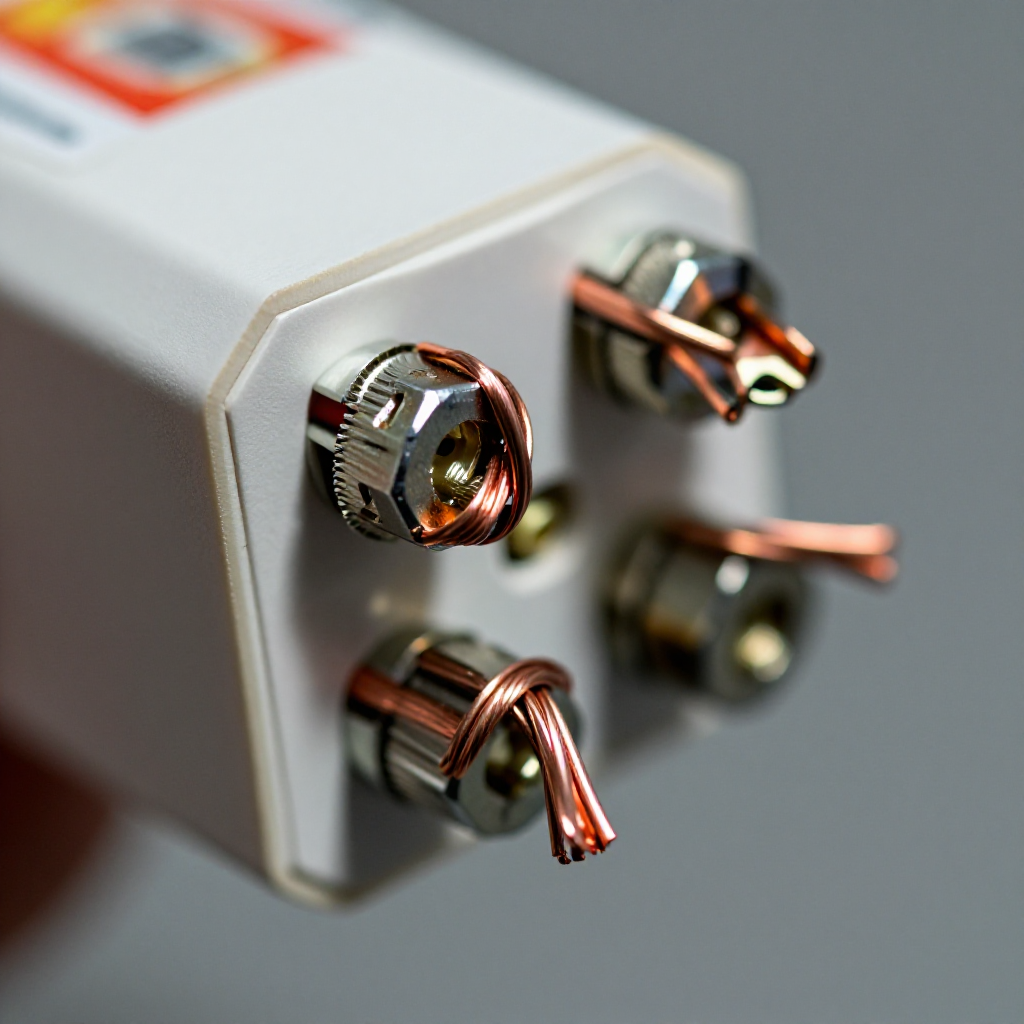
Inspect wire connectionsPull the switch out gently. Look for blackened or melted insulation around the terminal screws. Check that each wire is wrapped clockwise around the screw and fully tightened.
3
Tighten loose terminals
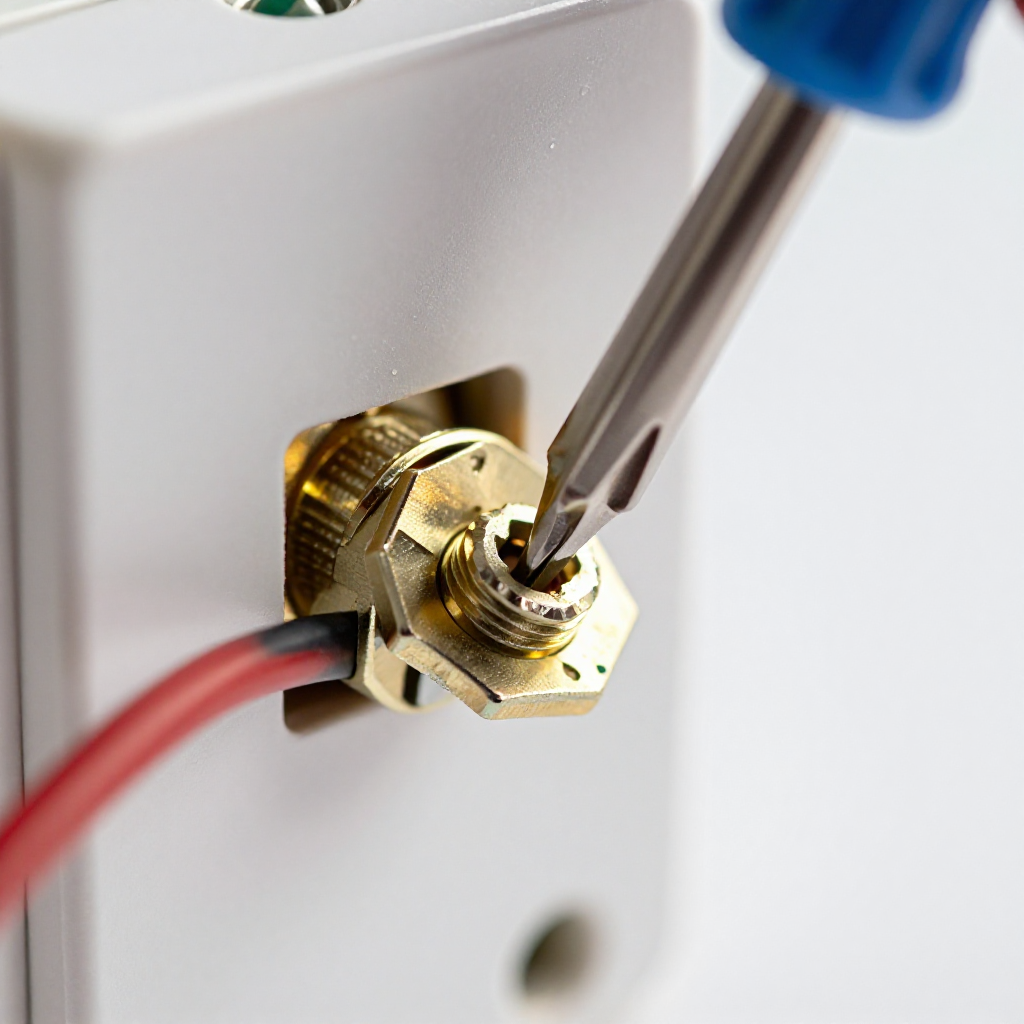
Tighten loose terminalsUse a screwdriver to tighten each terminal screw securely. If the wire is nicked or damaged, cut the end and strip fresh insulation before reconnecting.
4
Replace the switch if damaged
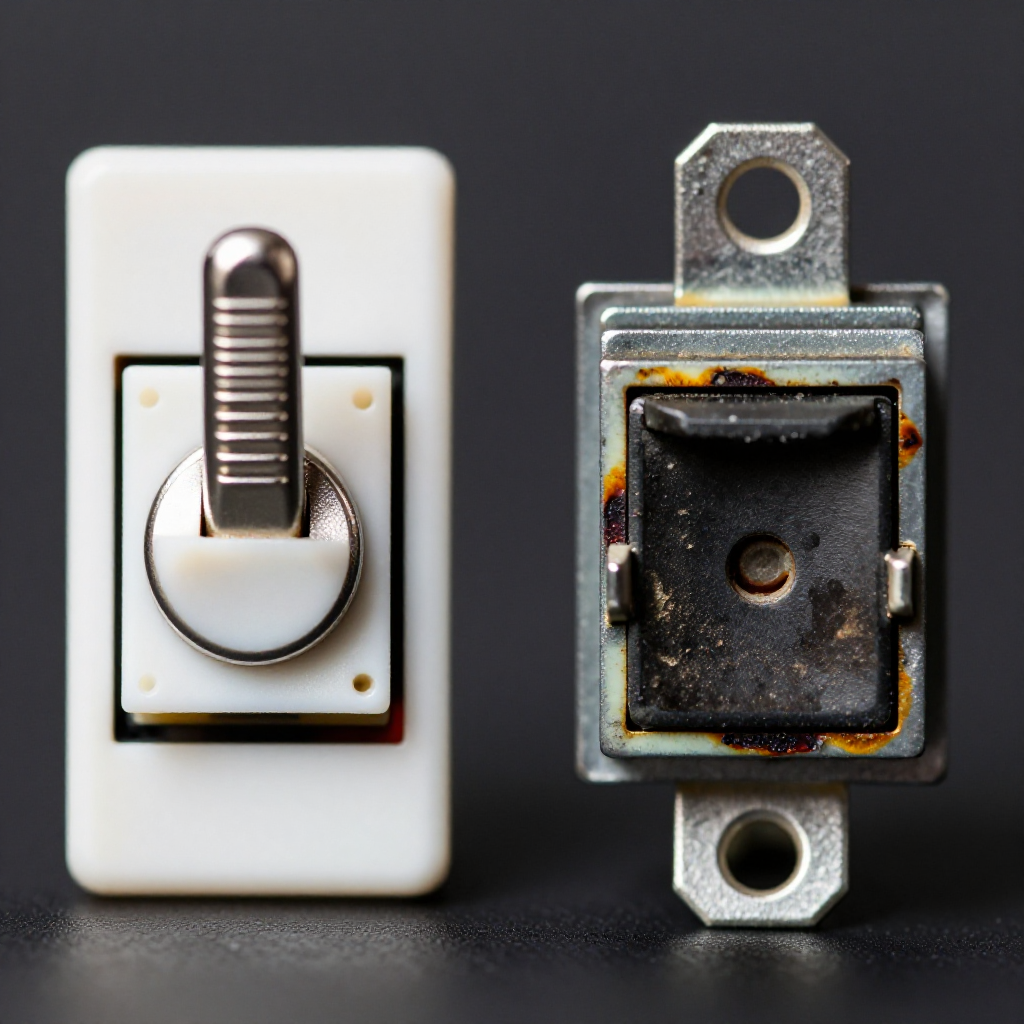
Replace the switch if damagedIf the switch body shows signs of melting or cracking, install a new switch of the same amperage and type. Connect wires in the same configuration.

autorenew4. If That Doesn't Work

Try the next recovery options.

Upgrade to a heavier-duty switchReplace a standard 15-amp switch with a 20-amp rated switch if the circuit load is high (e.g., for multiple lights or fans).
chevron_right

Frequently Asked Questions

Is a warm light switch normal?expand_more
Slight warmth is normal for dimmer switches, but a switch that is hot to the touch indicates a problem that should be checked immediately.
Can I use a higher wattage bulb to fix this?expand_more
No, using a higher wattage bulb can increase heat and worsen the issue. Always use bulbs within the switch's rated wattage.
How often should I check my light switches?expand_more
Inspect switches annually for signs of heat, discoloration, or buzzing. Replace any that show damage or age.
What causes a light switch to spark?expand_more
Spark can be caused by loose connections, moisture, or a failing switch. Turn off power immediately and inspect the wiring.

warning5. Stop DIY If

Don't continue if any of these apply.

reportYou smell burning plastic or see smoke
reportThe switch is too hot to hold for more than 3 seconds
reportYou are not comfortable working with live electrical wiring
Still stuck?Get personalized help with AI Recovery.

Related Recovery Problems

View all arrow_forward

Same Device Recovery States

Device index arrow_forward

Similar Failure Pattern

This page provides general DIY guidance.
If you're unsure, it's always best to consult a professional.