Why Is My Light Switch Hot to the Touch?
A warm light switch can indicate a loose wire, an overloaded circuit, or a failing switch. This is a fire risk and needs immediate attention.
quick_referenceQuick Answer
For Why Is My Light Switch Hot to the Touch?, start with "Turn off the breaker": Go to your electrical panel and shut off the breaker that controls the hot switch. Use a non-contact voltage tester to confirm power is off before touching anything. Stop DIY if you see smoke or smell burning plastic. This is listed as a moderate recovery and usually takes about 20 min.
verifiedGuide Snapshot
Last updated Jun 12, 2026. Review the stop conditions before continuing.
account_treeRecovery State
help1. Understand the Problem
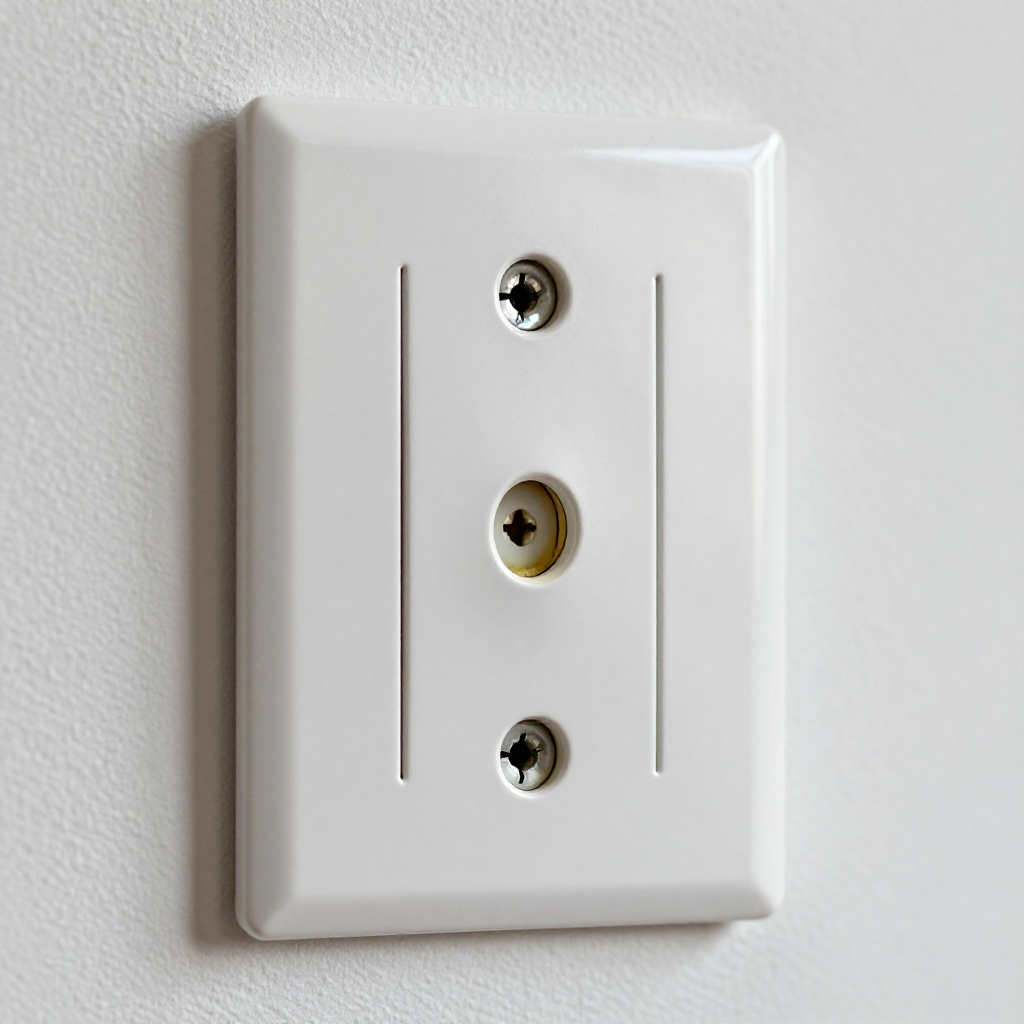
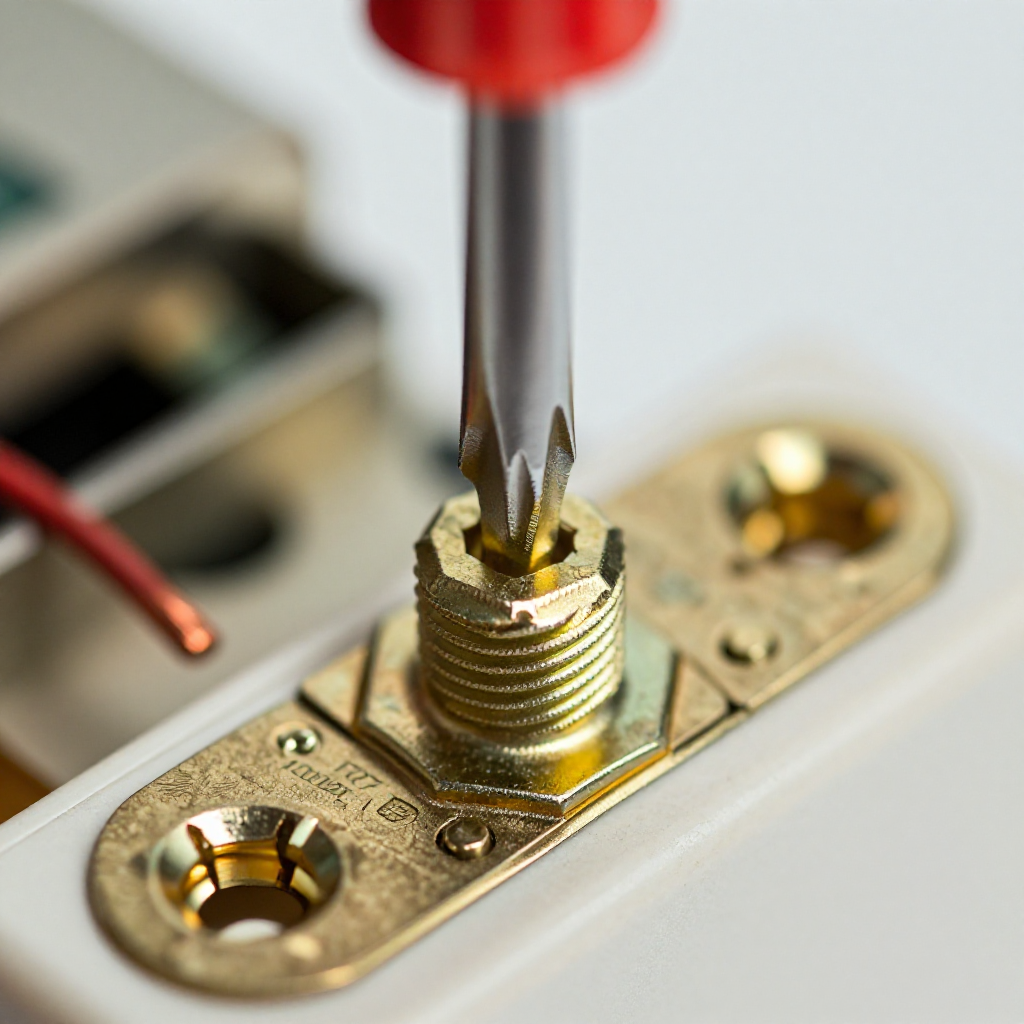
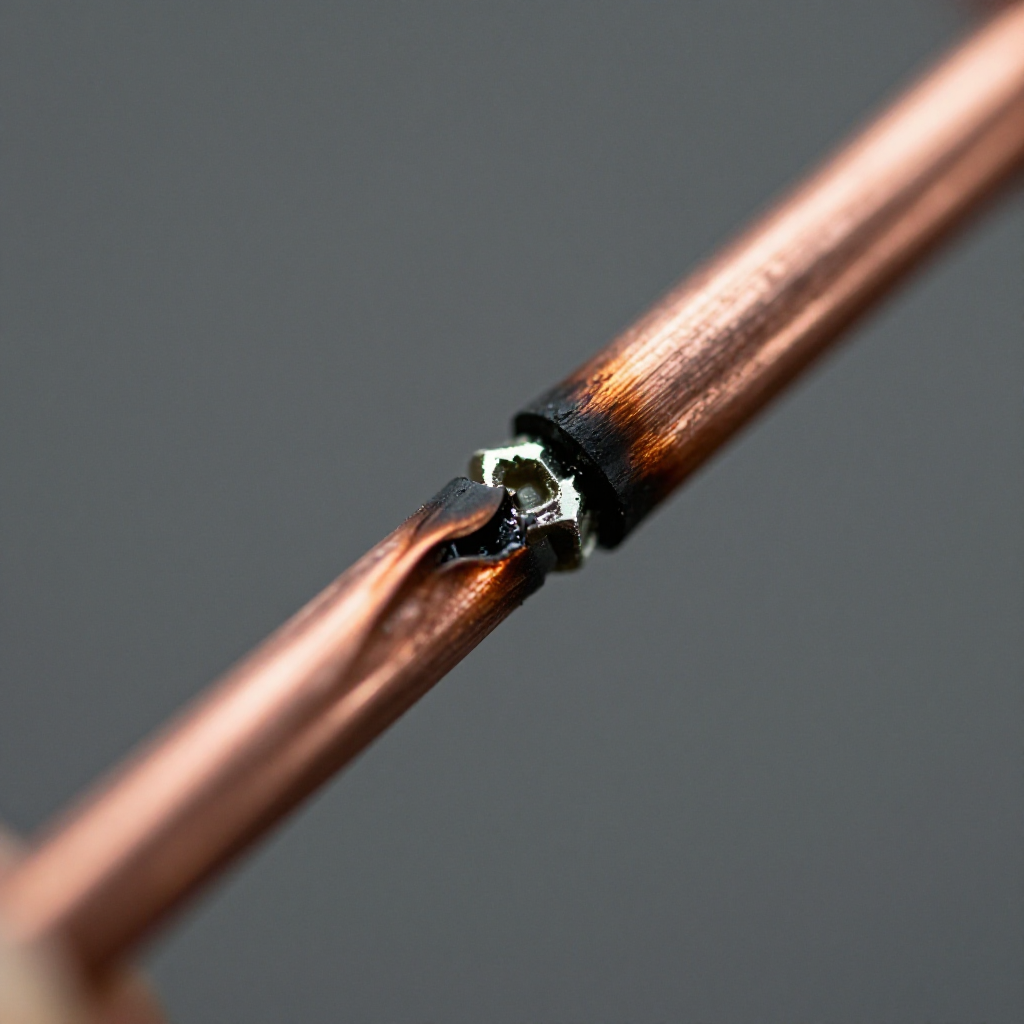
Light switches are designed to stay cool during normal use. If yours feels hot, it means excessive electrical resistance is generating heat. This can be caused by loose terminal screws, a switch that's too small for the load, or a failing internal mechanism. Ignoring it can lead to arcing or fire.
build_circle2. Try This First
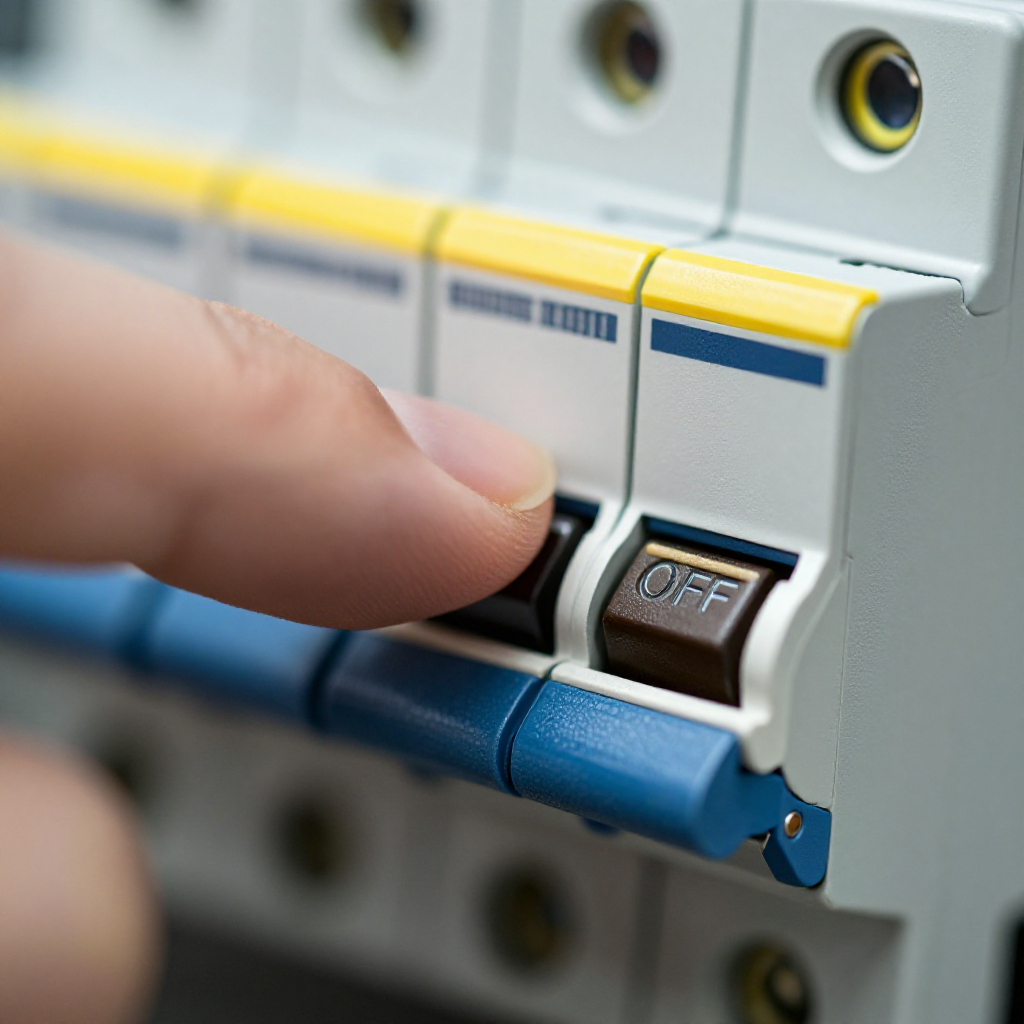
Turn off the breaker
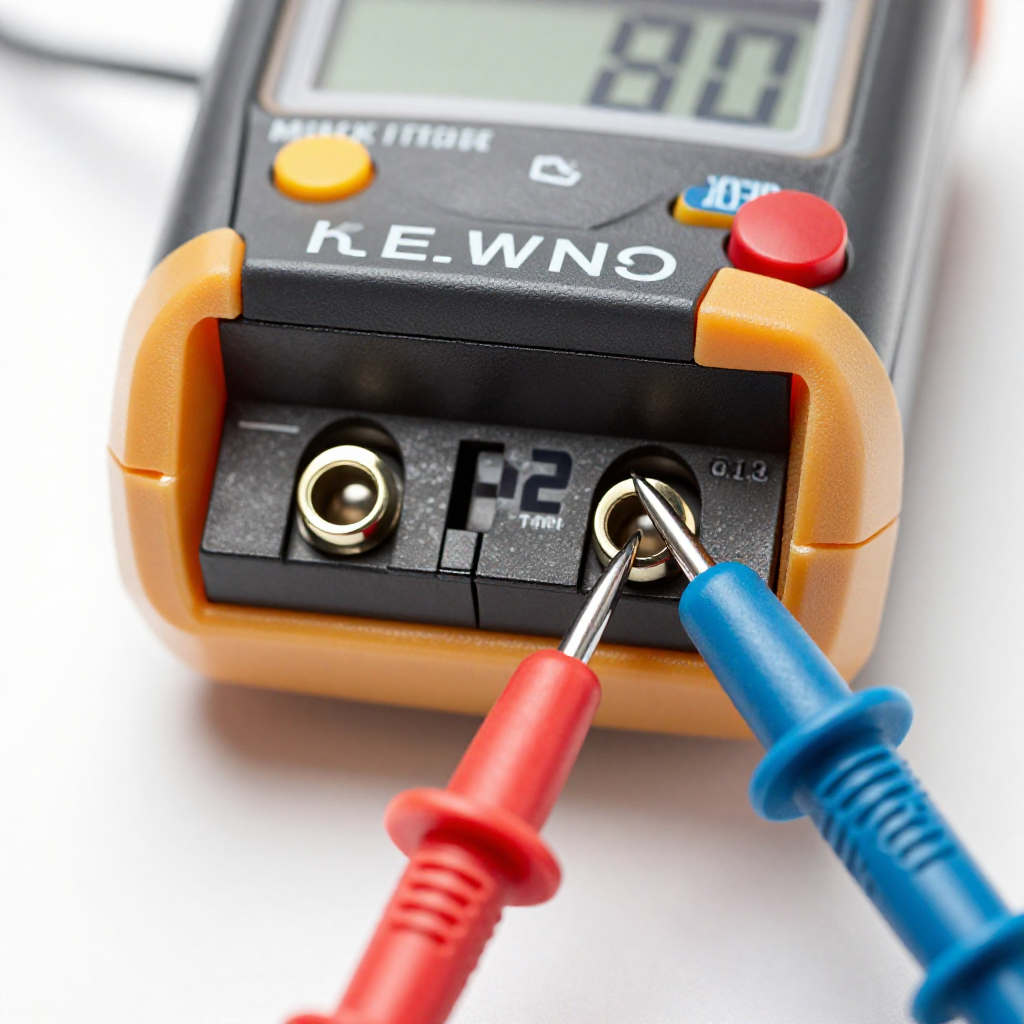
Go to your electrical panel and shut off the breaker that controls the hot switch. Use a non-contact voltage tester to confirm power is off before touching anything.
visibility3. Visual Guidance
See what's happening and how to try the first recovery step.
autorenew4. If That Doesn't Work
Try the next recovery options.
Frequently Asked Questions
Is it normal for a dimmer switch to feel warm?expand_more
Can a hot switch cause a fire?expand_more
What if the switch is hot but only with certain lights?expand_more
Should I call an electrician?expand_more
warning5. Stop DIY If
Don't continue if any of these apply.
Related Recovery Problems
View all arrow_forwardSame Device Recovery States
Device index arrow_forwardSimilar Failure Pattern
This page provides general DIY guidance.
If you're unsure, it's always best to consult a professional.