STUCKFIX
handymanDIY Friendly
build

Light Switch Buzzing or Lights Flickering When Turned On?

Diagnose a buzzing or flickering light switch, tighten connections, and replace a faulty switch safely.

Category:Electrical
Difficulty:Moderate
Time:20 min
Success:50%
Updated:Jul 25, 2026

quick_referenceQuick Answer

For Light Switch Buzzing or Lights Flickering When Turned On?, start with "Turn off power at the circuit breaker": Go to the main electrical panel and flip the breaker that controls the switch. Confirm power is off by toggling the switch and using a non-contact voltage tester on the wires before proceeding. Stop DIY if burn marks on the switch or wires. This is listed as a moderate recovery and usually takes about 20 min.

verifiedGuide Snapshot

Repair areaElectrical
Estimated time20 min
DifficultyModerate
Stop conditions3

Last updated Jul 25, 2026. Review the stop conditions before continuing.

account_treeRecovery State

Current stateBuzzing Flickering
Specific stateLoose Connection
Failed stepSwitch Buzzing
Likely failure typeElectrical Fault
DIY boundaryDIY recovery first
paymentsCost decision

help1. Understand the Problem

A buzzing sound or flickering lights at a wall switch usually signals a loose wire connection, a failing switch, or an incompatible dimmer/LED combination. Ignoring it can lead to overheating and, in worst cases, a fire hazard. Most of these issues can be resolved with a careful inspection and a new switch if needed.

build_circle2. Try This First
Best First Step
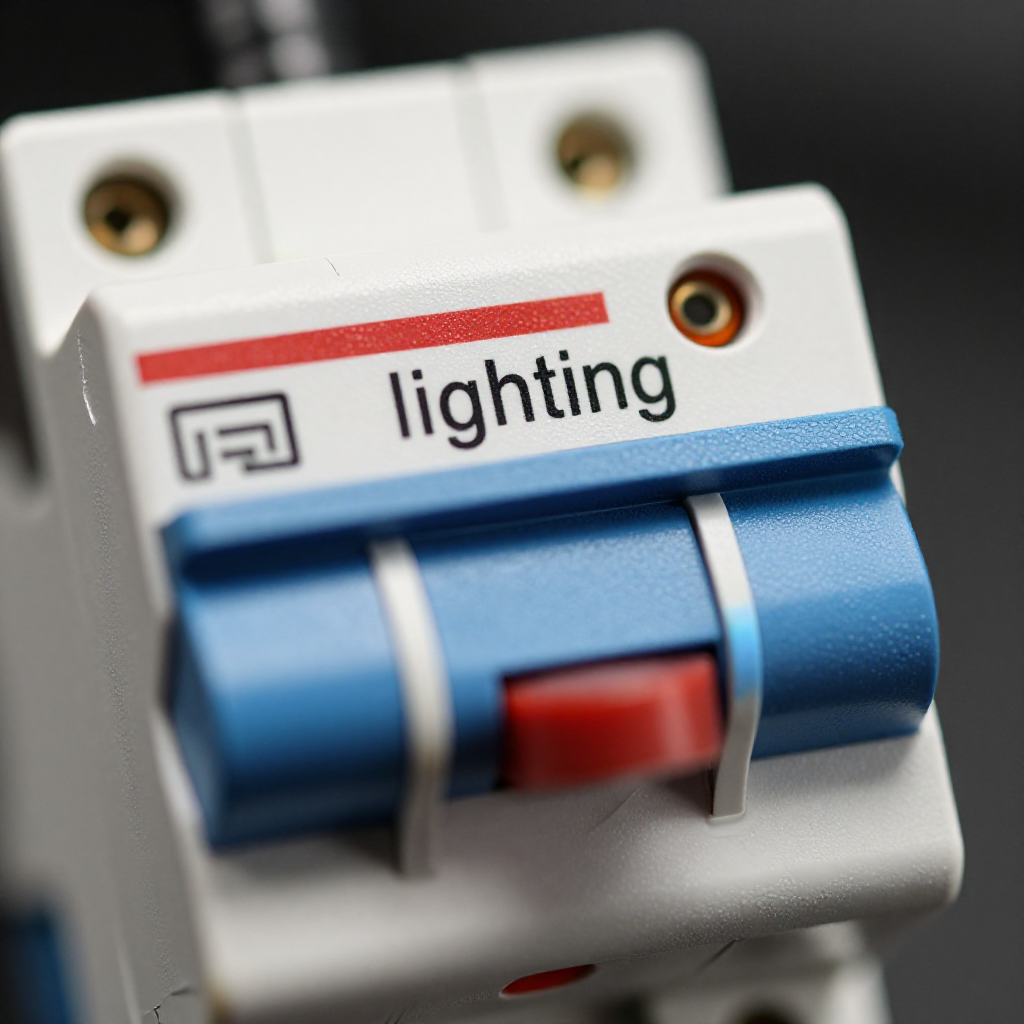
Turn off power at the circuit breaker

Turn off power at the circuit breaker

Go to the main electrical panel and flip the breaker that controls the switch. Confirm power is off by toggling the switch and using a non-contact voltage tester on the wires before proceeding.

visibility3. Visual Guidance

See what's happening and how to try the first recovery step.
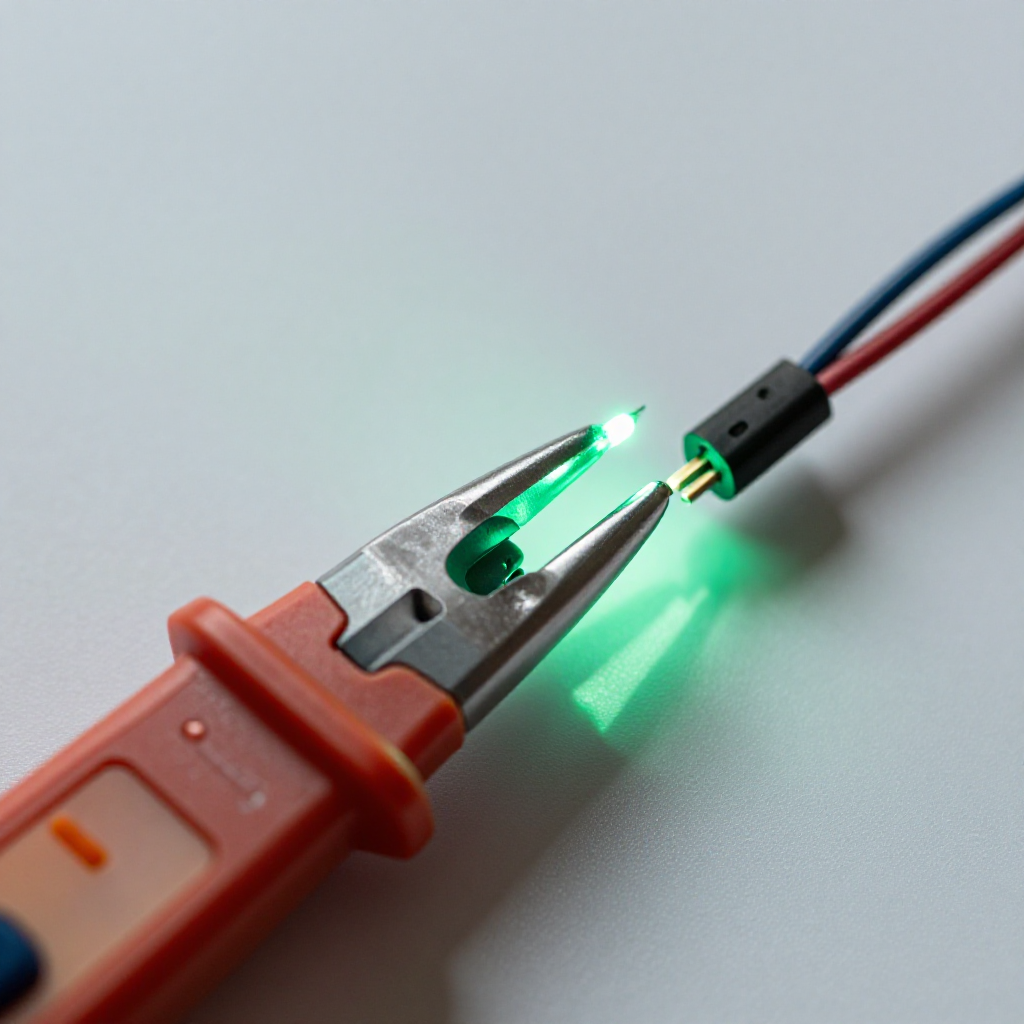
1
Step 1: Verify power is off
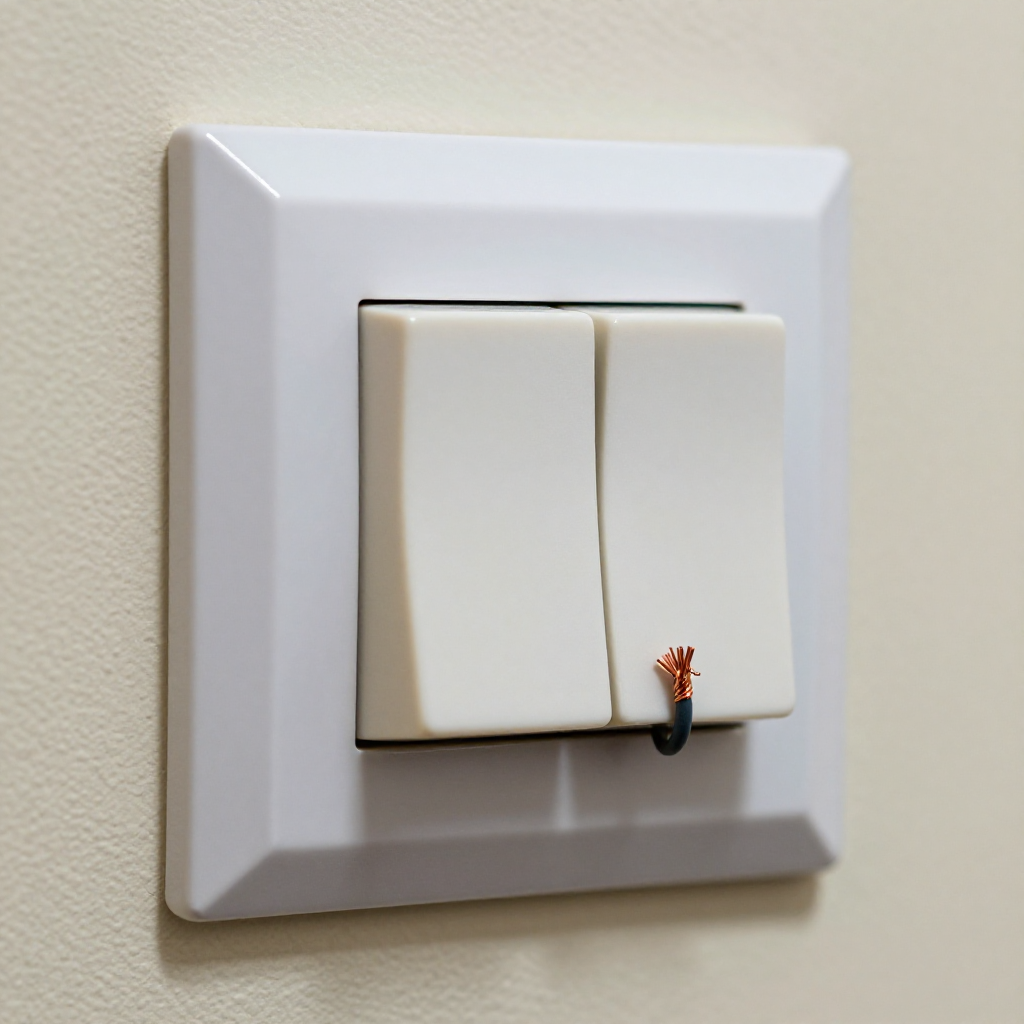
Verify power is offWith the breaker off, unscrew the switch wall plate. Touch a non-contact voltage tester to each of the two wires connected to the switch to make absolutely sure no voltage is present.
2
Step 2: Remove the switch and inspect connections
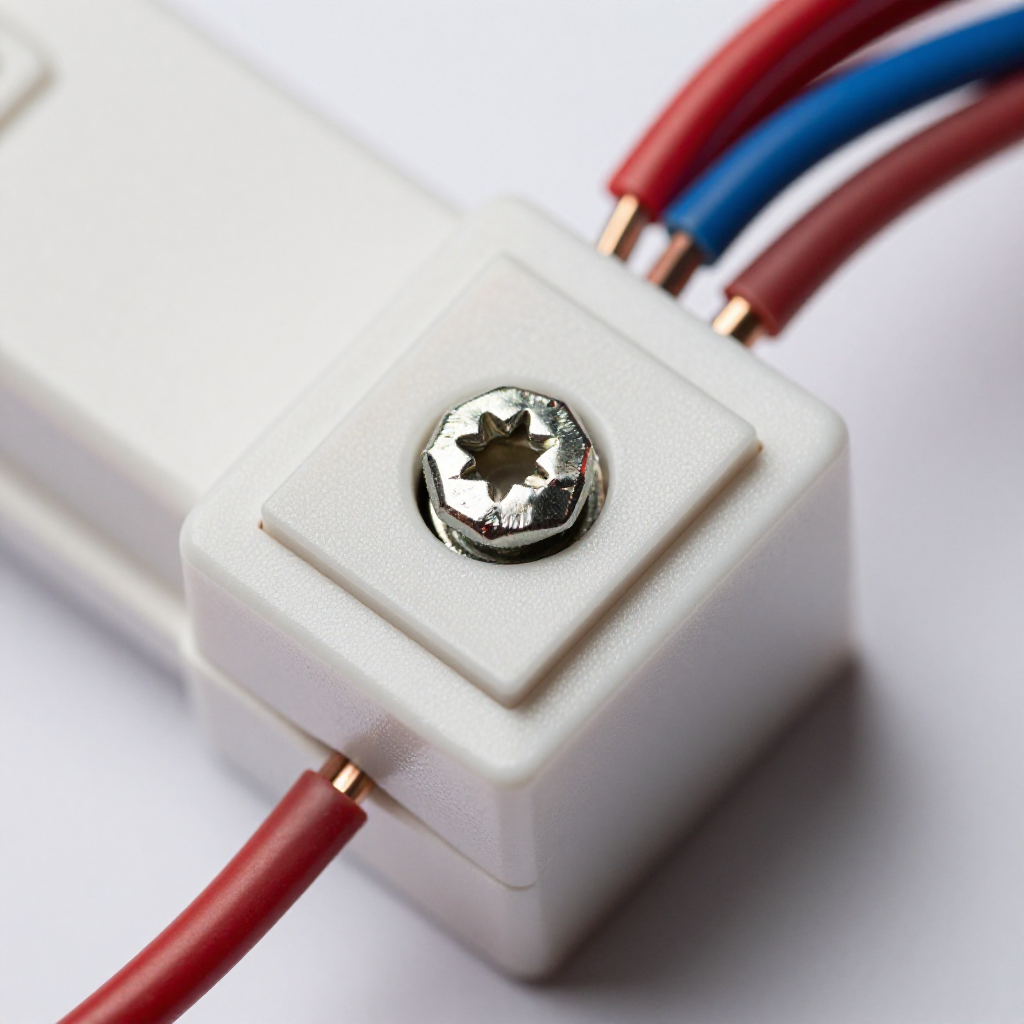
Remove the switch and inspect connectionsPull the switch out gently. Look for blackened or melted insulation, loose wire nuts, or a wire that has slipped out of the terminal. Tighten any loose screw terminals.
3
Step 3: Replace the switch if necessary
Replace the switch if necessaryIf the switch looks worn, arced, or continues to buzz, replace it with a new single-pole switch. Connect the same wires—hot in and load out—and secure with the screw terminals, then wrap with electrical tape.
4
Step 4: Restore power and test
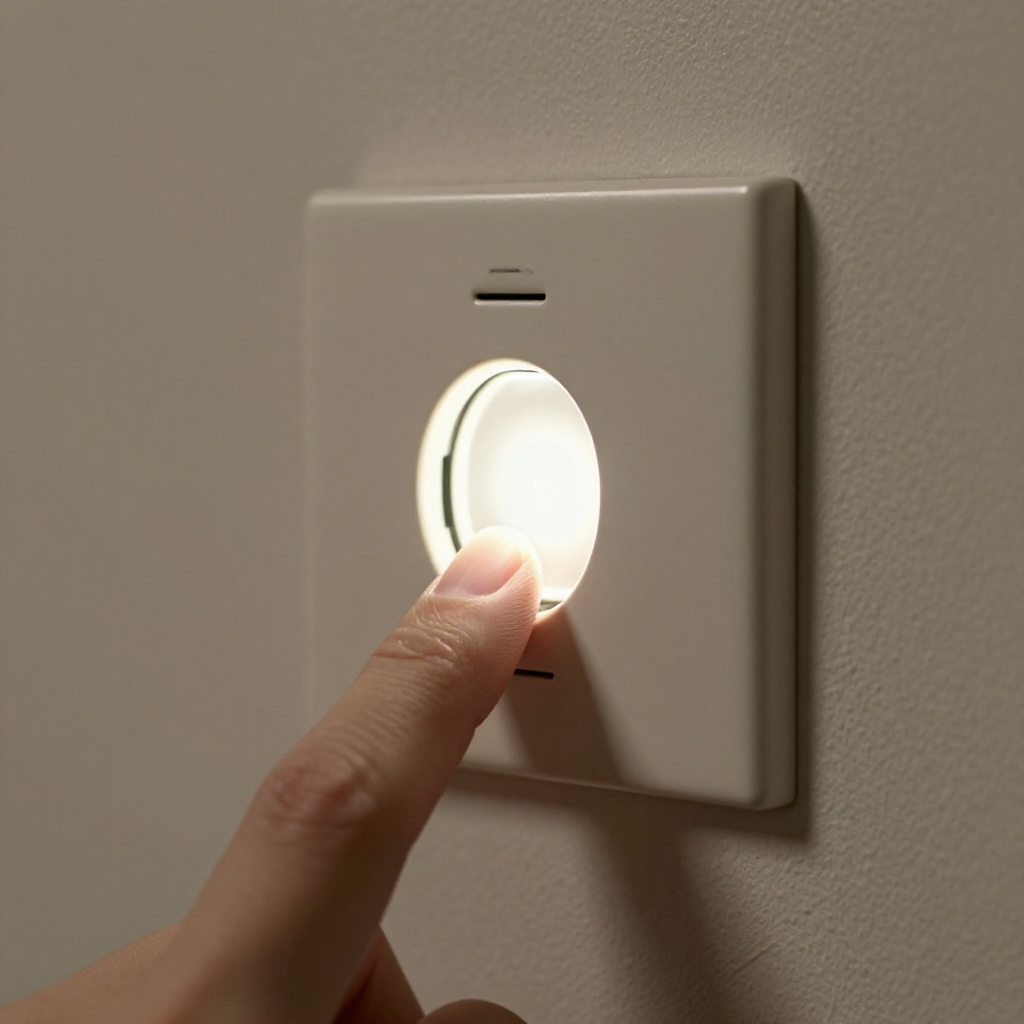
Restore power and testPush the switch back into the box, screw on the wall plate, and turn the breaker back on. Flip the switch; the light should turn on without buzzing and remain steady.

autorenew4. If That Doesn't Work

Try the next recovery options.

Change the light bulb typeIf a dimmer is buzzing, try switching to a dimmable LED bulb rated for your dimmer model. Non-dimmable bulbs can cause noise and flicker.
chevron_right

Frequently Asked Questions

Is a buzzing light switch dangerous?expand_more
It can be. Buzzing often indicates arcing inside the switch, which generates heat and could lead to a fire. Address it immediately.
Can I replace a switch by myself?expand_more
Yes, if you’re comfortable turning off the breaker and verifying power is off. If you’re unsure, hire an electrician.
Why does my dimmer buzz more with LED bulbs?expand_more
Cheap or non-dimmable LEDs can cause dimmers to buzz. Upgrade to a dimmer rated for LEDs and use compatible dimmable bulbs.
Do I need to replace the whole switch?expand_more
Not always. Loose wires can often be tightened. But if the switch casing is cracked, smells burnt, or continues buzzing after tightening, replacement is necessary.

warning5. Stop DIY If

Don't continue if any of these apply.

reportburn marks on the switch or wires
reportaluminum wiring present in the box
reportyou are not comfortable working with electrical panels
Still stuck?Get personalized help with AI Recovery.

Same Device Recovery States

Device index arrow_forward

Similar Failure Pattern

This page provides general DIY guidance.
If you're unsure, it's always best to consult a professional.