STUCKFIX
handymanDIY Friendly
dehumidifier

Dehumidifier Runs but Not Collecting Any Water

A dehumidifier that runs but produces no water is just heating the room. Diagnose the freeze-up, fan failure, or sealed-system problem before it burns out the compressor.

Category:Appliances
Difficulty:Moderate
Time:15-20 min
Success:50%
Updated:May 25, 2026

quick_referenceQuick Answer

For Dehumidifier Runs but Not Collecting Any Water, start with "Check room temperature and coil frost before opening anything": Unplug the unit and pull the bucket. Look through the intake grille at the evaporator coils with a flashlight. If you see a solid block of ice, the room is too cold (below 65°F) or airflow is choked. Wait 4-6 hours for full defrost with the unit unplugged and the bucket out. If you see just dust fuzz coating the coils, that's your problem — but you must defrost any ice first before cleaning. Stop DIY if the compressor clicks on and off repeatedly without cooling — this indicates a sealed-system leak or a failing compressor, both sealed-system work. This is listed as a moderate recovery and usually takes about 15-20 min.

verifiedGuide Snapshot

Repair areaAppliances
Estimated time15-20 min
DifficultyModerate
Stop conditions4

Last updated May 25, 2026. Review the stop conditions before continuing.

account_treeRecovery State

Current stateNot Collecting Water
Specific stateCoils Frozen Or Dirty
Failed stepEvaporator Coil Diagnosis
Likely failure typeBlocked Path
DIY boundaryDIY recovery first
paymentsCost decision

help1. Understand the Problem

When a dehumidifier hums along but the bucket stays dry, the problem is almost always in the cold-side evaporator coils or the fan that moves air across them. Dust buildup blocks airflow, low room temperature causes ice, or the compressor's sealed system has lost refrigerant. The first two you can fix; the third is a replacement decision.

build_circle2. Try This First
Best First Step
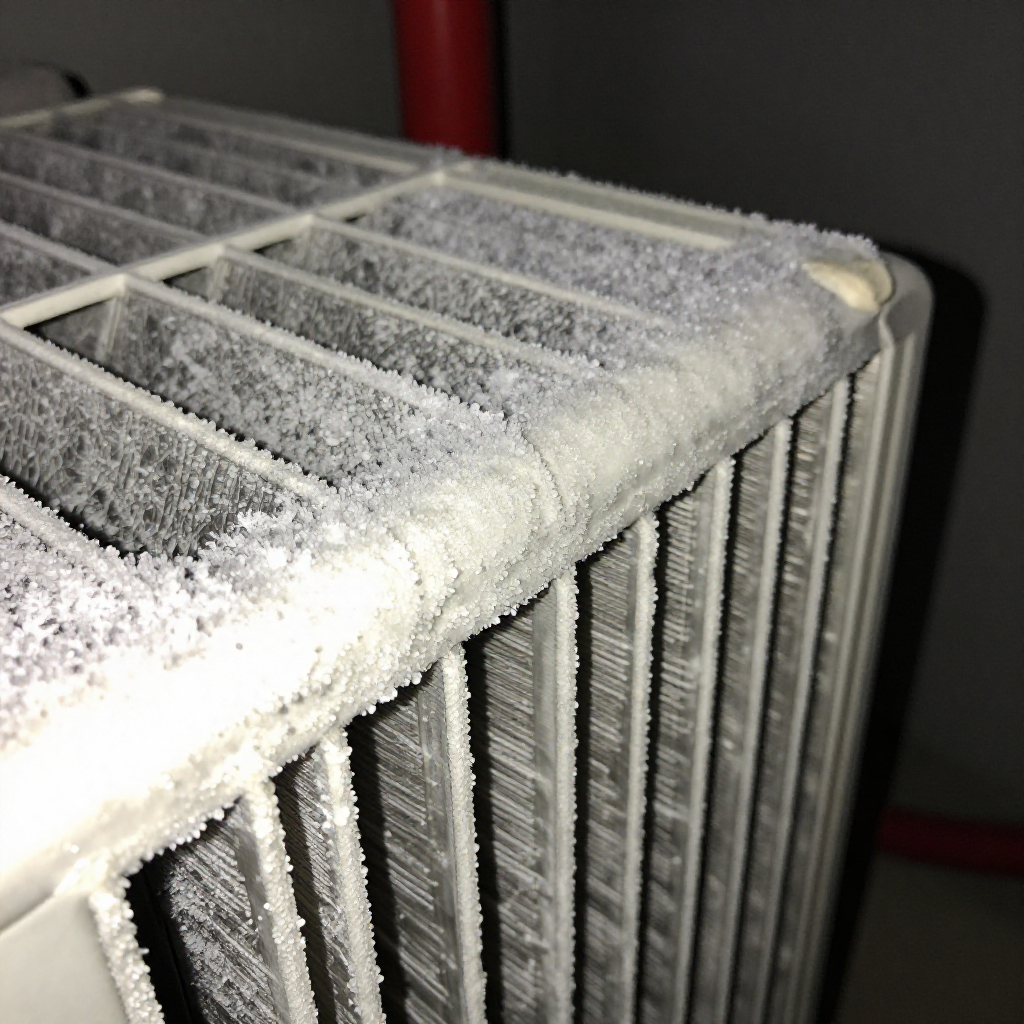
Check room temperature and coil frost before opening anything

Check room temperature and coil frost before opening anything

Unplug the unit and pull the bucket. Look through the intake grille at the evaporator coils with a flashlight. If you see a solid block of ice, the room is too cold (below 65°F) or airflow is choked. Wait 4-6 hours for full defrost with the unit unplugged and the bucket out. If you see just dust fuzz coating the coils, that's your problem — but you must defrost any ice first before cleaning.

visibility3. Visual Guidance

See what's happening and how to try the first recovery step.
1
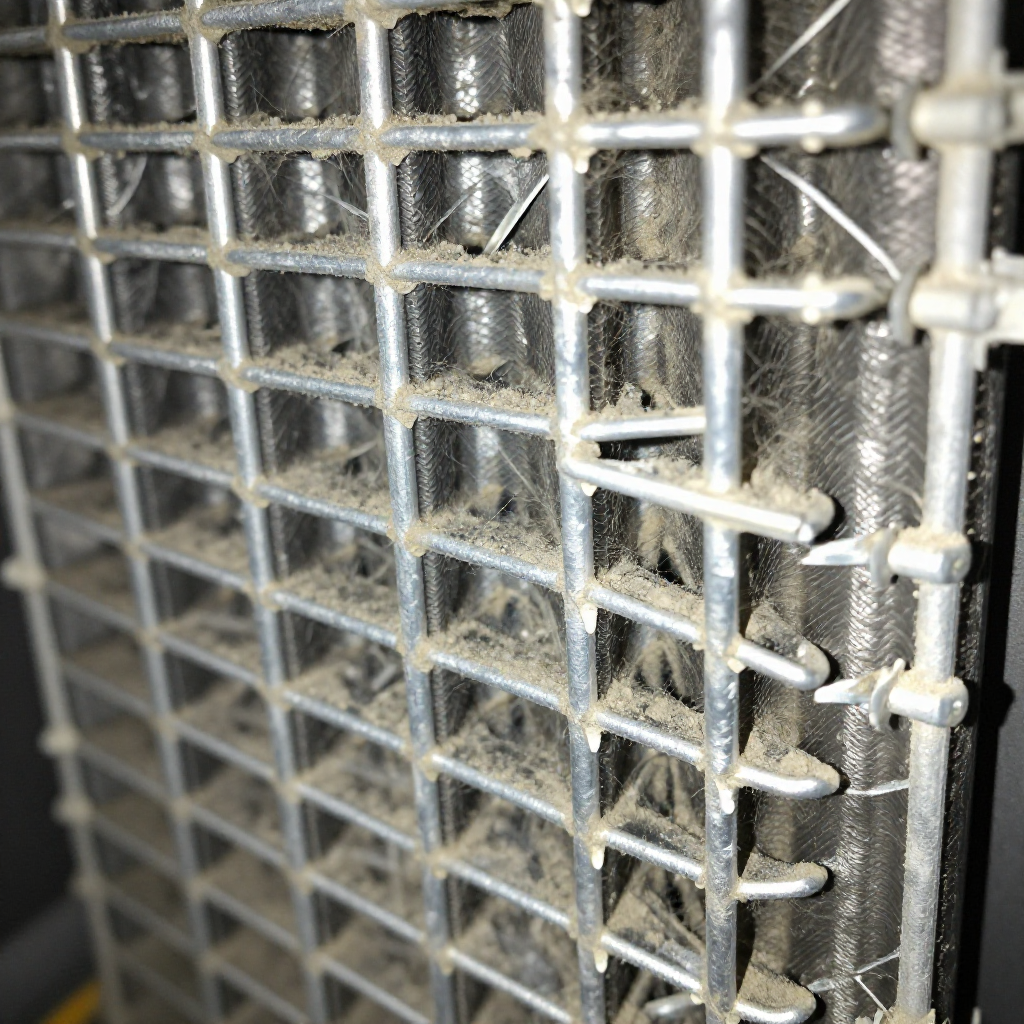
Clean the evaporator coils and intake filter
Clean the evaporator coils and intake filterPull the filter out first — wash in warm soapy water, rinse, and let it dry completely. For the coils, use a coil cleaning brush (the plastic-bristle kind, not a wire brush) and work parallel to the fins, not across them. Vacuum the loosened dust. If the coil face is packed with pet-hair felt, use a fin comb to straighten bent fins so air can pass through.
2
Verify the fan is actually spinning at full speed
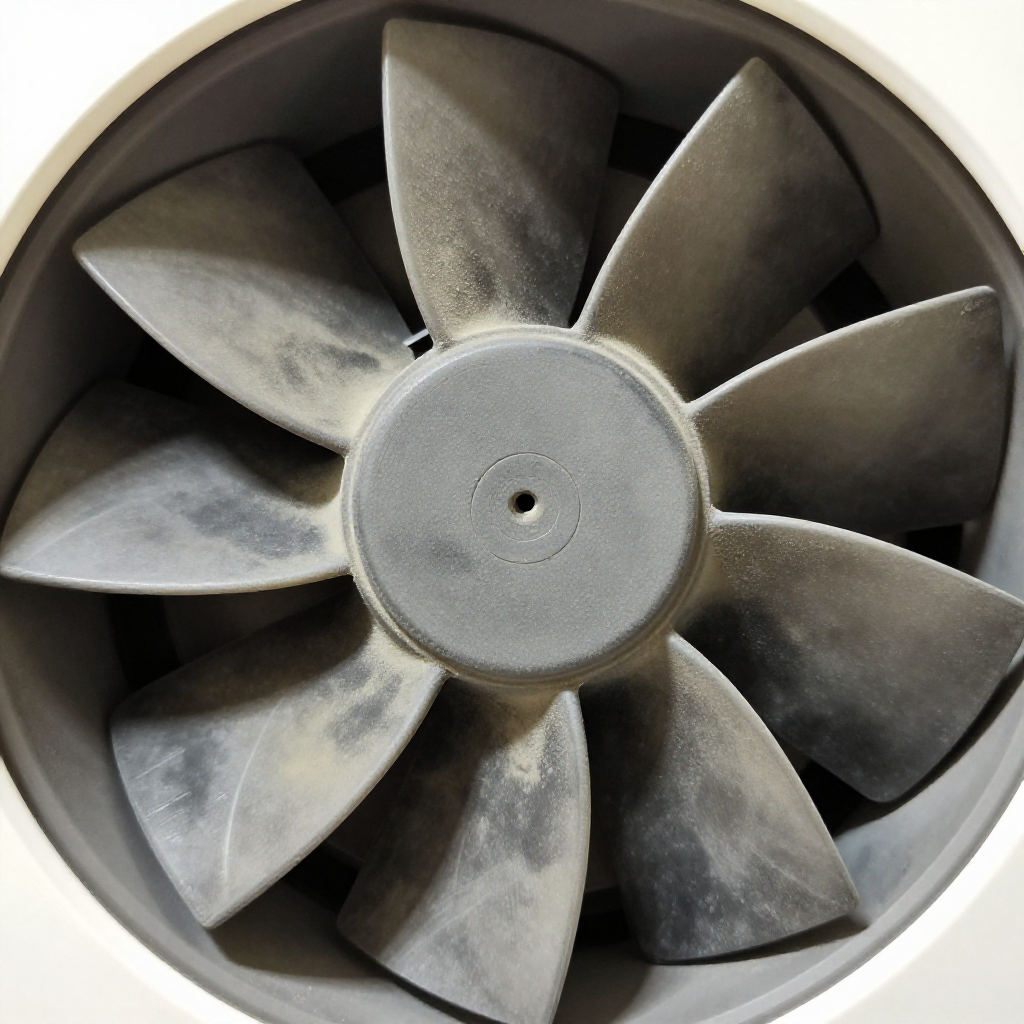
Verify the fan is actually spinning at full speedWith the unit running, the fan should move a strong stream of air out the top or side. If it starts slow, makes a grinding noise, or doesn't start at all without a push, the fan motor or capacitor is dying. A weak fan can't pull enough humid air across cold coils to condense water.
3
Check the drain path and bucket switch
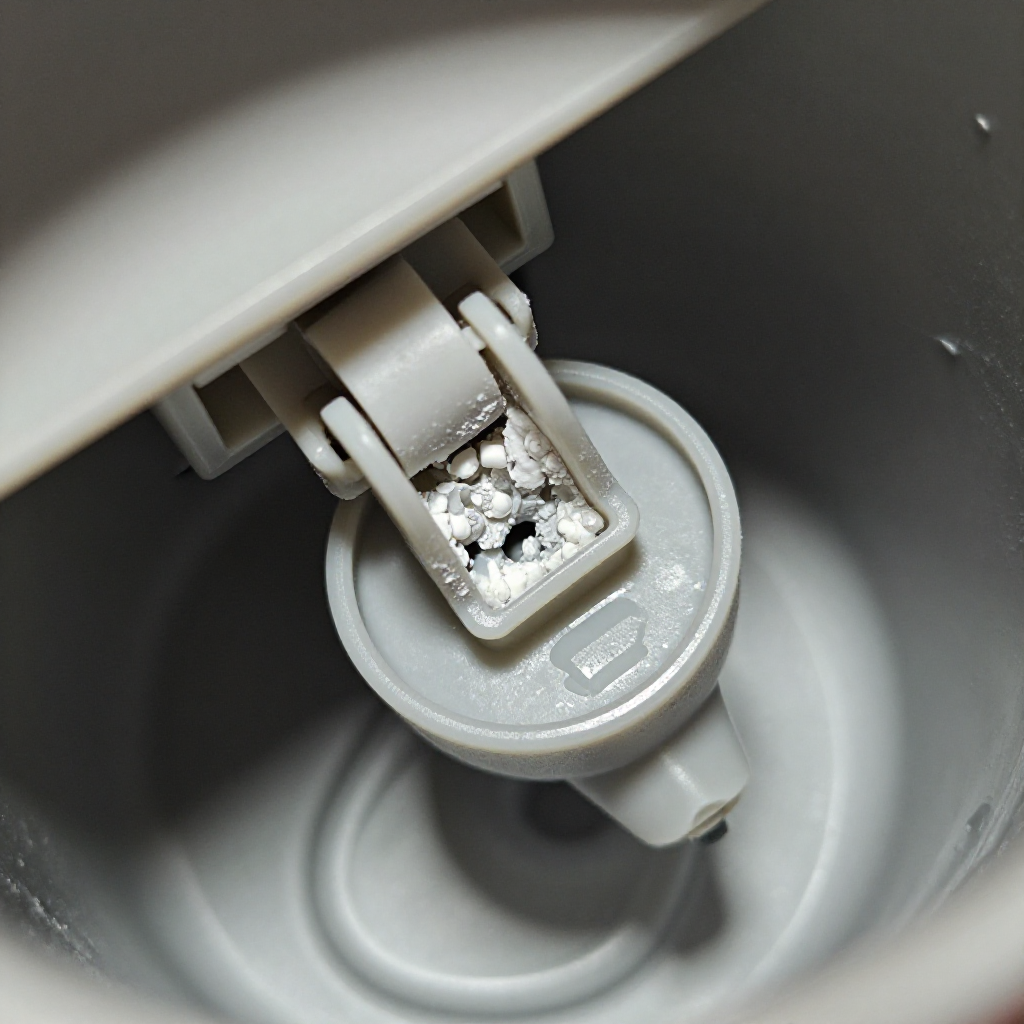
Check the drain path and bucket switchEven if you're not using a continuous drain, make sure the drain port isn't clogged — a blocked drain can back up and trip the overflow switch. Test the bucket float switch by pressing it with your finger: it should click freely, not stick. A stuck float tells the unit the bucket is full.

autorenew4. If That Doesn't Work

Try the next recovery options.

troubleshoot
Test the humidistat with a simple room checkTurn the humidity dial all the way down (driest setting). If the compressor never kicks on, the humidistat may be stuck open. In a clearly damp basement, the compressor should cycle on within 5 minutes.
chevron_right
open_with
Move the unit to a warmer spot temporarilyIf you're running the dehumidifier in a basement that's below 60°F, the coils can't stay above freezing. Move it upstairs for an hour — if it starts collecting water there, the basement is simply too cold for this unit's operating range.
chevron_right
electrical_services
Check the capacitor with a multimeterIf you have electrical experience: a dead compressor capacitor means the fan runs but the compressor never starts. Discharge the capacitor safely, test for rated microfarads ±6%, and replace if out of range.
chevron_right

Frequently Asked Questions

Why is my dehumidifier icing up instead of making water?expand_more
Ice on the evaporator coils means airflow is too low (dirty filter or coils) or the room is below 65°F. Clean everything first, then make sure the room temp stays above the unit's minimum rating.
How can I tell if the compressor is bad on a dehumidifier?expand_more
If the fan runs strong but the coils never get cold to the touch after 10 minutes of operation, and you've ruled out the capacitor, the sealed system has failed. Compressor repair costs more than a new unit.
Should my dehumidifier's coils feel cold?expand_more
Yes. The front evaporator coils should feel cold and sweaty to the touch within 5-10 minutes of running in a humid room. If they stay room temperature, the refrigeration circuit isn't working.
Can I use a dehumidifier in a cold basement?expand_more
Most consumer dehumidifiers stop working properly below 60-65°F because the coils freeze. You need a low-temperature model rated for cooler spaces, or you need to heat the space slightly.

warning5. Stop DIY If

Don't continue if any of these apply.

reportThe compressor clicks on and off repeatedly without cooling — this indicates a sealed-system leak or a failing compressor, both sealed-system work.
reportYou see oil residue on or below the compressor — refrigerant oil leaked out; the unit is done.
reportThe fan motor hums but won't spin and gets hot to the touch — turn it off immediately to prevent a fire hazard.
reportYou're not comfortable working with capacitors — a charged capacitor can deliver a dangerous shock even when unplugged.
Still stuck?Get personalized help with AI Recovery.

Related Recovery Problems

View all arrow_forward

Similar Failure Pattern

This page provides general DIY guidance.
If you're unsure, it's always best to consult a professional.