Why Is My Light Switch Hot to the Touch After Replacing a Bulb?
A hot switch indicates a loose wire connection, an overloaded circuit, or an incompatible dimmer. This can lead to fire if ignored.
quick_referenceQuick Answer
For Why Is My Light Switch Hot to the Touch After Replacing a Bulb?, start with "Turn Off Power at the Breaker": Locate the correct breaker in your panel and switch it to OFF. Use a non-contact voltage tester to confirm the switch has no power before touching any wires. Stop DIY if you see melted plastic or smell burning near the switch. This is listed as a moderate recovery and usually takes about 30 min.
verifiedGuide Snapshot
Last updated May 30, 2026. Review the stop conditions before continuing.
account_treeRecovery State
help1. Understand the Problem
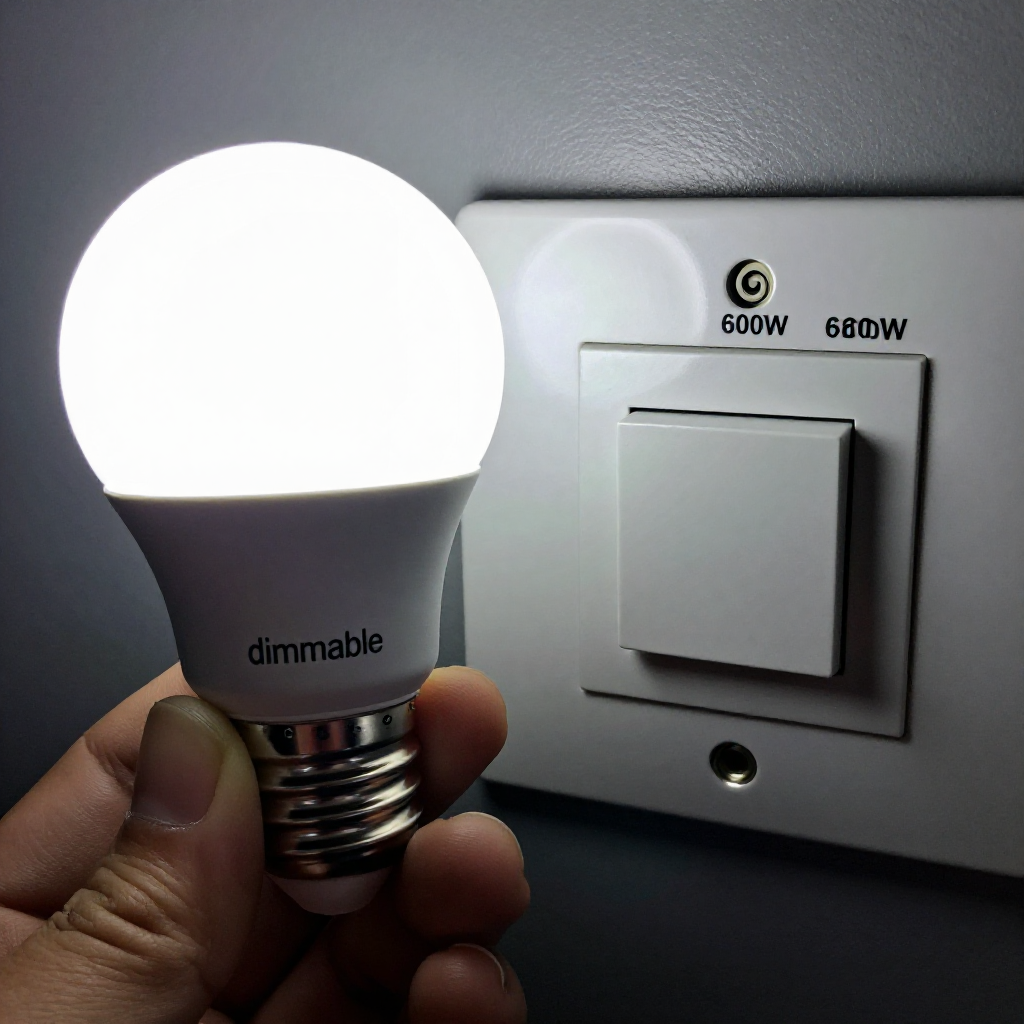
A light switch that feels hot after a bulb change usually means the bulb wattage exceeds the switch rating, or the switch's internal connections are loose. Heat is a sign of electrical resistance. Dimmer switches are especially sensitive: using a non-dimmable LED bulb on a dimmer can overheat the switch. Immediate investigation is needed.
build_circle2. Try This First
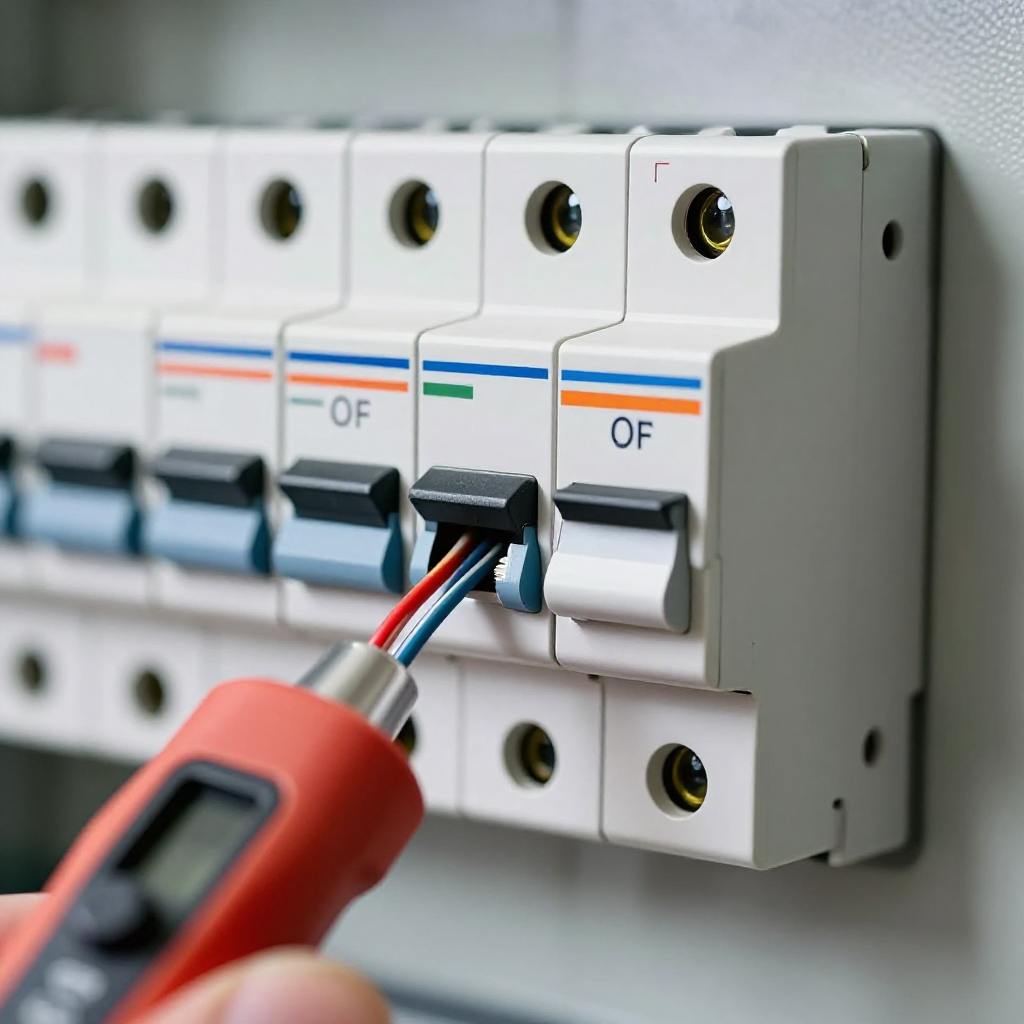
Turn Off Power at the Breaker
Locate the correct breaker in your panel and switch it to OFF. Use a non-contact voltage tester to confirm the switch has no power before touching any wires.
visibility3. Visual Guidance
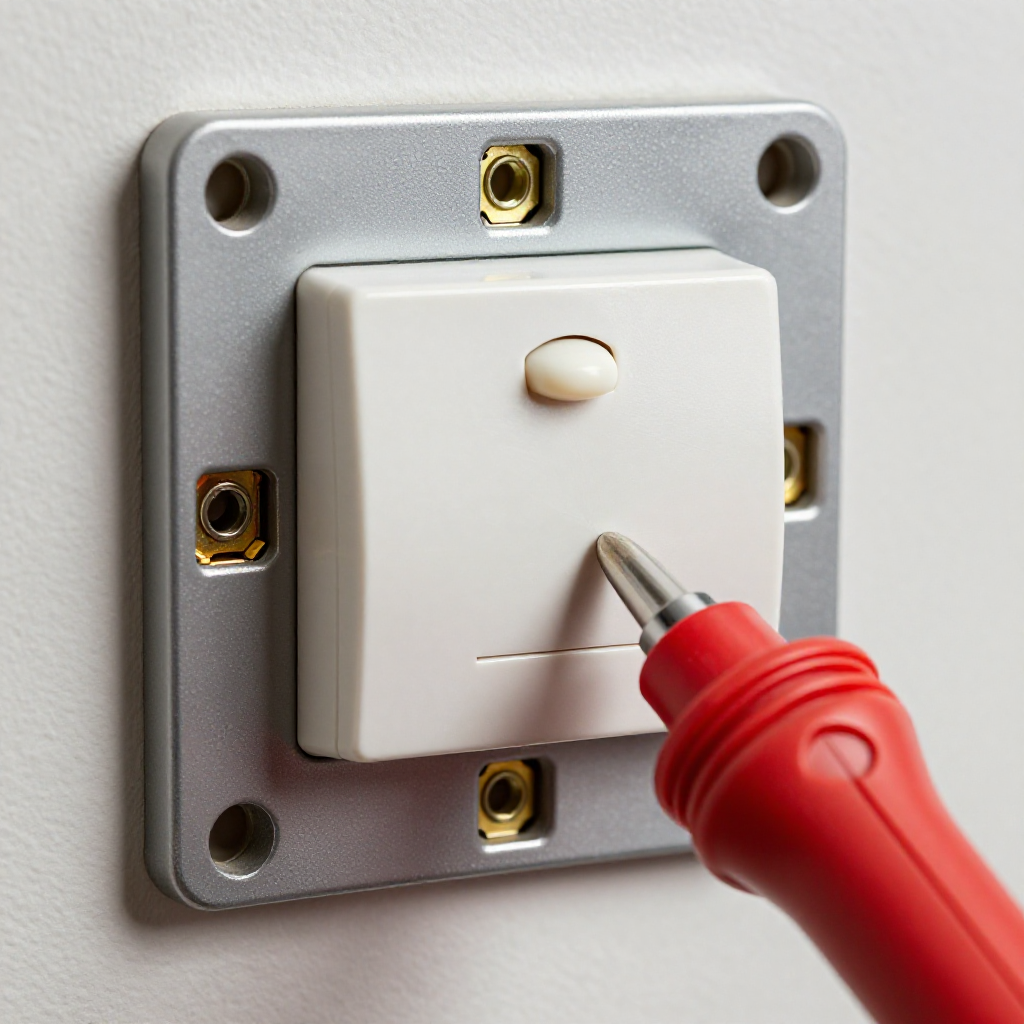
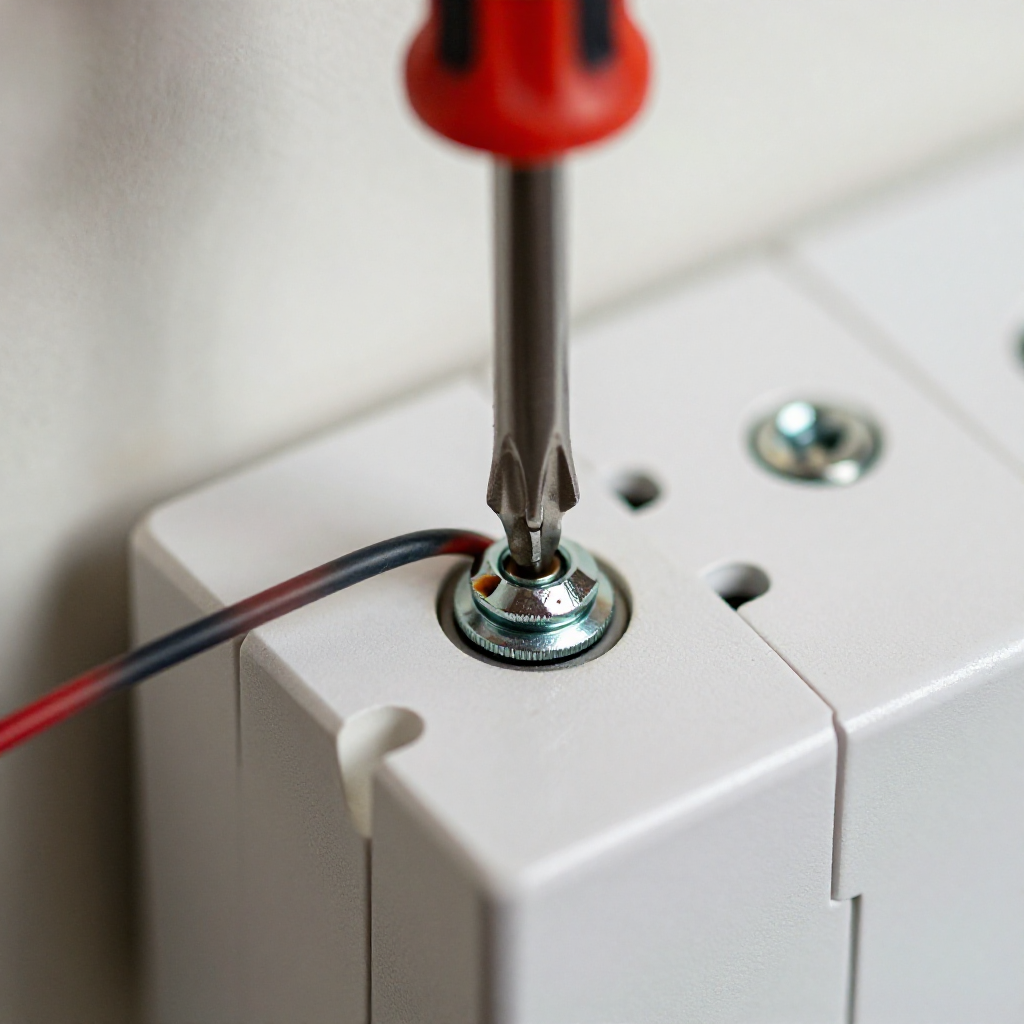
See what's happening and how to try the first recovery step.
autorenew4. If That Doesn't Work
Try the next recovery options.
Frequently Asked Questions
Is it normal for a dimmer switch to be warm?expand_more
Can a bulb cause a switch to overheat?expand_more
Should I call an electrician for a hot switch?expand_more
warning5. Stop DIY If
Don't continue if any of these apply.
Same Device Recovery States
Device index arrow_forwardSimilar Failure Pattern
This page provides general DIY guidance.
If you're unsure, it's always best to consult a professional.