STUCKFIX
handymanDIY Friendly
lightbulb

Light Fixture Flickering After Replacing the Bulb

You changed the bulb but the light still flickers. The problem is usually a loose connection in the fixture or switch — and ignoring it can arc and start a fire.

Category:Electrical
Difficulty:Moderate
Time:15-30 min
Success:50%
Updated:May 23, 2026

quick_referenceQuick Answer

For Light Fixture Flickering After Replacing the Bulb, start with "Kill the circuit at the breaker and verify with a tester": Flickering lights mean loose connections, and loose connections mean you're going inside the fixture or switch box. Stop flicking the switch on and off trying to diagnose — every flicker is a tiny arc that's damaging the contacts further. Go to your panel, find the correct breaker, turn it off, and confirm the light is dead with a non-contact voltage tester. Test the tester on a known live outlet first to make sure it works. Only then start opening things up. Stop DIY if you see burn marks, melted wire insulation, or scorch marks anywhere in the switch or fixture box. This is listed as a moderate recovery and usually takes about 15-30 min.

verifiedGuide Snapshot

Repair areaElectrical
Estimated time15-30 min
DifficultyModerate
Stop conditions4

Last updated May 23, 2026. Review the stop conditions before continuing.

account_treeRecovery State

Current stateFlickering
Specific stateNew Bulb Still Flickers
Failed stepLighting Operation
Likely failure typeElectrical Fault
DIY boundaryDIY recovery first
paymentsCost decision

help1. Understand the Problem

When a new bulb flickers, something in the circuit isn't maintaining consistent contact. Loose wire connections arc microscopically, heating and cooling the metal, which creates the flicker. This commonly happens at the wire nuts in the fixture box, the screw terminals on the switch, or the center tab in the socket that contacts the bulb base. LED bulbs on old dimmer switches flicker for a different reason — incompatible electronics — but the troubleshooting starts the same way.

build_circle2. Try This First
Best First Step
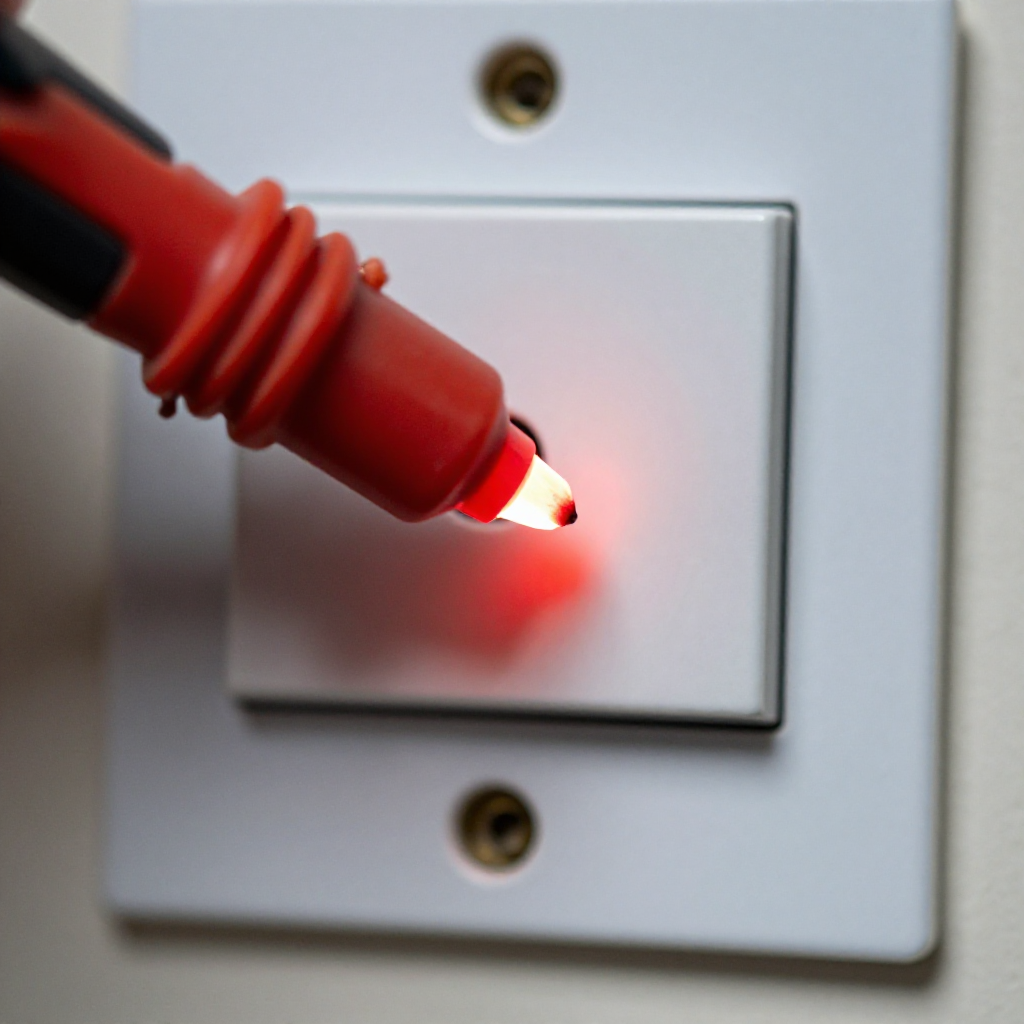
Kill the circuit at the breaker and verify with a tester

Kill the circuit at the breaker and verify with a tester

Flickering lights mean loose connections, and loose connections mean you're going inside the fixture or switch box. Stop flicking the switch on and off trying to diagnose — every flicker is a tiny arc that's damaging the contacts further. Go to your panel, find the correct breaker, turn it off, and confirm the light is dead with a non-contact voltage tester. Test the tester on a known live outlet first to make sure it works. Only then start opening things up.

visibility3. Visual Guidance

See what's happening and how to try the first recovery step.
1
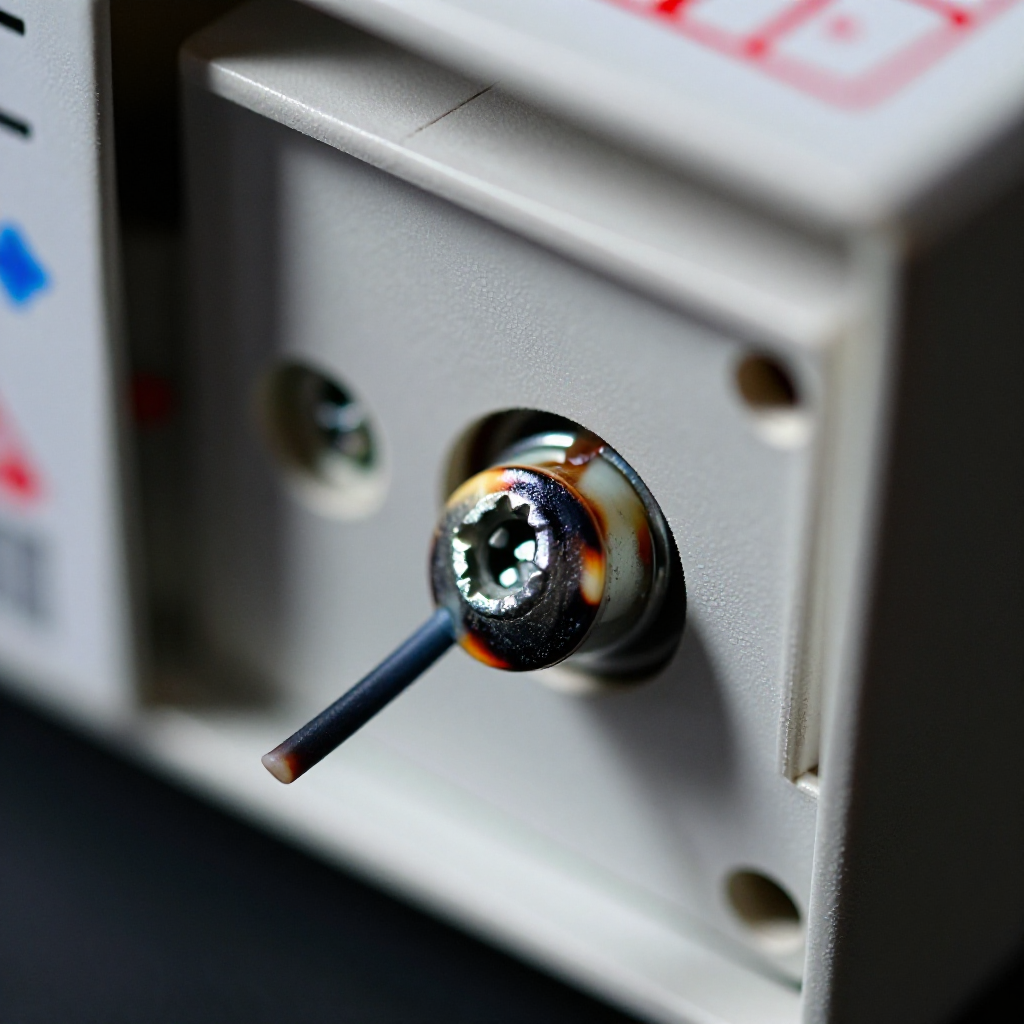
Tighten all wire connections inside the switch box
Tighten all wire connections inside the switch boxRemove the switch cover plate, then unscrew the switch from the box and pull it out without disconnecting the wires. Check every wire nut — give each one a firm twist. Look for any wire that's loose under a screw terminal and tighten it down. If there's backstab wiring (wire pushed into a hole instead of wrapped around a screw), that's a common failure point. Move it to the screw terminal.
2
Check the fixture box connections and socket tab
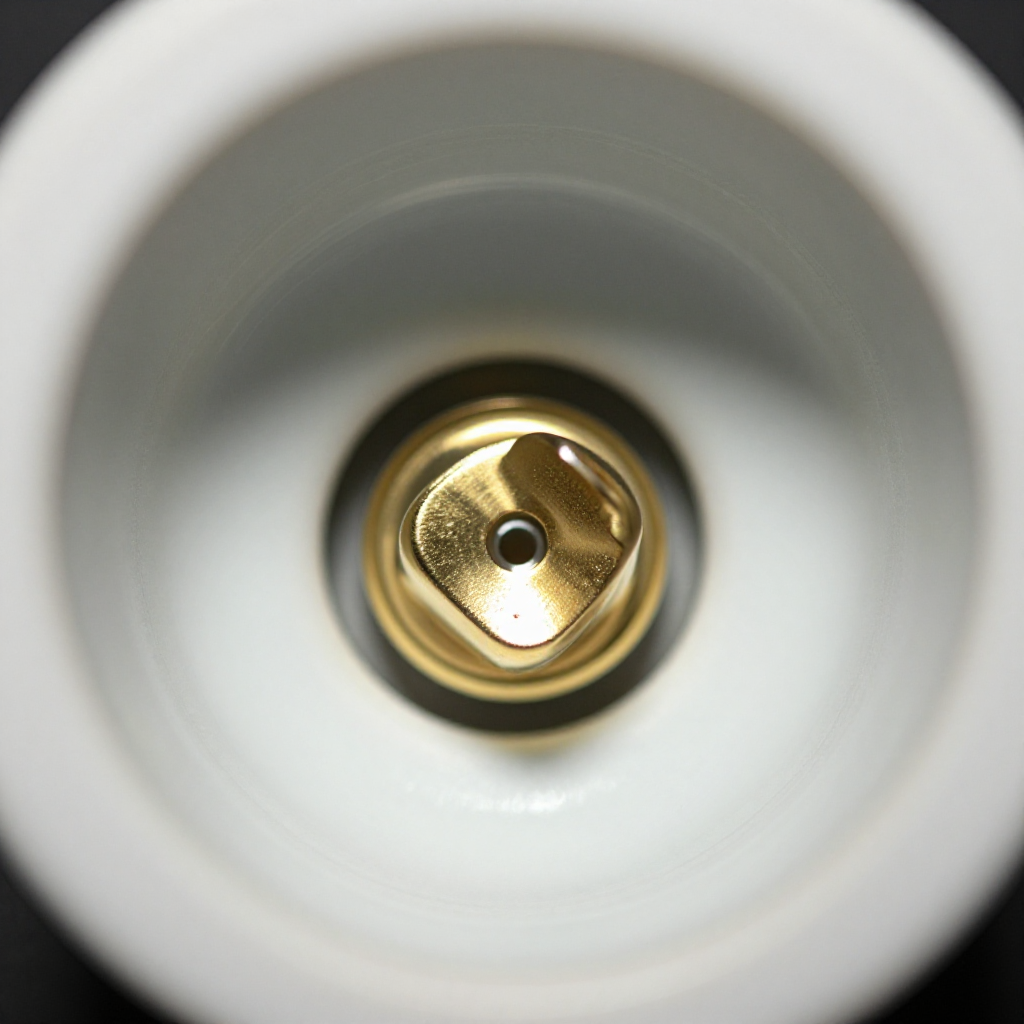
Check the fixture box connections and socket tabPull the light fixture down from the ceiling — it's usually held by two screws. Check the wire connections in the box the same way: tighten every wire nut and check for loose grounds. Then look at the bulb socket itself. The small brass tab at the bottom center is the hot contact — if it's flattened or pushed down too far, it barely touches the bulb base. Pry it up gently with a small screwdriver with the power still off.
3
Test with a different bulb type or check the dimmer compatibility
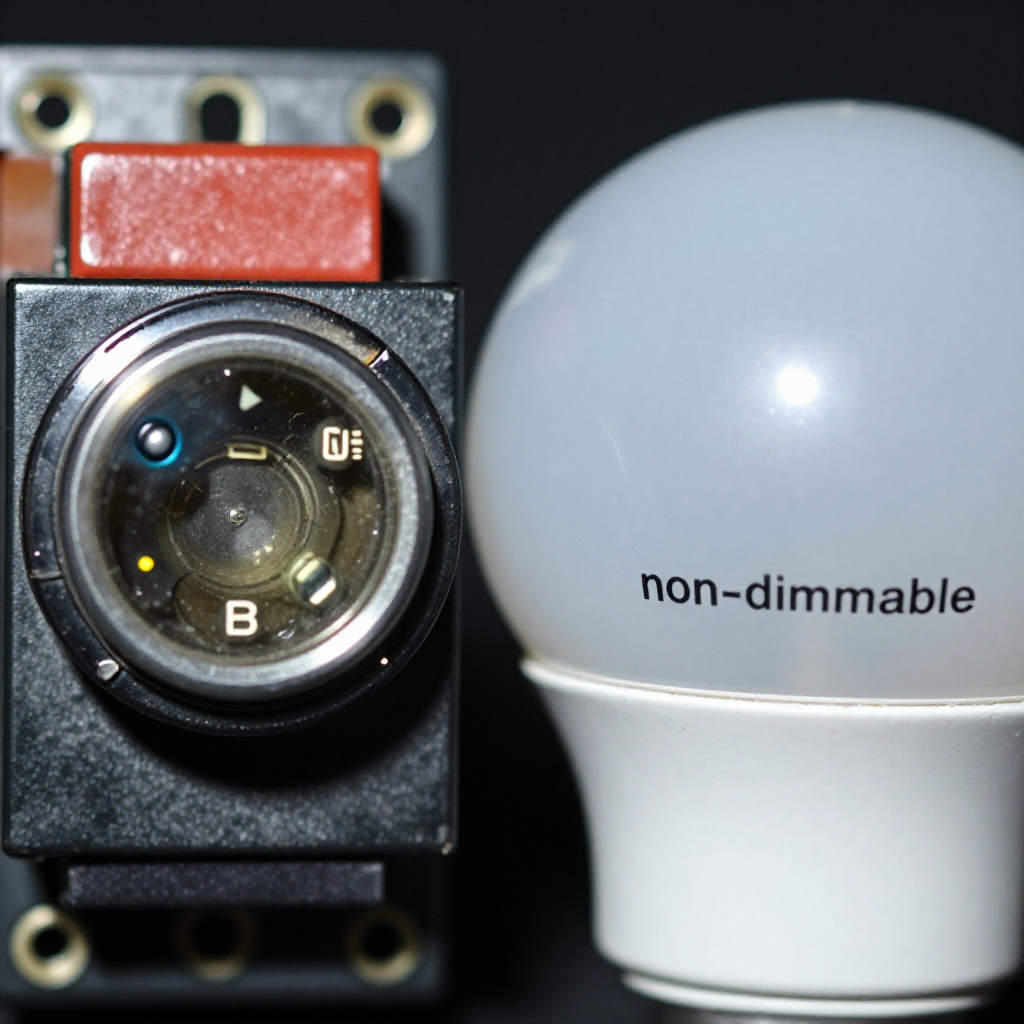
Test with a different bulb type or check the dimmer compatibilityReassemble everything, restore power, and test with an old-fashioned incandescent bulb. If it's steady, your LED bulbs aren't compatible with your dimmer switch, or the LEDs are low-quality with poor driver circuits. Replace the dimmer with an LED-rated model or try name-brand dimmable LEDs.

autorenew4. If That Doesn't Work

Try the next recovery options.

toggle_off
Replace the switch entirelySwitches are $2-5 and wear out. If tightening the connections didn't help, the internal contacts are probably pitted from arcing. Replace the switch with a new one rated for the load. LED-rated switches cost a little more but handle inrush current better.
chevron_right
electric_bolt
Check for a bad neutral connection at the panelIf multiple lights flicker on different circuits, or the flickering gets worse when appliances cycle on, you may have a loose neutral in the main panel. This is not a DIY fix — call an electrician.
chevron_right
light
Replace the light fixture socketIf you isolated the problem to a bad socket tab that won't stay up or a socket with burn marks, replace the entire socket. Most ceiling fixtures use standard sockets that unscrew or unclip. A new socket costs about $5.
chevron_right

Frequently Asked Questions

Why do my LED lights flicker but incandescent bulbs work fine?expand_more
LEDs respond instantly to tiny voltage fluctuations that incandescent bulbs smooth out with their filament glow. The cause is still a loose connection — but you need to fix the connection, not just switch bulb types. Also check if your dimmer switch is LED-compatible.
Is a flickering light a fire hazard?expand_more
Yes. Flickering from a loose connection means electricity is arcing across a gap. Arcs generate heat — enough to melt wire nuts and ignite surrounding materials. Never ignore a flickering light after you've confirmed it's not just a bad bulb.
How do I know if it's the fixture or the wiring in the wall?expand_more
Connect a different working fixture to the same wires temporarily. If the new fixture also flickers, the problem is in the switch, the wire connections in the box, or further back in the circuit. If it's steady, the original fixture was the problem.
The flickering only happens when my AC or fridge kicks on. Is that normal?expand_more
A brief dim is normal with large motor loads. But sustained flickering or lights that pulse while the appliance runs suggests an overloaded circuit or a loose neutral. Have an electrician check your panel connections.

warning5. Stop DIY If

Don't continue if any of these apply.

reportYou see burn marks, melted wire insulation, or scorch marks anywhere in the switch or fixture box.
reportThe flickering affects multiple lights on different circuits throughout the house.
reportYou hear buzzing, cracking, or sizzling sounds from the switch or fixture even after tightening connections.
reportYou smell a fishy or burning odor near the switch or fixture — this often indicates overheating plastic or insulation.
Still stuck?Get personalized help with AI Recovery.

Related Recovery Problems

View all arrow_forward

Same Device Recovery States

Device index arrow_forward

Similar Failure Pattern

This page provides general DIY guidance.
If you're unsure, it's always best to consult a professional.