Why Is My Dryer Not Heating Up After Cleaning the Lint Trap?
A dryer that tumbles but stays cold often has a failed heating element or a blocked vent. This guide walks you through testing and repair.
quick_referenceQuick Answer
For Why Is My Dryer Not Heating Up After Cleaning the Lint Trap?, start with "Unplug and Access the Heating Element": Unplug the dryer from the wall outlet. Remove the rear access panel (usually ¼-inch hex screws) to expose the heating element housing. Take a photo of the wiring before disconnecting anything. Stop DIY if you are uncomfortable working around 240-volt electrical components. This is listed as a moderate recovery and usually takes about 1 hour.
verifiedGuide Snapshot
Last updated May 30, 2026. Review the stop conditions before continuing.
account_treeRecovery State
help1. Understand the Problem
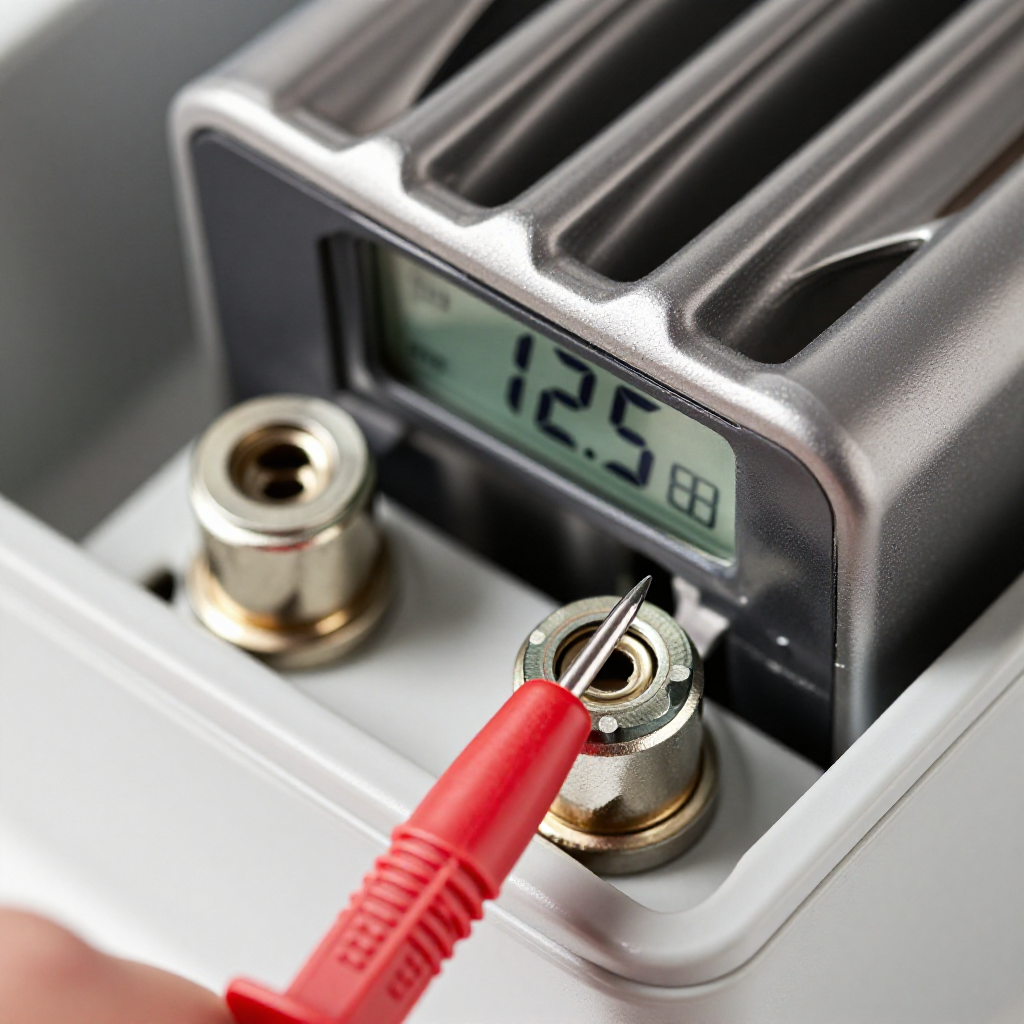
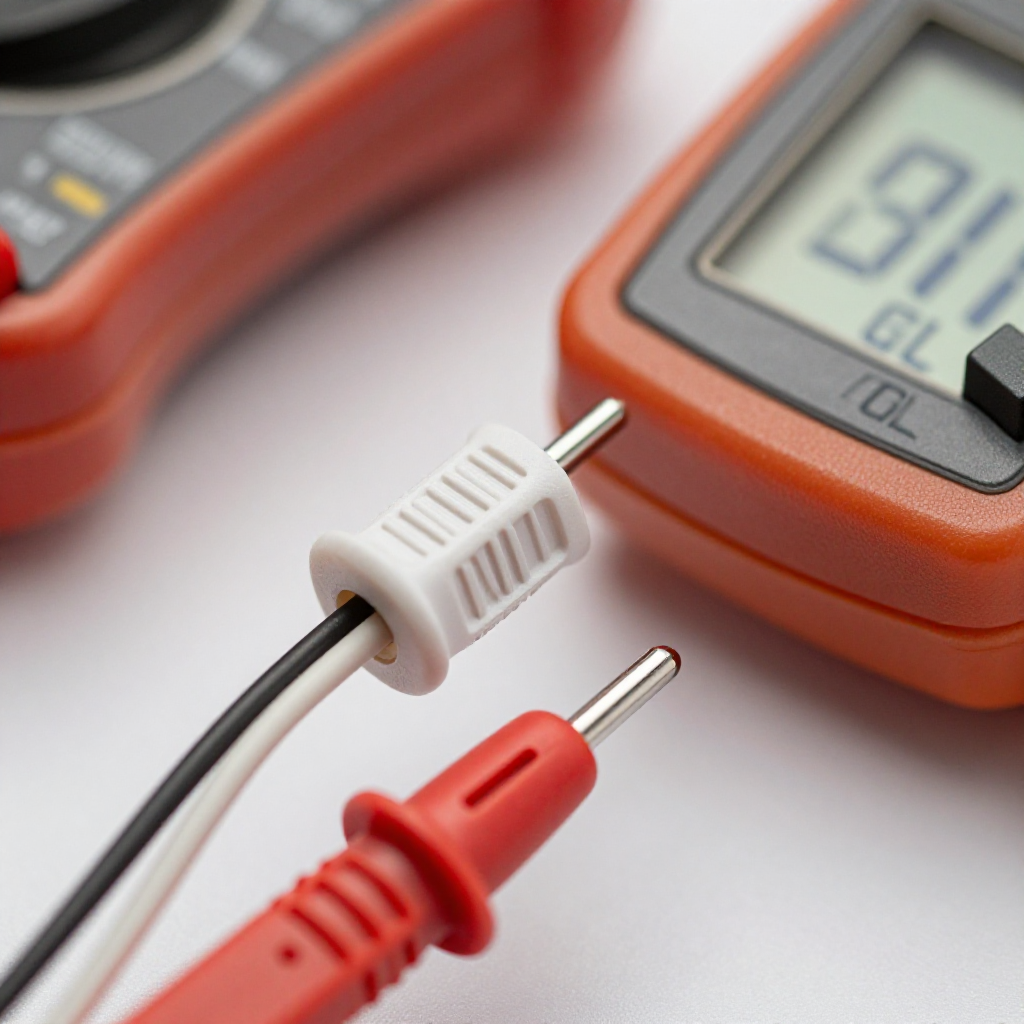
When your dryer runs but produces no heat, it's usually due to a faulty heating element, a blown thermal fuse, or a clogged exhaust vent. The lint trap only catches surface lint; deeper blockages in the vent hose or internal ducts can cause overheating and trip safety devices. Testing these components with a multimeter will pinpoint the failure.
build_circle2. Try This First
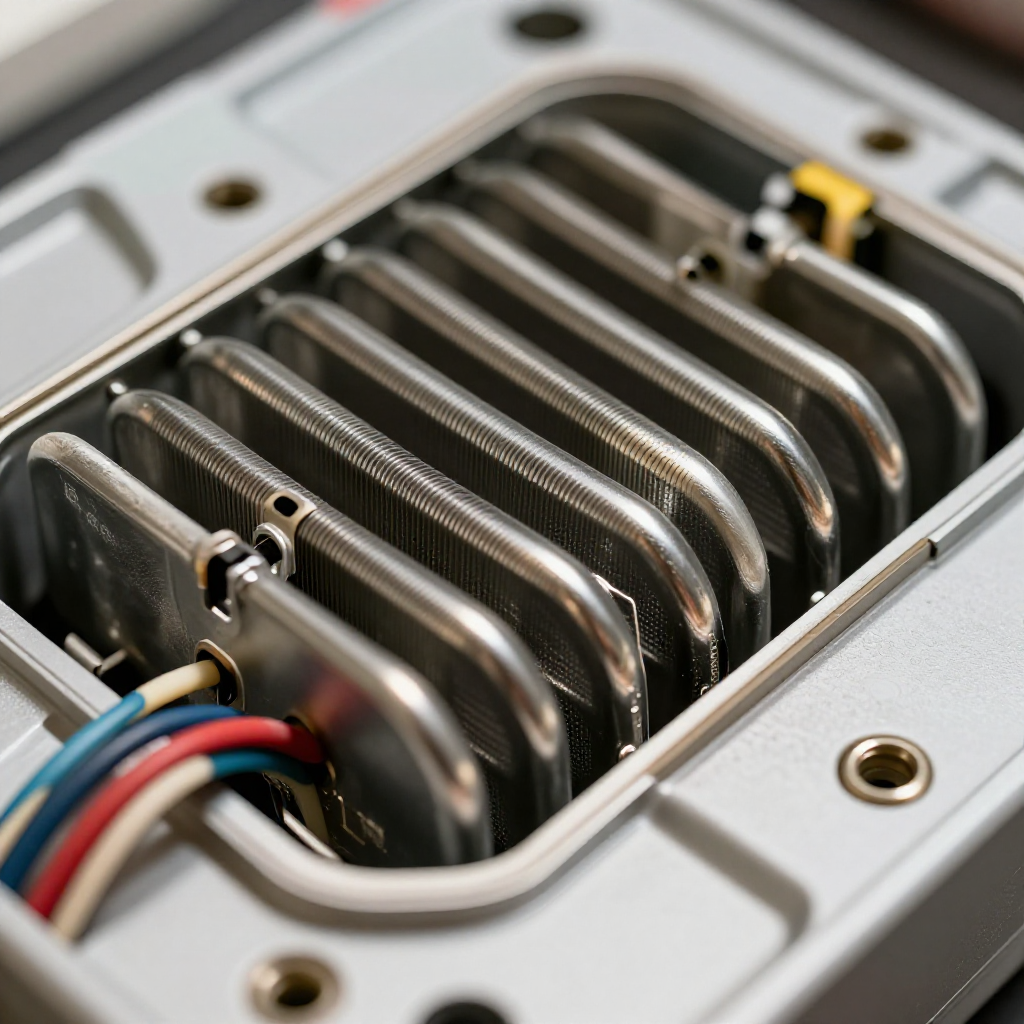
Unplug and Access the Heating Element
Unplug the dryer from the wall outlet. Remove the rear access panel (usually ¼-inch hex screws) to expose the heating element housing. Take a photo of the wiring before disconnecting anything.
visibility3. Visual Guidance
See what's happening and how to try the first recovery step.

autorenew4. If That Doesn't Work
Try the next recovery options.
Frequently Asked Questions
Can a clogged vent cause the dryer to not heat at all?expand_more
How do I know if the heating element is bad?expand_more
Do I need to replace the thermal fuse every time the dryer stops heating?expand_more
warning5. Stop DIY If
Don't continue if any of these apply.
Same Device Recovery States
Device index arrow_forwardSimilar Failure Pattern
This page provides general DIY guidance.
If you're unsure, it's always best to consult a professional.