STUCKFIX
handymanDIY Friendly
build

Microwave Turntable Not Spinning? Fix Motor or Coupler

When your microwave cooks unevenly because the plate won't rotate, the problem is often a worn coupler or a dead turntable motor. Learn to replace both safely.

Category:Appliances
Difficulty:Advanced
Time:45 min
Success:50%
Updated:Jul 28, 2026

quick_referenceQuick Answer

For Microwave Turntable Not Spinning? Fix Motor or Coupler, start with "Unplug and Discharge Capacitor": Unplug the microwave. Remove the outer cabinet screws and carefully discharge the high-voltage capacitor using an insulated screwdriver, following safety instructions. Stop DIY if you're not comfortable discharging the capacitor. This is listed as a advanced recovery and usually takes about 45 min.

verifiedGuide Snapshot

Repair areaAppliances
Estimated time45 min
DifficultyAdvanced
Stop conditions4

Last updated Jul 28, 2026. Review the stop conditions before continuing.

account_treeRecovery State

DeviceMicrowave
Current stateTurntable
Specific stateNot Spinning
Failed stepBroken Coupler Or Motor
Likely failure typeWorn Part
DIY boundaryDIY recovery first
paymentsCost decision

help1. Understand the Problem

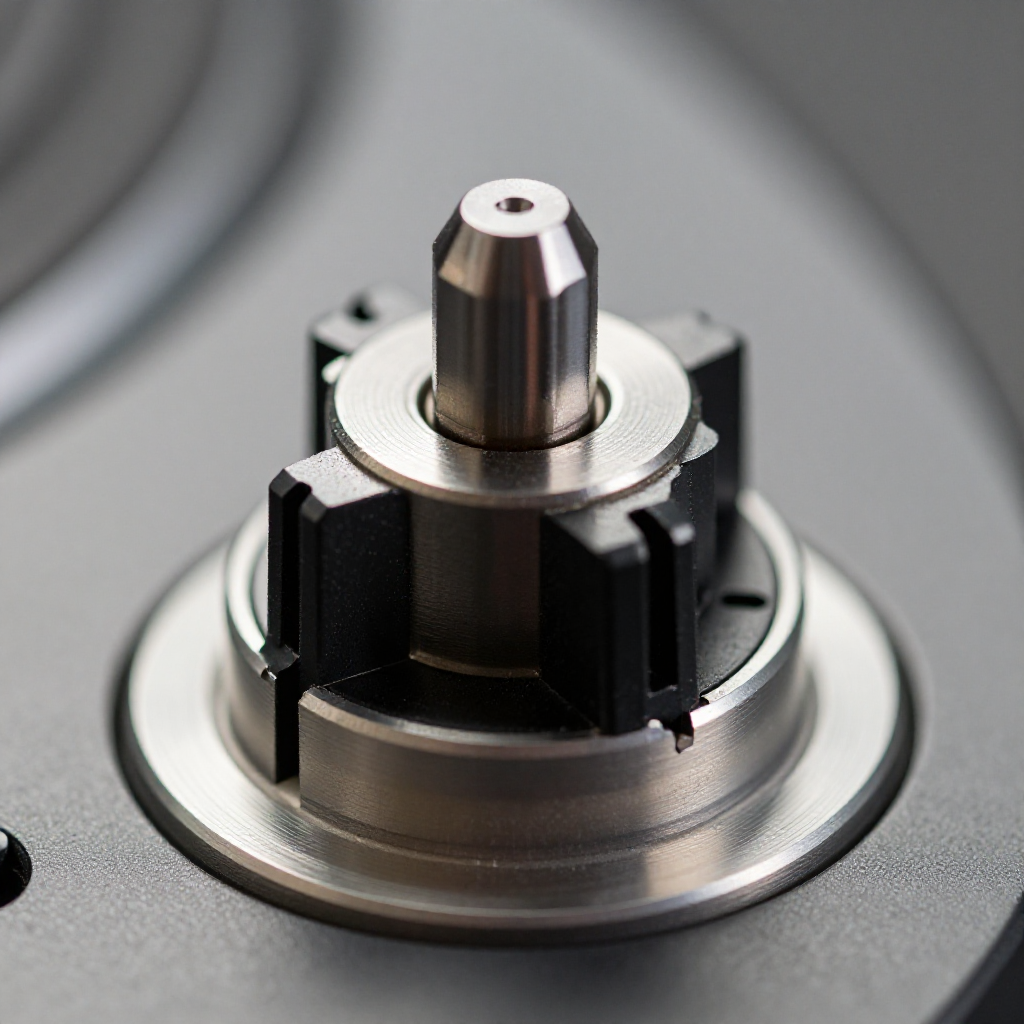
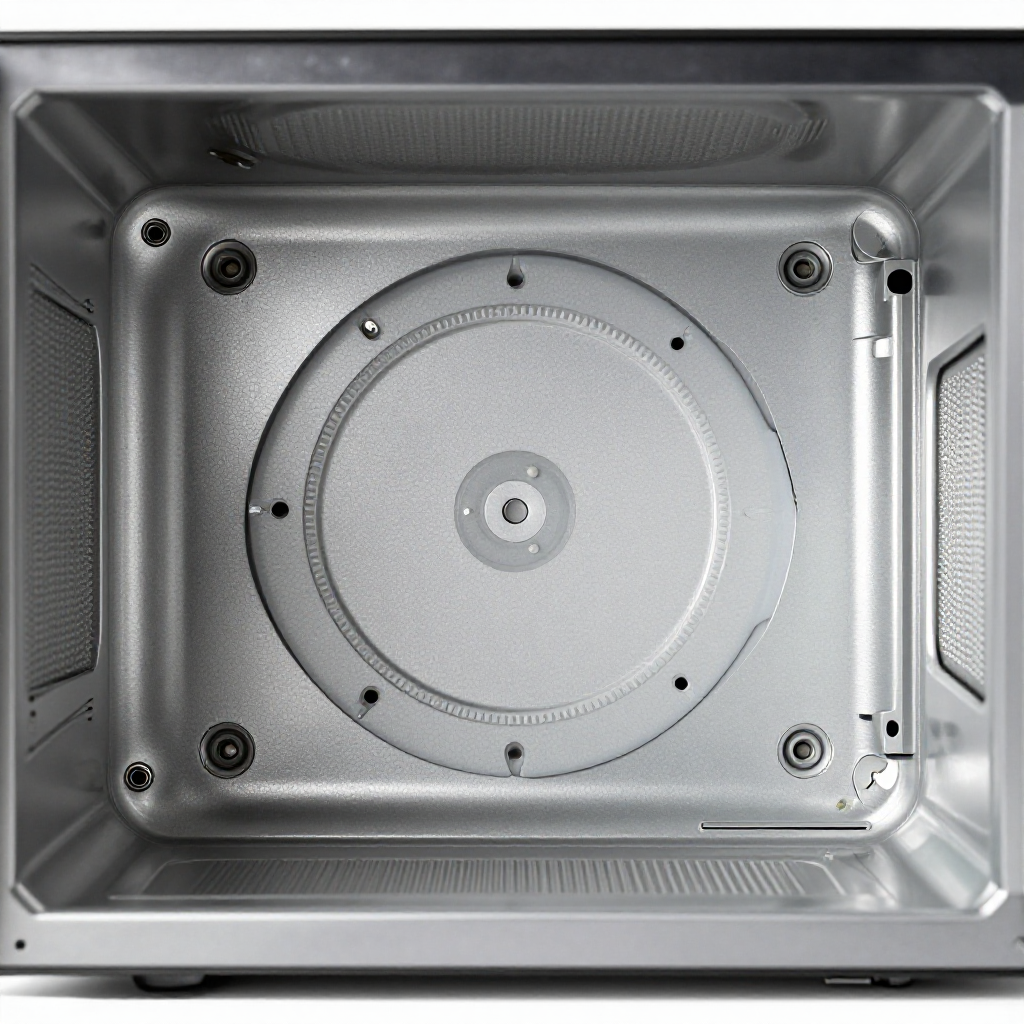
Turntable rotation relies on a small synchronous motor under the floor and a plastic coupler that engages the glass tray. If the tray is misaligned or the coupler is stripped, the plate stays still. An overheated motor can also fail silently. You'll notice your food heats unevenly, with hot and cold spots.

build_circle2. Try This First
Best First Step
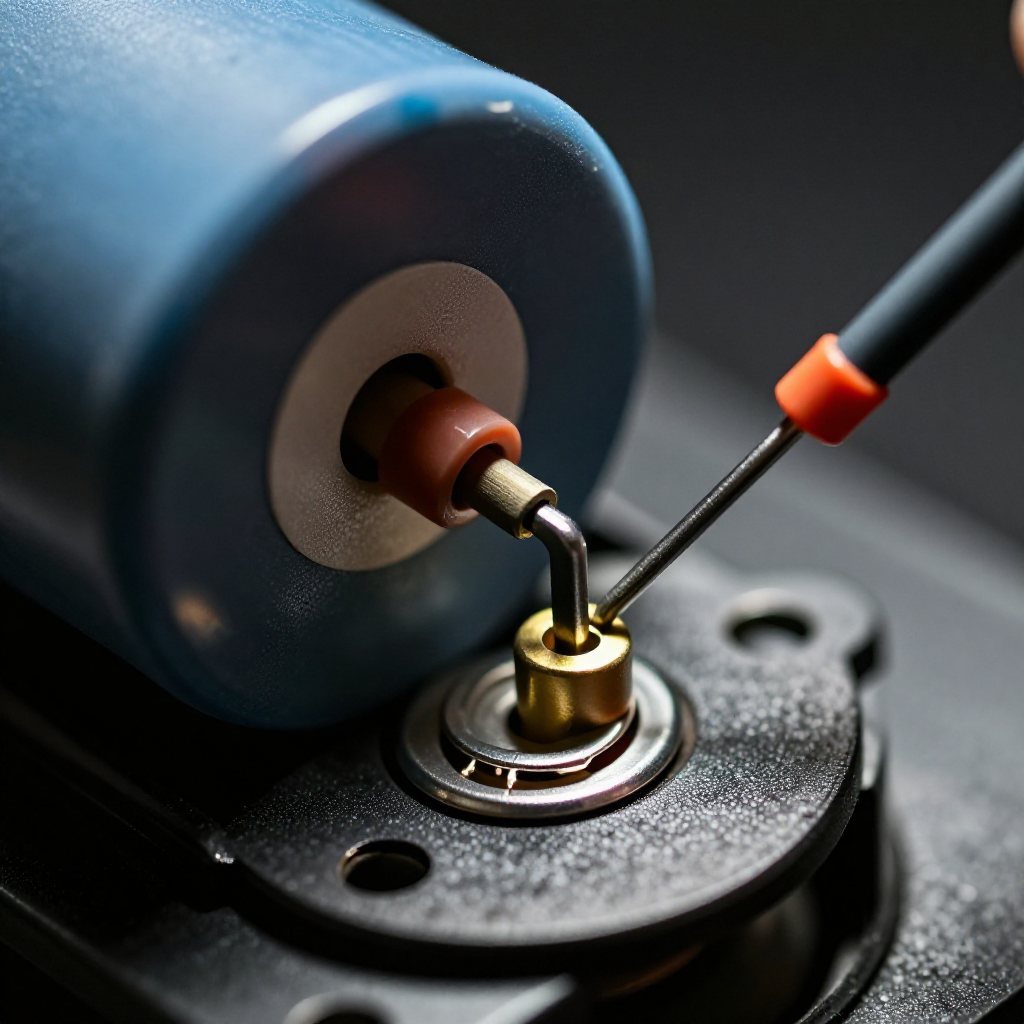
Unplug and Discharge Capacitor

Unplug and Discharge Capacitor

Unplug the microwave. Remove the outer cabinet screws and carefully discharge the high-voltage capacitor using an insulated screwdriver, following safety instructions.

visibility3. Visual Guidance

See what's happening and how to try the first recovery step.
1
Remove Bottom Panel
Remove Bottom PanelTake out the turntable tray and coupler. Unscrew the bottom panel inside the cavity to expose the motor housing.
2
Test the Turntable Motor
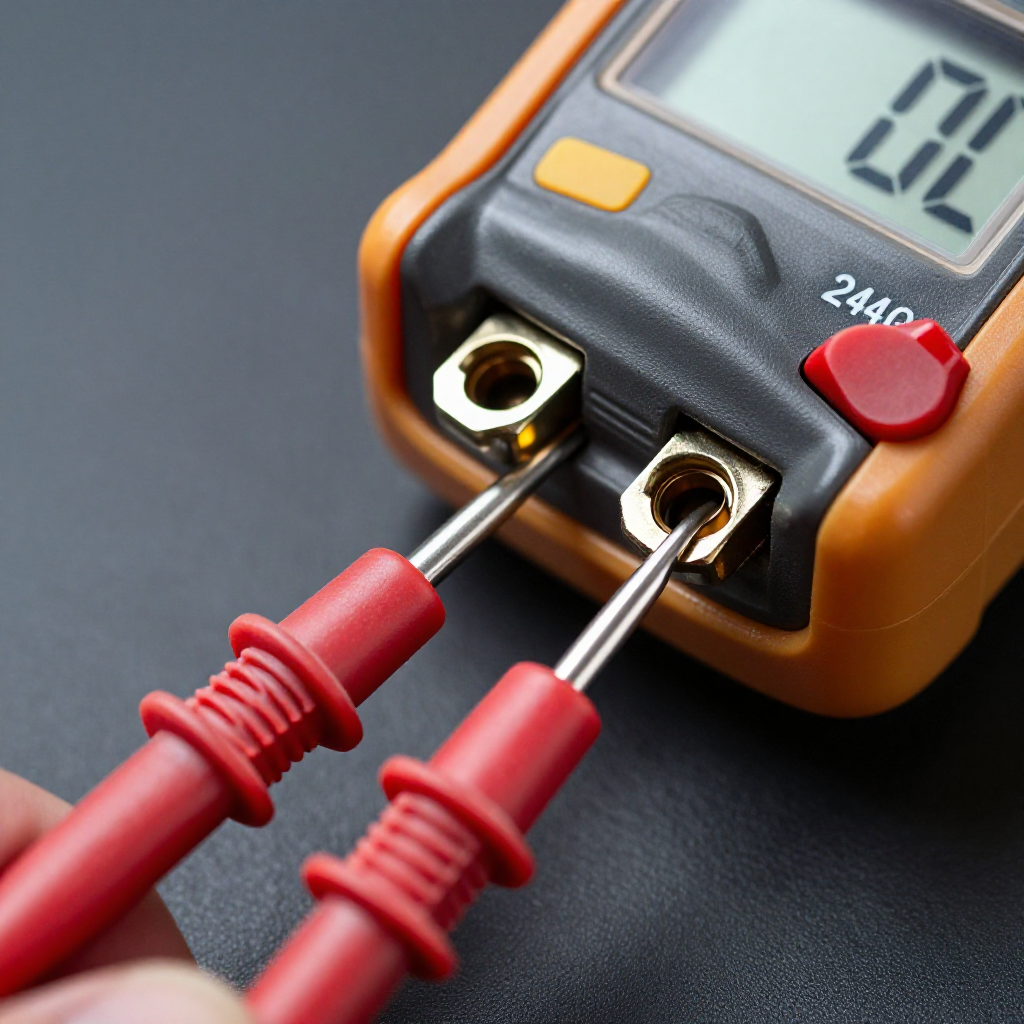
Test the Turntable MotorUse a multimeter set to ohms to check the motor coil resistance. An open circuit means the motor is burned out.
3
Replace the Coupler or Motor
Replace the Coupler or MotorIf the coupler is stripped, snap in a new one. For a failed motor, unscrew the mounting bracket and swap in a new synchronous motor.
4
Reassemble and Test
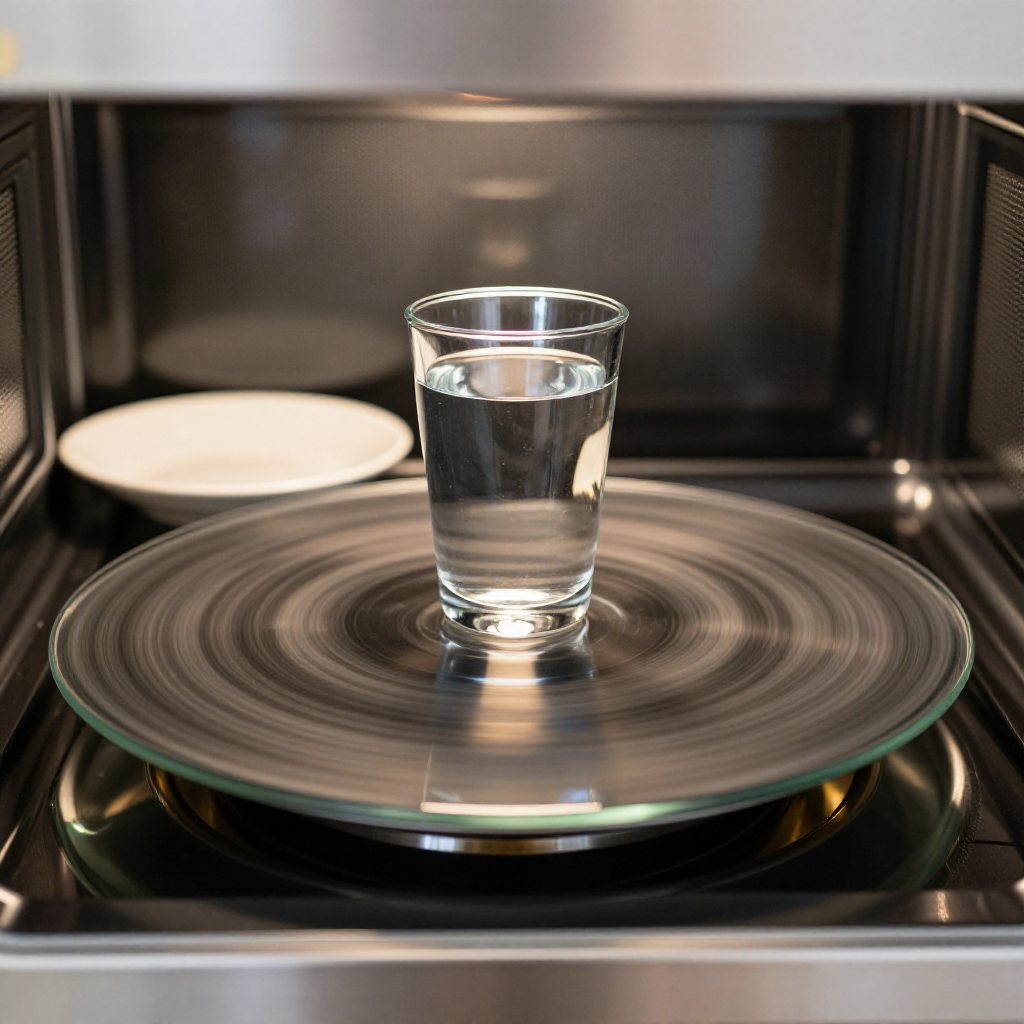
Reassemble and TestReinstall panels, place the glass tray, plug in, and run for 30 seconds with a cup of water to verify rotation.

autorenew4. If That Doesn't Work

Try the next recovery options.

Check Tray AlignmentRemove and reseat the glass tray and the coupler. Sometimes the coupler simply slips off the motor shaft.
chevron_right
Test with a Different TrayBorrow or use a similar-size tray from another microwave to rule out a warped or magnetron-damaged tray.
chevron_right

Frequently Asked Questions

Why does my microwave turntable sometimes spin and sometimes not?expand_more
Intermittent spinning often means the coupler is slipping. Replace the coupler; it's an inexpensive part.
Can I use the microwave without the turntable working?expand_more
It will heat food unevenly and may damage the magnetron from reflected energy. It's not recommended for prolonged use.
How do I know if the motor is dead?expand_more
If you hear no humming sound when the microwave is on (with a load) and the coupler is intact, the motor likely failed. Test with a multimeter.
Is it safe to open a microwave?expand_more
Only if you're experienced with high-voltage safety. The capacitor stores a lethal charge even unplugged. If uncertain, call a technician.

warning5. Stop DIY If

Don't continue if any of these apply.

reportYou're not comfortable discharging the capacitor
reportThe microwave is built-in over a range with complex disassembly
reportYou detect a burning smell from the control board
reportThe unit is still under warranty—use a pro to avoid voiding
Still stuck?Get personalized help with AI Recovery.

Same Device Recovery States

Device index arrow_forward

Similar Failure Pattern

This page provides general DIY guidance.
If you're unsure, it's always best to consult a professional.