Why Is My Central AC Blowing Warm Air After I Changed the Filter?
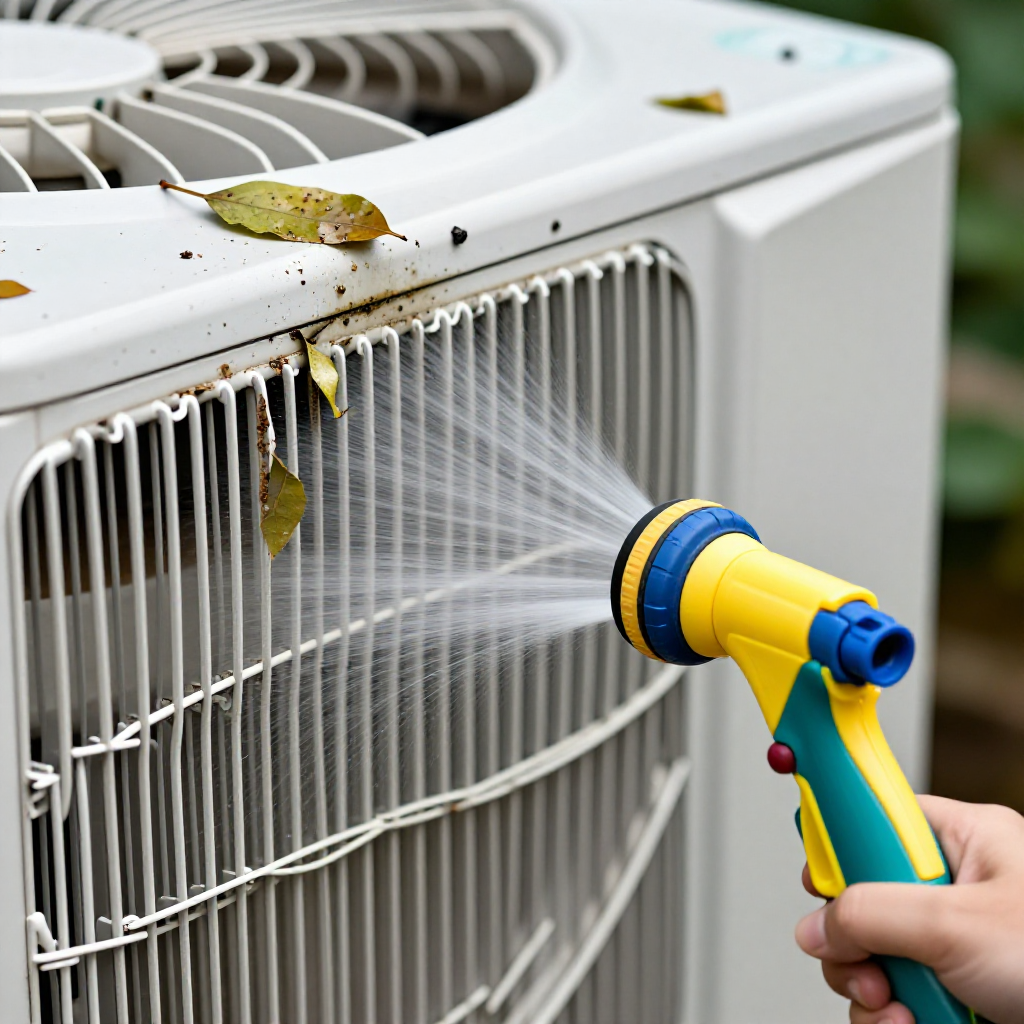
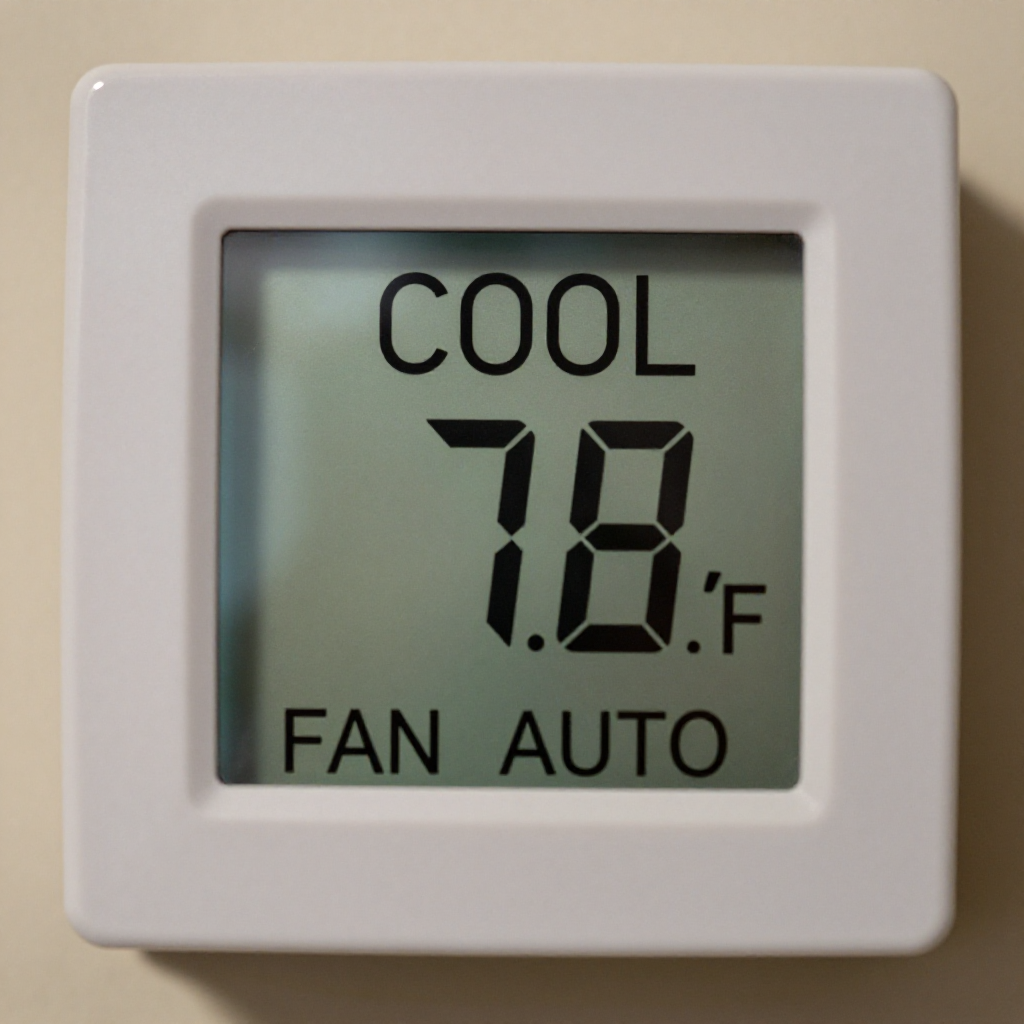
Warm air after a filter change often means the filter is installed backwards, the condenser unit is dirty, or the thermostat is set wrong.
quick_referenceQuick Answer
For Why Is My Central AC Blowing Warm Air After I Changed the Filter?, start with "Check the Filter Airflow Direction": Turn off the AC system. Remove the filter and examine the arrows on the frame. They must point toward the air handler or furnace. If they point the other way, the filter is backwards. Stop DIY if the outdoor unit fan is not spinning at all. This is listed as a easy recovery and usually takes about 15 min.
verifiedGuide Snapshot
Last updated May 30, 2026. Review the stop conditions before continuing.
account_treeRecovery State
help1. Understand the Problem
Changing the air filter is routine, but if your AC suddenly blows warm air, you may have installed the filter backwards (blocking airflow), the outdoor condenser unit may be coated with debris, or the thermostat may have been accidentally switched to heat or fan-only mode. These are simple checks that restore cool air without calling a pro.
build_circle2. Try This First
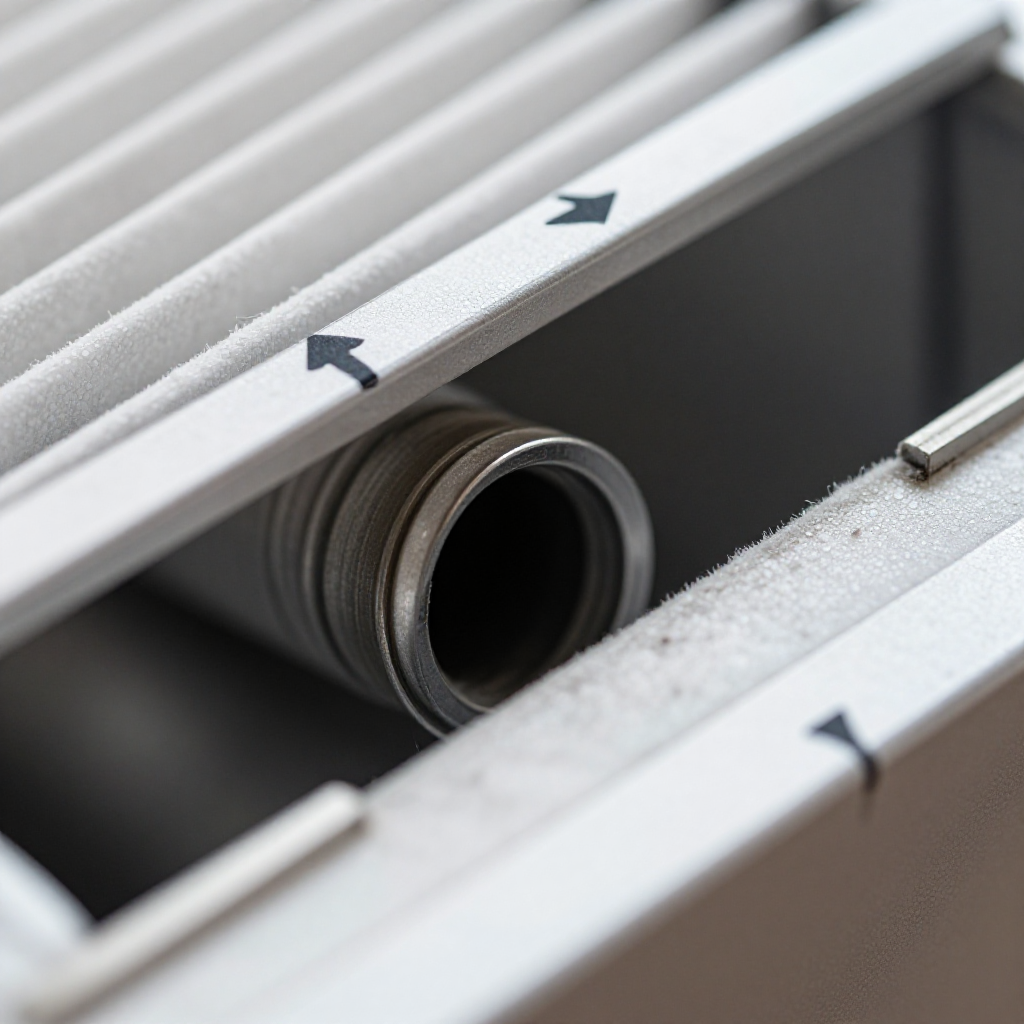
Check the Filter Airflow Direction
Turn off the AC system. Remove the filter and examine the arrows on the frame. They must point toward the air handler or furnace. If they point the other way, the filter is backwards.
visibility3. Visual Guidance
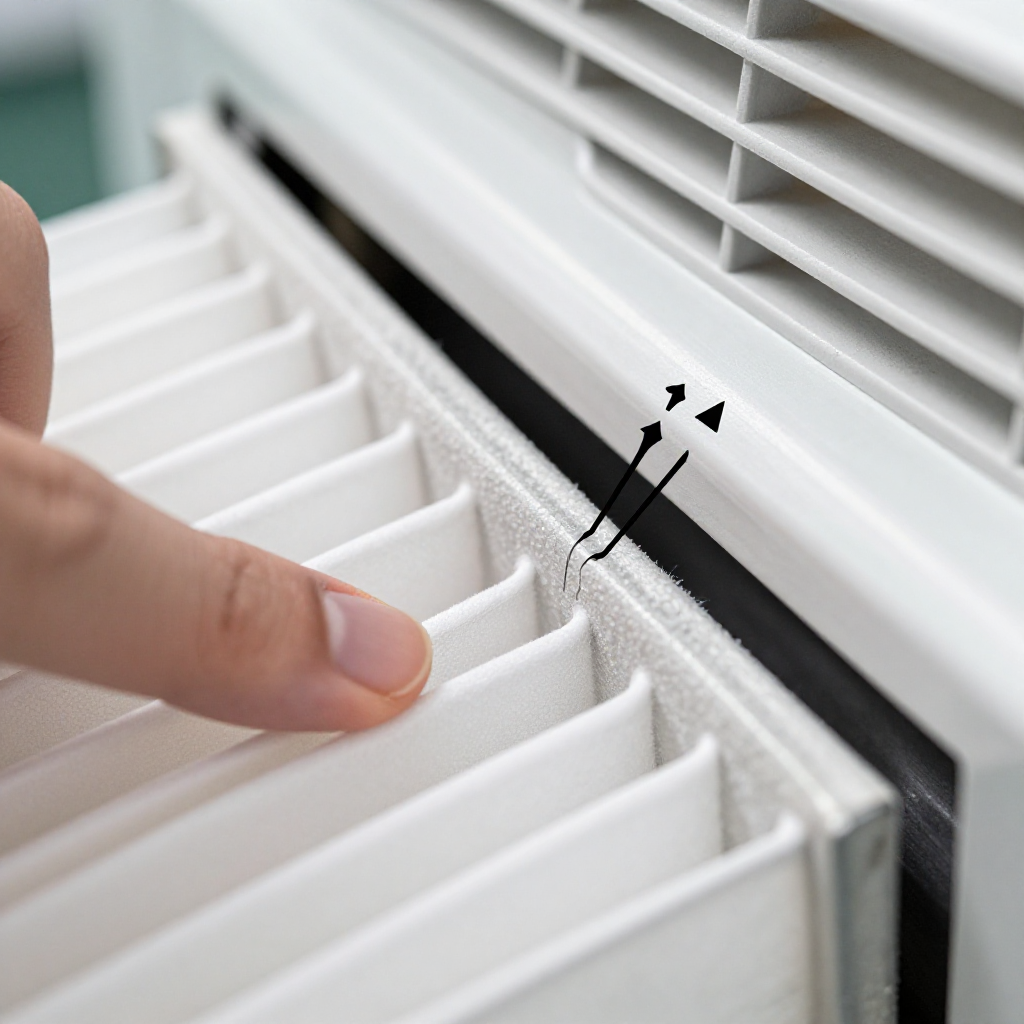
See what's happening and how to try the first recovery step.
autorenew4. If That Doesn't Work
Try the next recovery options.
Frequently Asked Questions
Can a backward filter really cause warm air?expand_more
How often should I change the AC filter?expand_more
Should I clean the condenser coils myself?expand_more
warning5. Stop DIY If
Don't continue if any of these apply.
Same Device Recovery States
Device index arrow_forwardSimilar Failure Pattern
This page provides general DIY guidance.
If you're unsure, it's always best to consult a professional.